







Question: Digital Assignment 3 Slot : L 3 3 + L 3 4 Slot : L 7 + L 8 SNORT - An Intrusion Detection and
Digital Assignment
Slot : L L
Slot :
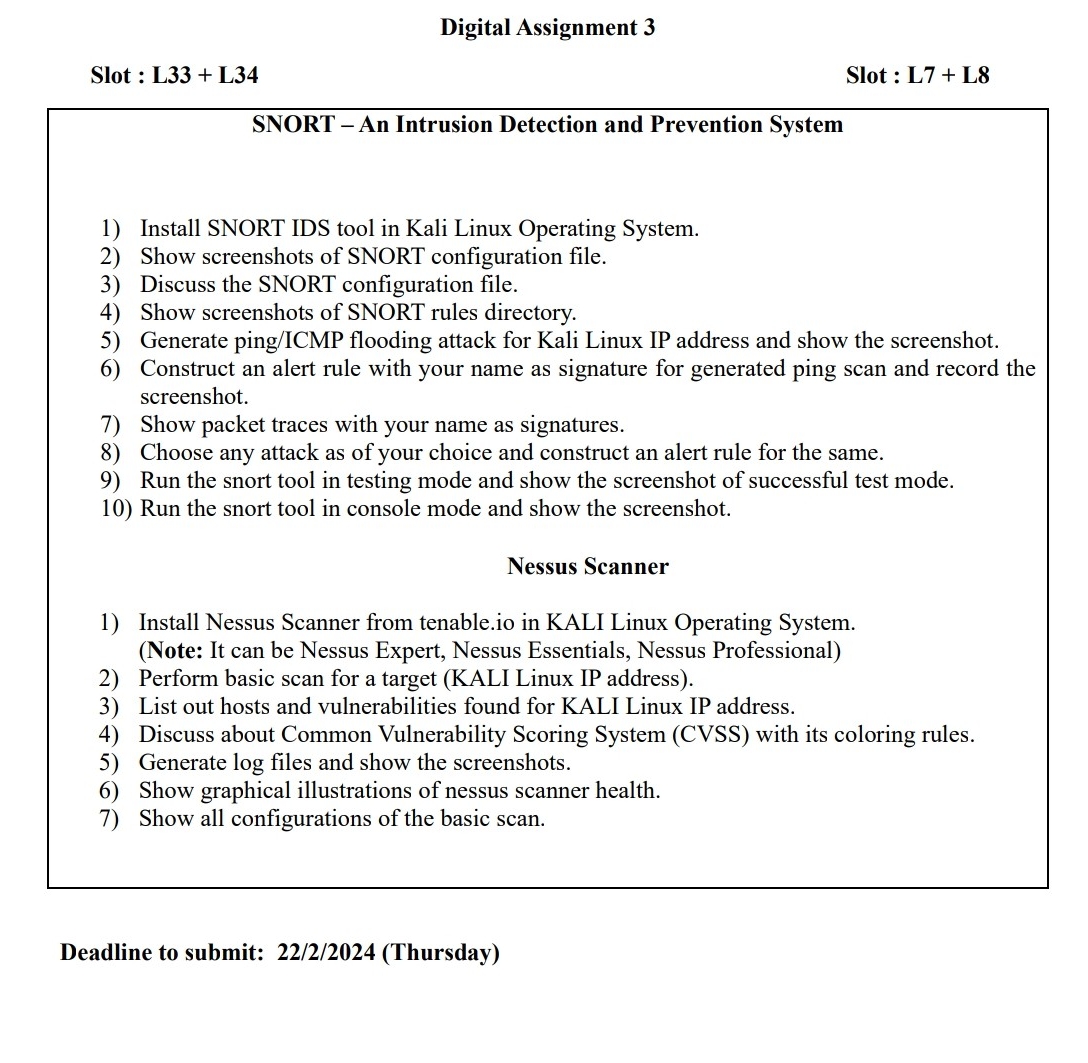
SNORT An Intrusion Detection and Prevention System
Install SNORT IDS tool in Kali Linux Operating System.
Show screenshots of SNORT configuration file.
Discuss the SNORT configuration file.
Show screenshots of SNORT rules directory.
Generate pingICMP flooding attack for Kali Linux IP address and show the screenshot.
Construct an alert rule with your name as signature for generated ping scan and record the screenshot.
Show packet traces with your name as signatures.
Choose any attack as of your choice and construct an alert rule for the same.
Run the snort tool in testing mode and show the screenshot of successful test mode.
Run the snort tool in console mode and show the screenshot.
Nessus Scanner
Install Nessus Scanner from
tenable.io in KALI Linux Operating System.
Note: It can be Nessus Expert, Nessus Essentials, Nessus Professional
Perform basic scan for a target KALI Linux IP address
List out hosts and vulnerabilities found for KALI Linux IP address.
Discuss about Common Vulnerability Scoring System CVSS with its coloring rules.
Generate files and show the screenshots.
Show graphical illustrations of nessus scanner health.
Show all configurations of the basic scan.
Deadline to submit: Thursday
Step by Step Solution
There are 3 Steps involved in it
1 Expert Approved Answer
Step: 1 Unlock

Question Has Been Solved by an Expert!
Get step-by-step solutions from verified subject matter experts
Step: 2 Unlock
Step: 3 Unlock
 Study Help