







Question: DIGITAL IMAGE PROCESSING Exercise 1.1 Using the examples presented for displaying an image in Matlab together with those for accessing pixel locations, investigate adding and
DIGITAL IMAGE PROCESSING
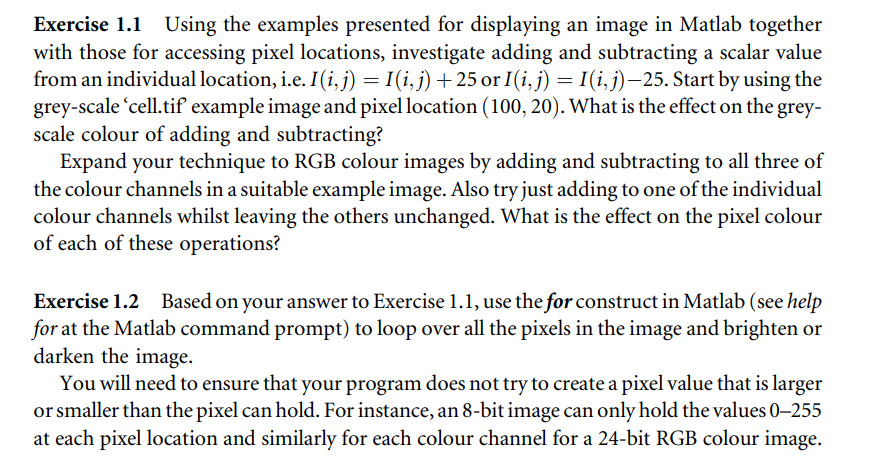
Exercise 1.1 Using the examples presented for displaying an image in Matlab together with those for accessing pixel locations, investigate adding and subtracting a scalar value from an individual location, i.e. I(i,j)=I(i,j)+25 or I(i,j)=I(i,j)25. Start by using the grey-scale 'cell.tif example image and pixel location (100,20). What is the effect on the greyscale colour of adding and subtracting? Expand your technique to RGB colour images by adding and subtracting to all three of the colour channels in a suitable example image. Also try just adding to one of the individual colour channels whilst leaving the others unchanged. What is the effect on the pixel colour of each of these operations? Exercise 1.2 Based on your answer to Exercise 1.1, use the for construct in Matlab (see help for at the Matlab command prompt) to loop over all the pixels in the image and brighten or darken the image. You will need to ensure that your program does not try to create a pixel value that is larger or smaller than the pixel can hold. For instance, an 8-bit image can only hold the values 0-255 at each pixel location and similarly for each colour channel for a 24-bit RGB colour image
Step by Step Solution
There are 3 Steps involved in it

Get step-by-step solutions from verified subject matter experts
 Study Help