







Question: Direction: Use a correct hashpling line. ( 2 points ) Use 'FullName' as a comment in the script. ( 2 points ) Display the following
Direction:
Use a correct hashpling line. points
Use 'FullName' as a comment in the script. points
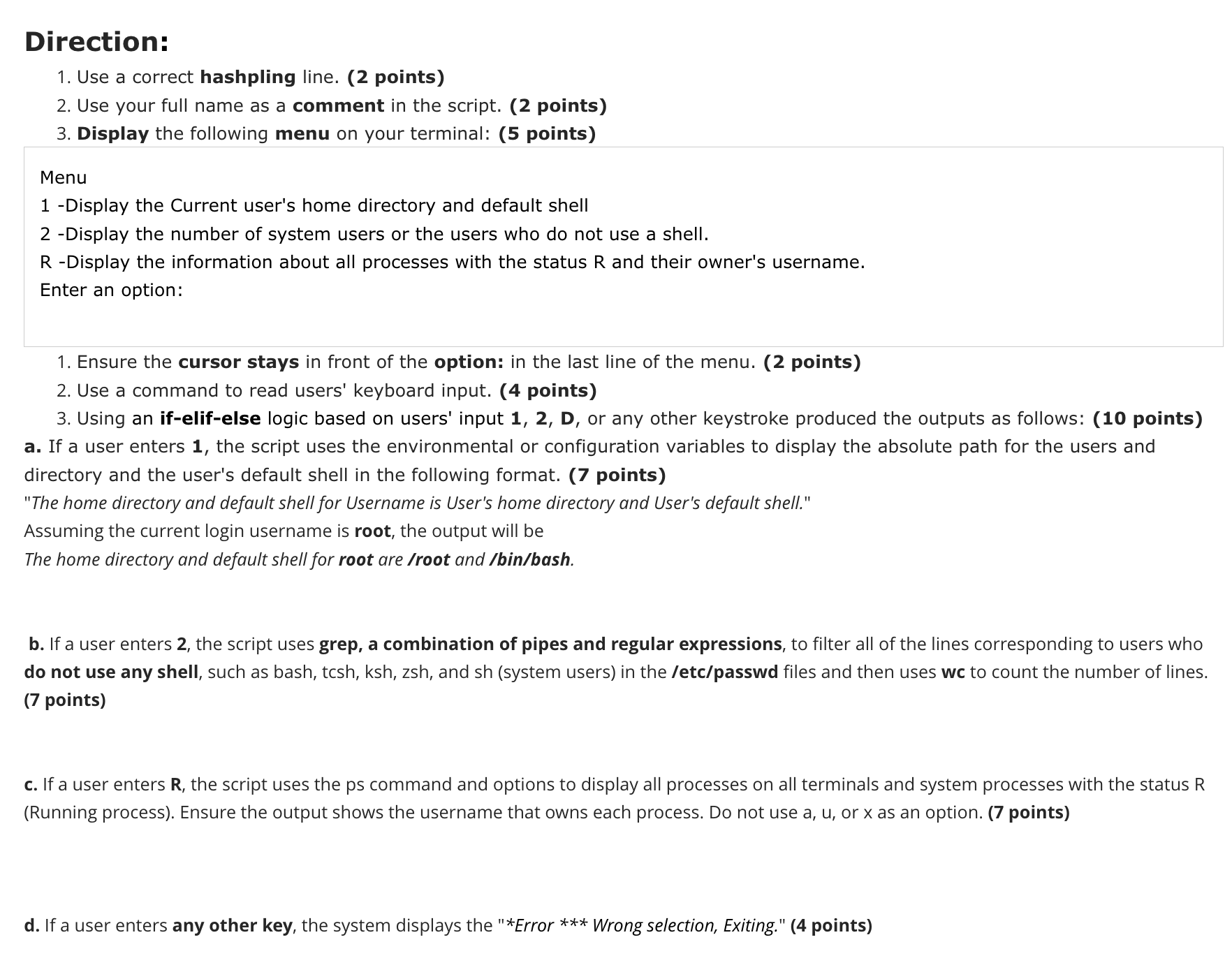
Display the following menu on your terminal: points
Menu
Display the Current user's home directory and default shell
Display the number of system users or the users who do not use a shell.
R Display the information about all processes with the status R and their owner's username.
Enter an option:
Ensure the cursor stays in front of the option: in the last line of the menu. points
Use a command to read users' keyboard input. points
Using anifelifelselogic based on users' input D or any other keystroke produced the outputs as follows: points
a If a user enters the script uses the environmental or configuration variables to display the absolute path for the users and directory and the user's default shell in the following format. points
"The home directory and default shell for Username is User's home directory and User's default shell."
Assuming the current login username is root, the output will be
The home directory and default shell for root are root and binbash
b If a user enters the script uses grep, a combination of pipes and regular expressions, to filter all of the lines corresponding to users who do not use any shell, such as bash, tcsh ksh zsh and sh system users in the etcpasswd files and then uses wc to count the number of lines. points
cIf a user enters R the script uses the ps command and options to display all processes on all terminals and system processes with the status R Running process Ensure the output shows the username that owns each process. Do not use a u or x as an option. points
d If a user enters any other key, the system displays the Error Wrong selection, Exiting." points
Step by Step Solution
There are 3 Steps involved in it
1 Expert Approved Answer
Step: 1 Unlock

Question Has Been Solved by an Expert!
Get step-by-step solutions from verified subject matter experts
Step: 2 Unlock
Step: 3 Unlock
 Study Help