







Question: Directions Step 1: Visit Interfaces and Modules. On this page, you will see many options ISR interface modules options - remember that you currently own
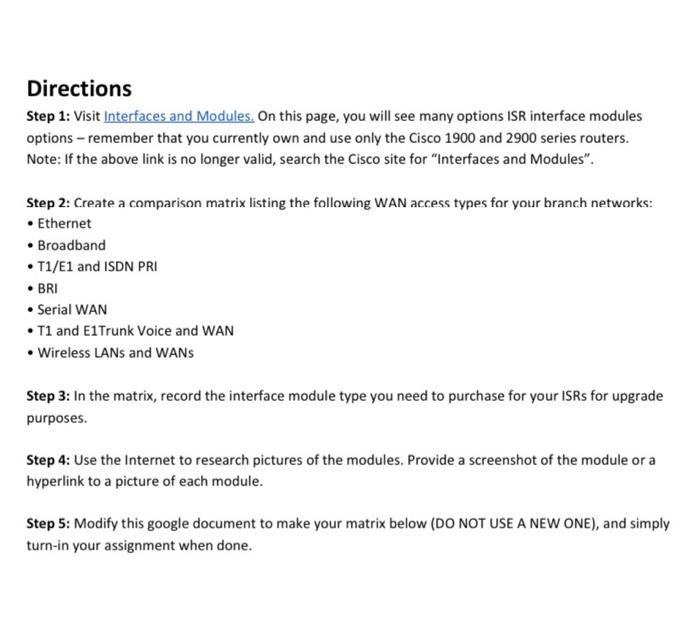
Directions Step 1: Visit Interfaces and Modules. On this page, you will see many options ISR interface modules options - remember that you currently own and use only the Cisco 1900 and 2900 series routers. Note: If the above link is no longer valid, search the Cisco site for "Interfaces and Modules". Step 2: Create a comparison matrix listing the following WAN access types for your branch networks: Ethernet Broadband T1/E1 and ISDN PRI BRI Serial WAN T1 and E1Trunk Voice and WAN Wireless LANs and WANS Step 3: In the matrix, record the interface module type you need to purchase for your ISRs for upgrade purposes. Step 4: Use the Internet to research pictures of the modules. Provide a screenshot of the module or a hyperlink to a picture of each module. Step 5: Modify this google document to make your matrix below (DO NOT USE A NEW ONE), and simply turn-in your assignment when done. Directions Step 1: Visit Interfaces and Modules. On this page, you will see many options ISR interface modules options - remember that you currently own and use only the Cisco 1900 and 2900 series routers. Note: If the above link is no longer valid, search the Cisco site for "Interfaces and Modules". Step 2: Create a comparison matrix listing the following WAN access types for your branch networks: Ethernet Broadband T1/E1 and ISDN PRI BRI Serial WAN T1 and E1Trunk Voice and WAN Wireless LANs and WANS Step 3: In the matrix, record the interface module type you need to purchase for your ISRs for upgrade purposes. Step 4: Use the Internet to research pictures of the modules. Provide a screenshot of the module or a hyperlink to a picture of each module. Step 5: Modify this google document to make your matrix below (DO NOT USE A NEW ONE), and simply turn-in your assignment when done
Step by Step Solution
There are 3 Steps involved in it

Get step-by-step solutions from verified subject matter experts
 Study Help