





Question: DO all AE6-3 There are a few problems with cloud-based storage. First, it seems like there's never enough of it. This is especially true if
DO all AE6-3 There are a few problems withDO all

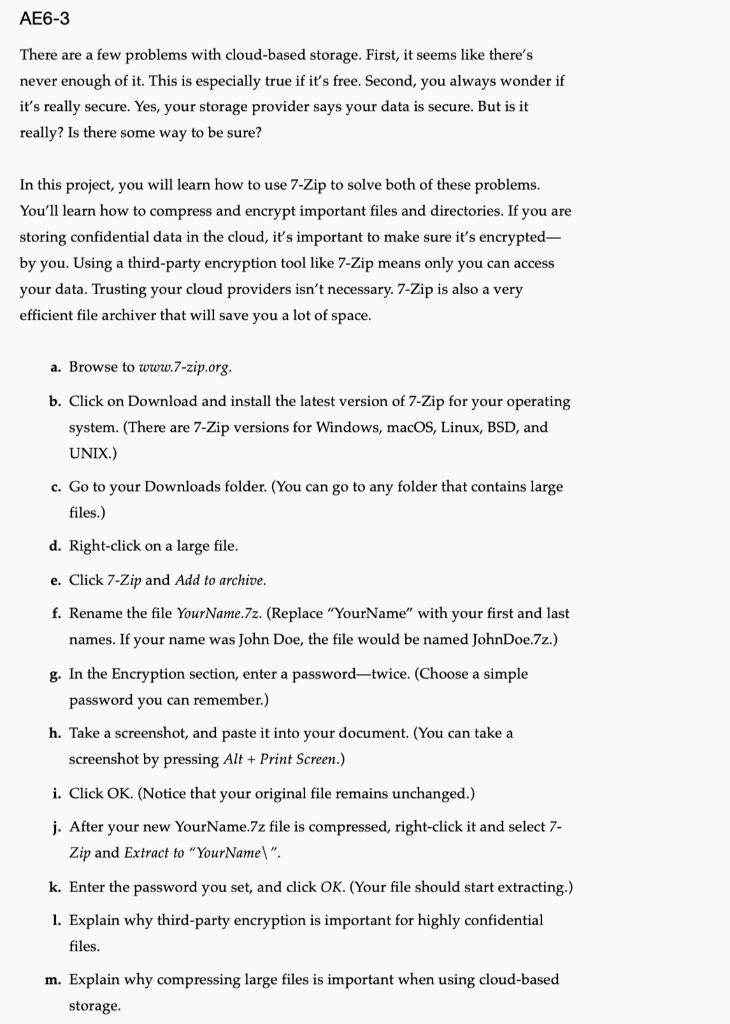
AE6-3 There are a few problems with cloud-based storage. First, it seems like there's never enough of it. This is especially true if it's free. Second, you always wonder if it's really secure. Yes, your storage provider says your data is secure. But is it really? Is there some way to be sure? In this project, you will learn how to use 7-Zip to solve both of these problems. You'll learn how to compress and encrypt important files and directories. If you are storing confidential data in the cloud, it's important to make sure it's encrypted- by you. Using a third-party encryption tool like 7-Zip means only you can access your data. Trusting your cloud providers isn't necessary. 7-Zip is also a very efficient file archiver that will save you a lot of space. a. Browse to www.7-zip.org. b. Click on Download and install the latest version of 7-Zip for your operating system. There are 7-Zip versions for Windows, macOS, Linux, BSD, and UNIX.) c. Go to your Downloads folder. (You can go to any folder that contains large files.) d. Right click on a large file. e. Click 7-Zip and Add to archive. f. Rename the file Your Name.7z. (Replace "YourName" with your first and last names. If your name was John Doe, the file would be named JohnDoe.7z.) g. In the Encryption section, enter a password=twice. (Choose a simple password you can remember.) h. Take a screenshot, and paste it into your document. (You can take a screenshot by pressing Alt + Print Screen.) i. Click OK. (Notice that your original file remains unchanged.) j. After your new YourName.7z file is compressed, right-click it and select 7- Zip and Extract to "YourName". k. Enter the password you set, and click OK. (Your file should start extracting.) 1. Explain why third-party encryption is important for highly confidential files. m. Explain why compressing large files is important when using cloud-based storage

Step by Step Solution

There are 3 Steps involved in it

1 Expert Approved Answer
Step: 1 Unlock blur-text-image

Question Has Been Solved by an Expert!

Get step-by-step solutions from verified subject matter experts

Step: 2 Unlock
Step: 3 Unlock

Students Have Also Explored These Related General Management Questions!