







Question: Do it in CentOS Linux system a. Type top. Notice that the display stays in the window but changes every few seconds. What is the
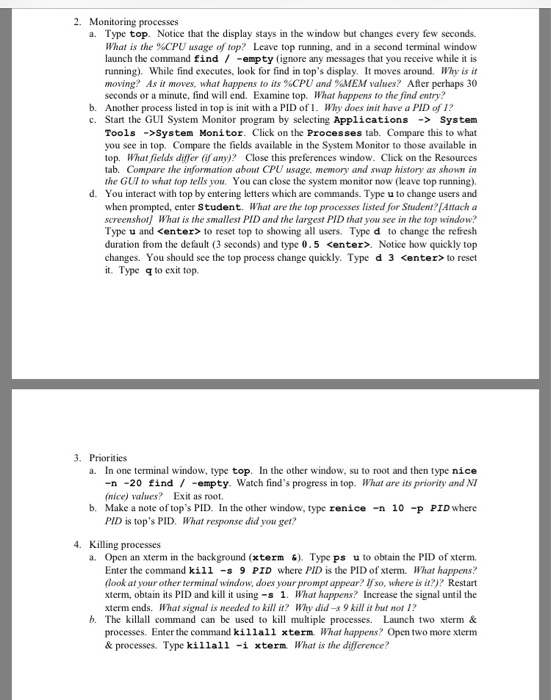
a. Type top. Notice that the display stays in the window but changes every few seconds. What is the %CPU usage oftop? Leave top running, and in a second terminal window launch the command find /-empty (ignore any messages that you receive while it is running) While find executes, look for find in top's display. It moves around. Why is it moving? As it moves, what happens to its %CPU and %MEM values? After perhaps 30 seconds or a minute, find will end. Examine top. What happens to the find entry? b. Another process listed in top is init with a PID of. Why does init have a PID of 1? c. Start the GUI System Monitor program by selecting ApplicationsSystem Tools ->System Monitor. Click on the Processes tab. Compare this to what you see in top. Compare the fields available in the System Monitor to those available in top. What fields differ (if any) Close this preferences window. Click on the Resources the GUI to what top tellsou You can close the system monitor now (leave top running) d. You interact with top by entering letters which are commands. Type u to change users and when prompted, enter Student. What are the top processes listed for Student?[Attach a screenshot What is the smallest PID and the largest PID that you see in the top window? Type u and
Step by Step Solution
There are 3 Steps involved in it

Get step-by-step solutions from verified subject matter experts
 Study Help