







Question: Do not need the g++ version. 00-01-g++Version Create a file named 00-01-g++Version.jpg or 1-01- g++Version.png showing the output of the command below: $ g++ --version
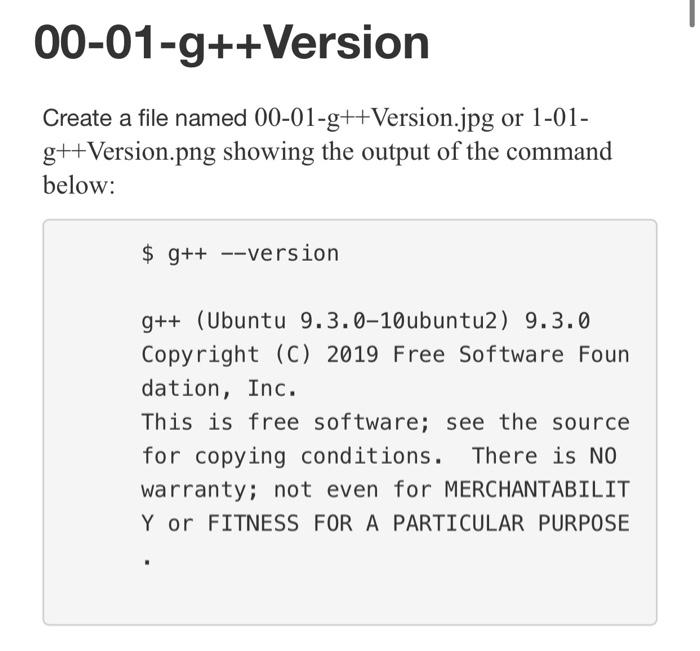
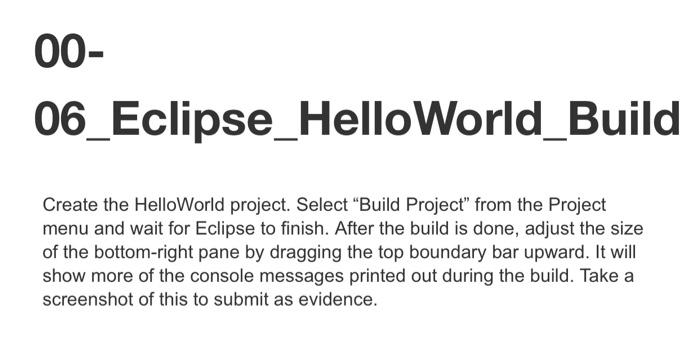
00-01-g++Version Create a file named 00-01-g++Version.jpg or 1-01- g++Version.png showing the output of the command below: $ g++ --version g++ (Ubuntu 9.3.0-10ubuntu2) 9.3.0 Copyright (C) 2019 Free Software Foun dation, Inc. This is free software; see the source for copying conditions. There is NO warranty; not even for MERCHANTABILIT Y or FITNESS FOR A PARTICULAR PURPOSE 00-03_Java_Version Evidence: Screenshot of the output of the java -version" command 00-04_EclipseAbout Evidence: Screenshot of the output of the About Eclipse IDE screen 00-05_Eclipse_CodAn This deliverable provides evidence that you can go into the CodAn configuration window and disable in-editor syntax checks that produce incorrect warnings and errors. 00- 06_Eclipse_HelloWorld_Build Create the HelloWorld project. Select "Build Project" from the Project menu and wait for Eclipse to finish. After the build is done, adjust the size of the bottom-right pane by dragging the top boundary bar upward. It will show more of the console messages printed out during the build. Take a screenshot of this to submit as evidence
Step by Step Solution
There are 3 Steps involved in it

Get step-by-step solutions from verified subject matter experts
 Study Help