







Question: do this question with Rstudios 2 . 2 Comparing SelectionSort ( ) , BubbleSort ( ) , and built - in sort ( ) for
do this question with Rstudios Comparing SelectionSort BubbleSort and builtin sort for time
efficiency pts
Let's compare the efficiency of three different sorting algorithms, we'll compare SelectionSort
the BubbleSort you just wrote, and the builtin implementation in sort We're going
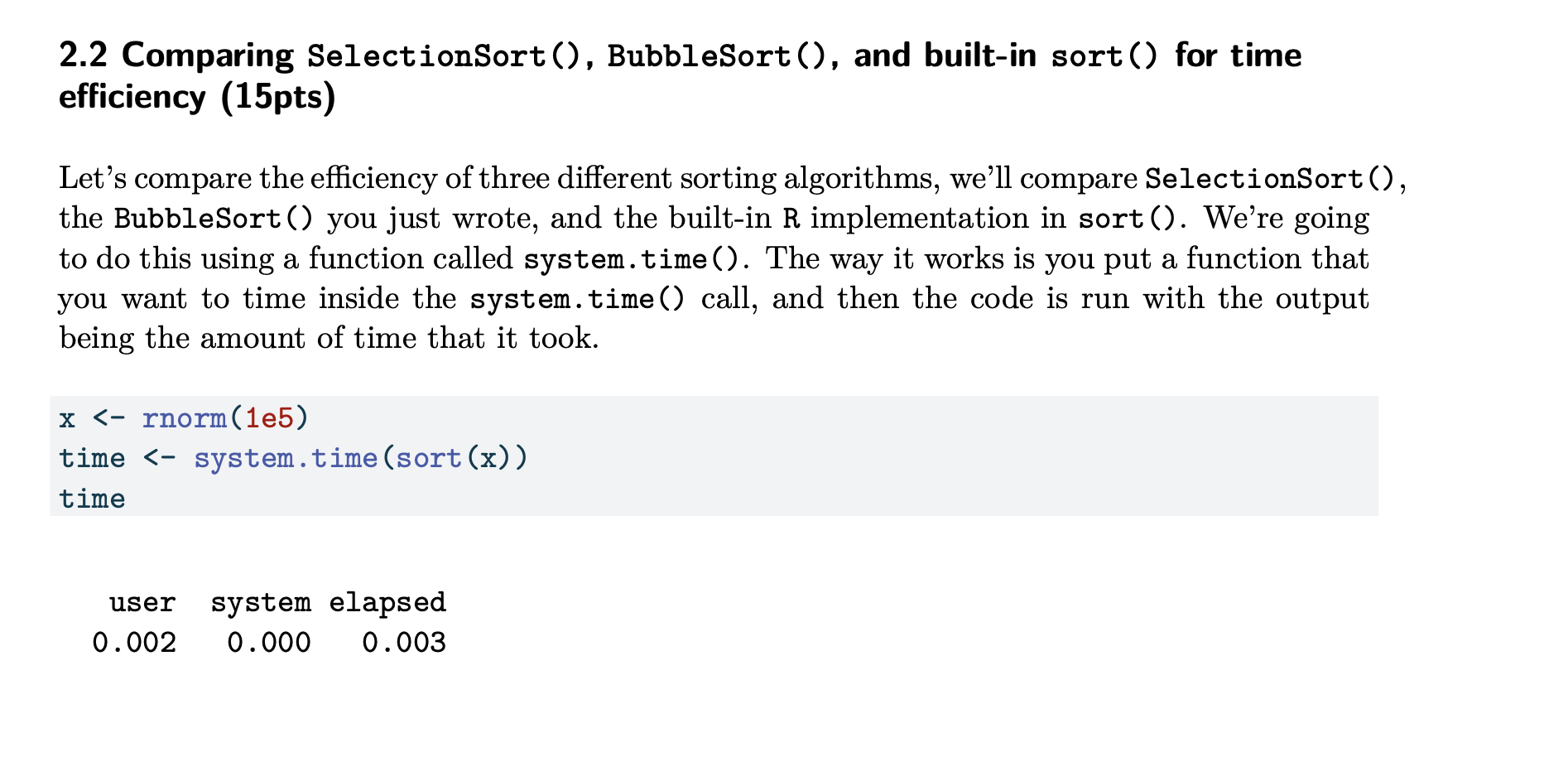
to do this using a function called system.time The way it works is you put a function that
you want to time inside the system.time call, and then the code is run with the output
being the amount of time that it took.
x rnorme
time system.timesortx
time
user system elapsed
You'll notice that this returns three different values. We'll use the first one, the user time,
which is also sometimes called the "wall clock" time. You'll note that the code takes longer than
this to run, because system.time also initiates a garbage collection procedure to improve
consistency between runs when timing. If you want to store just the first element of the timing
results from the code above, you can use time
We will analyze run time of sorting algorithms as a function of the length of the input sequence.
For each of Nin :
Generate sequences of normally distributed numbers
Time how long it takes to sort each sequence using system.time
The two previous steps are most easily done using a for loop. After you've stored
the run times, for each of the three sorting algorithms, compute the mean and standard
deviation of the observed run times
After you've done this for each sequence length, plot the mean run time and a confidence
interval for each algorithm as a function of To plot the confidence interval, use
the geomerrorbar function and note that the ymax and ymin will be Plot each
algorithm in a different color. What algorithm appears to perform best? Which performs
worst?
# TODO: Conduct the run time simulation and plot the results
Step by Step Solution
There are 3 Steps involved in it
1 Expert Approved Answer
Step: 1 Unlock

Question Has Been Solved by an Expert!
Get step-by-step solutions from verified subject matter experts
Step: 2 Unlock
Step: 3 Unlock
 Study Help