







Question: Does anyone know how to highlight text before and after it's deleted REMINDER: In the data file assignments, you must HIGHLIGHT the corrections you make
Does anyone know how to highlight text before and after it's deleted 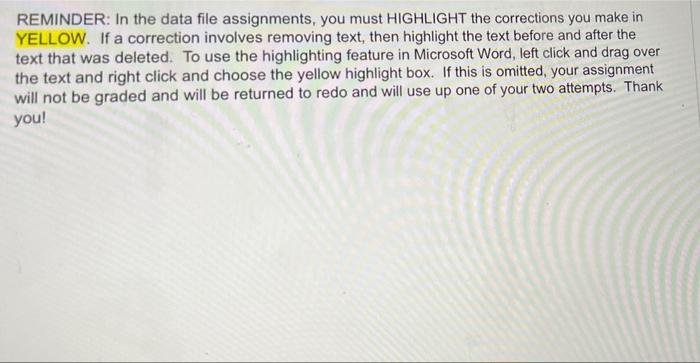
REMINDER: In the data file assignments, you must HIGHLIGHT the corrections you make in YELLOW. If a correction involves removing text, then highlight the text before and after the text that was deleted. To use the highlighting feature in Microsoft Word, left click and drag over the text and right click and choose the yellow highlight box. If this is omitted, your assignment will not be graded and will be returned to redo and will use up one of your two attempts. Thank you
Step by Step Solution
There are 3 Steps involved in it
1 Expert Approved Answer
Step: 1 Unlock

Question Has Been Solved by an Expert!
Get step-by-step solutions from verified subject matter experts
Step: 2 Unlock
Step: 3 Unlock
 Study Help