







Question: Done in labview please 7. CPU Hogging Explore the impact of While Loop execution on central processing unit (CPU) usage. Open the Windows Task Manager
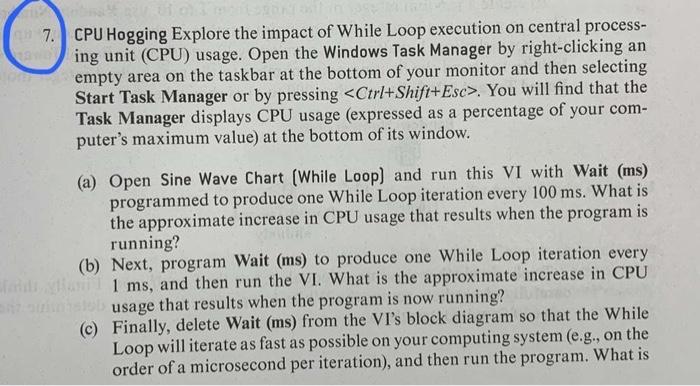

7. CPU Hogging Explore the impact of While Loop execution on central processing unit (CPU) usage. Open the Windows Task Manager by right-clicking an empty area on the taskbar at the bottom of your monitor and then selecting Start Task Manager or by pressing Ctrl+Shift+Esc. You will find that the Task Manager displays CPU usage (expressed as a percentage of your computer's maximum value) at the bottom of its window. (a) Open Sine Wave Chart (While Loop) and run this VI with Wait (ms) programmed to produce one While Loop iteration every 100ms. What is the approximate increase in CPU usage that results when the program is running? (b) Next, program Wait (ms) to produce one While Loop iteration every 1ms, and then run the VI. What is the approximate increase in CPU usage that results when the program is now running? (c) Finally, delete Wait (ms) from the VI's block diagram so that the While Loop will iterate as fast as possible on your computing system (e.g., on the order of a microsecond per iteration), and then run the program. What is the approximate increase in CPU usage that results when the program is now run? [Note that such "CPU hogging" should be avoided unless your program is executing a high-speed task (i.e., not simply updating a plot as in this case).]
Step by Step Solution
There are 3 Steps involved in it

Get step-by-step solutions from verified subject matter experts
 Study Help