







Question: Done in the C language. The first function is to compare two data, and return their difference: [ begin{array}{l} 1 text { Int cmpr_int(void*, void*);
Done in the C language.
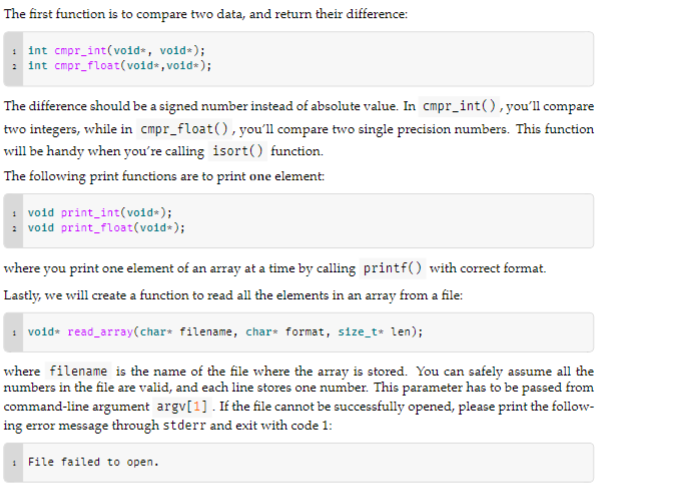
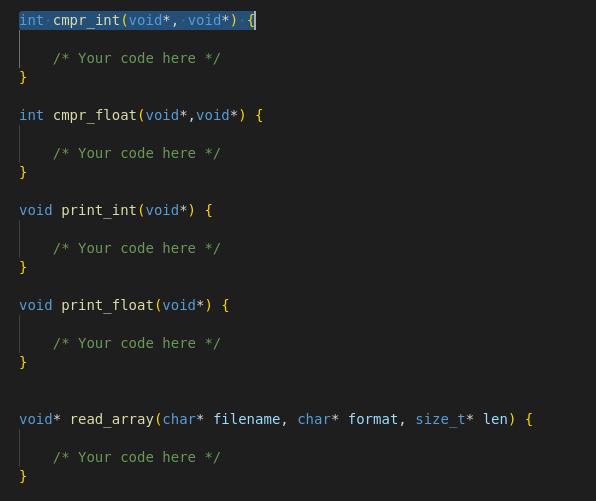
The first function is to compare two data, and return their difference: \[ \begin{array}{l} 1 \text { Int cmpr_int(void*, void*); } \\ 2 \text { int cmpr_float(void*, void*); } \end{array} \] The difference should be a signed number instead of absolute value. In cmpr_int(), you'll compare two integers, while in cmpr_float(), you'll compare two single precision numbers. This function will be handy when you're calling isort() function. The following print functions are to print one element: \[ \begin{array}{l} 1 \text { void print_int(void*); } \\ 2 \text { void print_float(void*); } \end{array} \] where you print one element of an array at a time by calling print f() with correct format. Lastly, we will create a function to read all the elements in an array from a file: \[ 1 \text { vo1d* read_array(char* filename, char* format, s1ze_t* len); } \] where filename is the name of the file where the array is stored. You can safely assume all the numbers in the file are valid, and each line stores one number. This parameter has to be passed from command-line argument argv[1]. If the file cannot be successfully opened, please print the following error message through stderr and exit with code 1
Step by Step Solution
There are 3 Steps involved in it

Get step-by-step solutions from verified subject matter experts
 Study Help