







Question: Download the file Numeric Types.java (see code listing 2.1) from the Student CD or as directed by your instructor. Compile the source file, run the
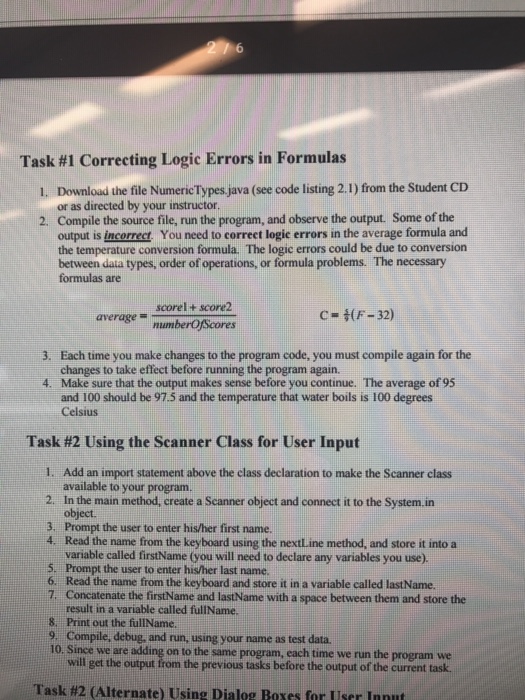
Download the file Numeric Types.java (see code listing 2.1) from the Student CD or as directed by your instructor. Compile the source file, run the program, and observe the output. Some of the output is incorrect. You need to correct logic errors in the average formula and the temperature conversion formula. The logic errors could be due to conversion between data types, order of operations, or formula problems. The necessary formulas are average = score1 + score2umberOfScores C = 5/9 (F - 32) Each time you make changes to the program code, you must compile again for the changes to take effect before running the program again. Make sure that the output makes sense before you continue. The average of 95 and 100 should be 97.5 and the temperature that water boils is 100 degrees Celsius Add an import statement above the class declaration to make the Scanner class available to your program. In the main method, create a Scanner object and connect it to the System.in object. Prompt the user to enter his/her first name. Read the name from the keyboard using the nextLine method, and store it into a variable called firstName (you will need to declare any variables you use). Prompt the user to enter his/her last name. Read the name from the keyboard and store it in a variable called lastName. Concatenate the firstName and lastName with a space between them and store the result in a variable called fullName. Print out the fullName. Compile, debug, and run, using your name as test data. Since we are adding on to the same program, each time we run the program we will get the output from the previous tasks before the output of the current task
Step by Step Solution
There are 3 Steps involved in it

Get step-by-step solutions from verified subject matter experts
 Study Help