



Question: Drag each task on the right to the correct activity in the WBS on the left, then select Check. If needed, you can Retry as
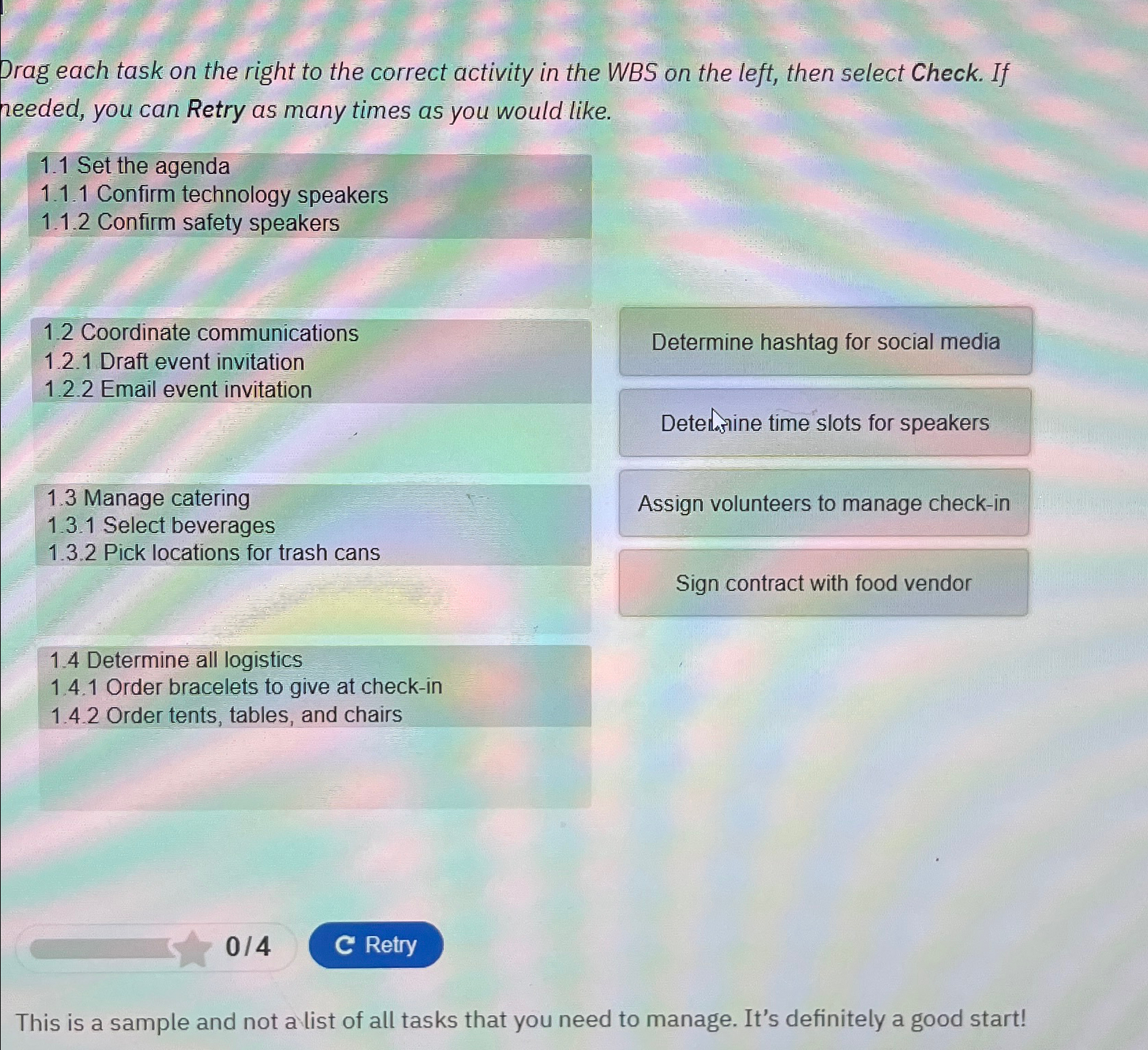
Drag each task on the right to the correct activity in the WBS on the left, then select Check. If needed, you can Retry as many times as you would like.
Set the agenda
Confirm technology speakers
Confirm safety speakers
Coordinate communications
Determine hashtag for social media
Draft event invitation
Email event invitation
Detelasine time slots for speakers
Manage catering
Assign volunteers to manage checkin
Select beverages
Pick locations for trash cans
Sign contract with food vendor
Determine all logistics
Order bracelets to give at checkin
Order tents, tables, and chairs
This is a sample and not a list of all tasks that you need to manage. It's definitely a good start!
Step by Step Solution
There are 3 Steps involved in it
1 Expert Approved Answer
Step: 1 Unlock

Question Has Been Solved by an Expert!
Get step-by-step solutions from verified subject matter experts
Step: 2 Unlock
Step: 3 Unlock