







Question: Draw a dark blue background on a 3 0 0 3 0 0 pixel canvas. Draw your water drop as a light blue circle 2
Draw a dark blue background on a pixel canvas.
Draw your water drop as a light blue circle pixels in diameter initially drawn in the centre of the canvas.
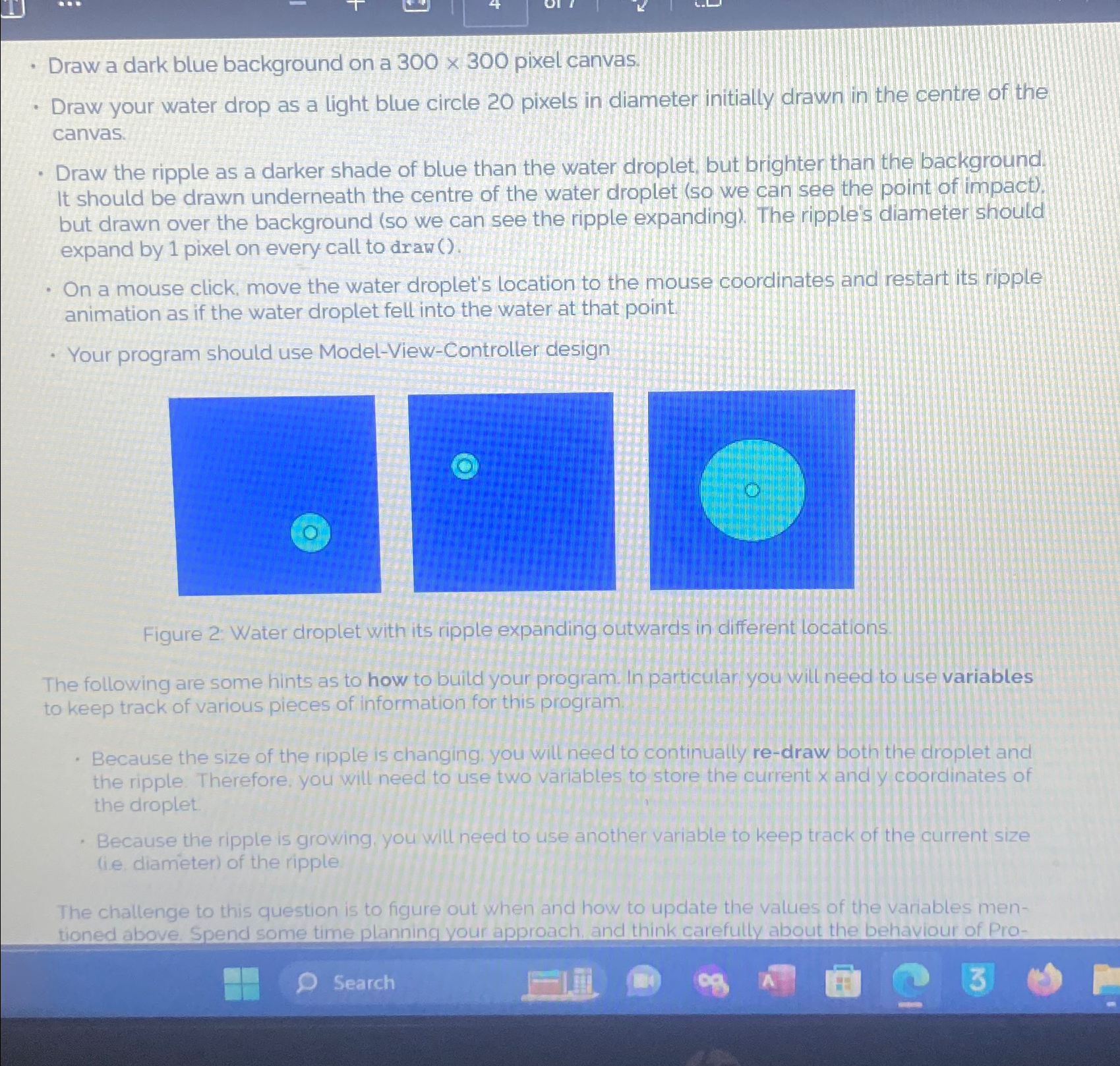
Draw the ripple as a darker shade of blue than the water droplet, but brighter than the background. It should be drawn underneath the centre of the water droplet so we can see the point of impact but drawn over the background so we can see the ripple expanding The ripple's diameter should expand by pixel on every call to draw
On a mouse click, move the water droplet's location to the mouse coordinates and restart its ripple animation as if the water droplet fell into the water at that point.
Your program should use ModelViewController design
Figure : Water droplet with its ripple expanding outwards in different locations.
The following are some hints as to how to build your program in particular you will need to us variables to keep track of various pieces of information for this program.
Because the size of the ripple is changing, you will need to continually redraw both the droplet and the ripple. Therefore, you will need to use two variables to store the current and coordinates of the droplet.
Because the ripple is growing, you will need to use another variable to keep track of the current size ie diameter of the ripple
Fhe chattenge to this question is to figure out when and how to update the values of the varables mentioned above Spend some time planning your approach, and think carefully about the behaviour of Pro
Search
Step by Step Solution
There are 3 Steps involved in it
1 Expert Approved Answer
Step: 1 Unlock

Question Has Been Solved by an Expert!
Get step-by-step solutions from verified subject matter experts
Step: 2 Unlock
Step: 3 Unlock
 Study Help