







Question: DRAW EVENTS NARRATIVE: Imagine a table with two columns: Left Column ( Heading ) : This column will have a heading that says Search for
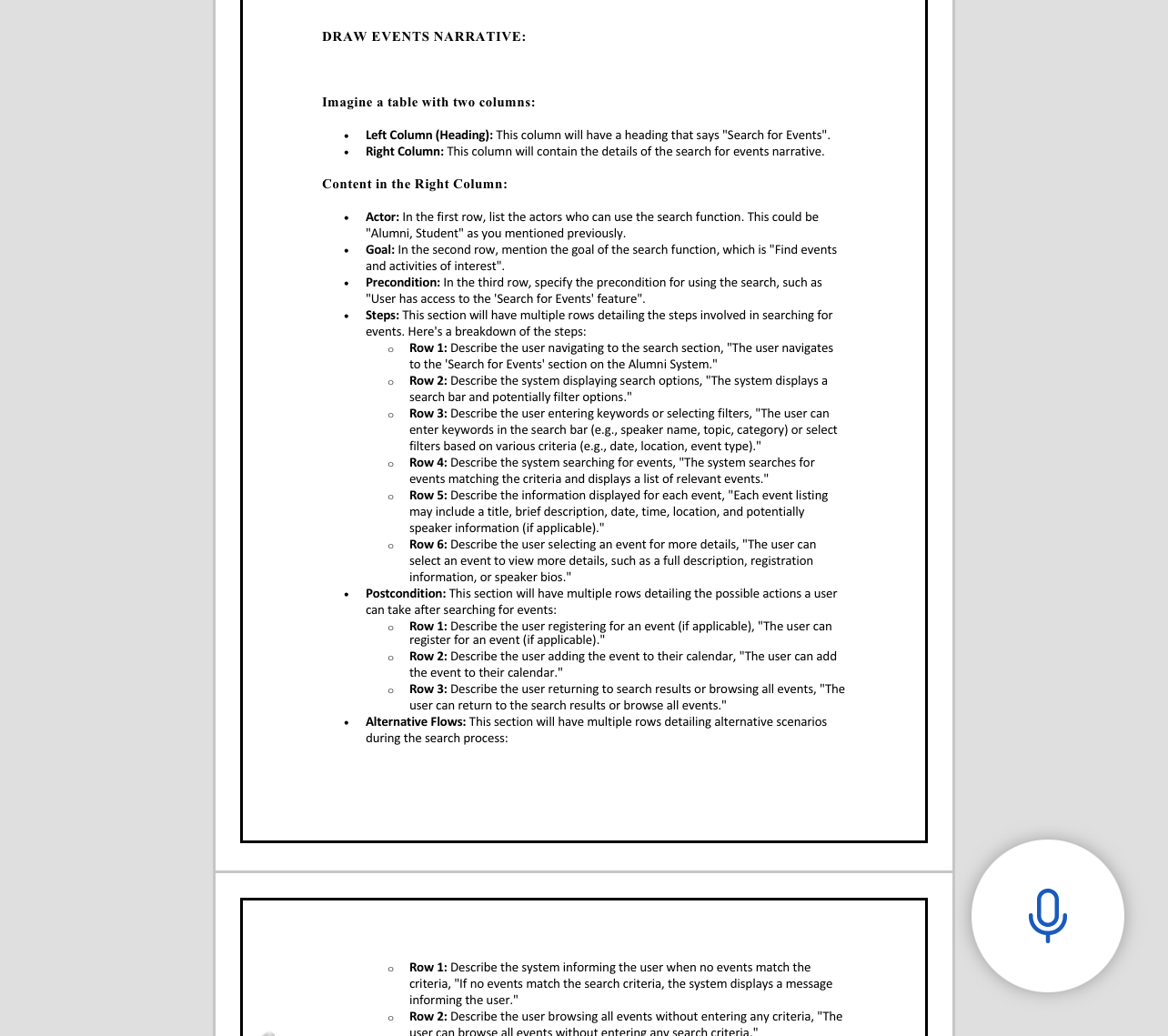
DRAW EVENTS NARRATIVE:
Imagine a table with two columns:
Left Column Heading: This column will have a heading that says "Search for Events".
Right Column: This column will contain the details of the search for events narrative.
Content in the Right Column:
Actor: In the first row, list the actors who can use the search function. This could be "Alumni, Student" as you mentioned previously.
Goal: In the second row, mention the goal of the search function, which is "Find events and activities of interest".
Precondition: In the third row, specify the precondition for using the search, such as "User has access to the 'Search for Events' feature".
Steps: This section will have multiple rows detailing the steps involved in searching for events. Here's a breakdown of the steps:
Row : Describe the user navigating to the search section, "The user navigates to the 'Search for Events' section on the Alumni System."
Row : Describe the system displaying search options, "The system displays a search bar and potentially filter options."
Row : Describe the user entering keywords or selecting filters, "The user can enter keywords in the search bar eg speaker name, topic, category or select filters based on various criteria eg date, location, event type
Row : Describe the system searching for events, "The system searches for events matching the criteria and displays a list of relevant events."
Row : Describe the information displayed for each event, "Each event listing may include a title, brief description, date, time, location, and potentially speaker information if applicable
Row : Describe the user selecting an event for more details, "The user can select an event to view more details, such as a full description, registration information, or speaker bios."
Postcondition: This section will have multiple rows detailing the possible actions a user can take after searching for events:
Row : Describe the user registering for an event if applicable "The user can register for an event if applicable
Row : Describe the user adding the event to their calendar, "The user can add the event to their calendar."
Row : Describe the user returning to search results or browsing all events, "The user can return to the search results or browse all events."
Alternative Flows: This section will have multiple rows detailing alternative scenarios during the search process:
Row : Describe the system informing the user when no events match the criteria, If no events match the search criteria, the system displays a message informing the user."
Row : Describe the user browsing all events without entering any criteria, "The
Step by Step Solution
There are 3 Steps involved in it
1 Expert Approved Answer
Step: 1 Unlock

Question Has Been Solved by an Expert!
Get step-by-step solutions from verified subject matter experts
Step: 2 Unlock
Step: 3 Unlock
 Study Help