







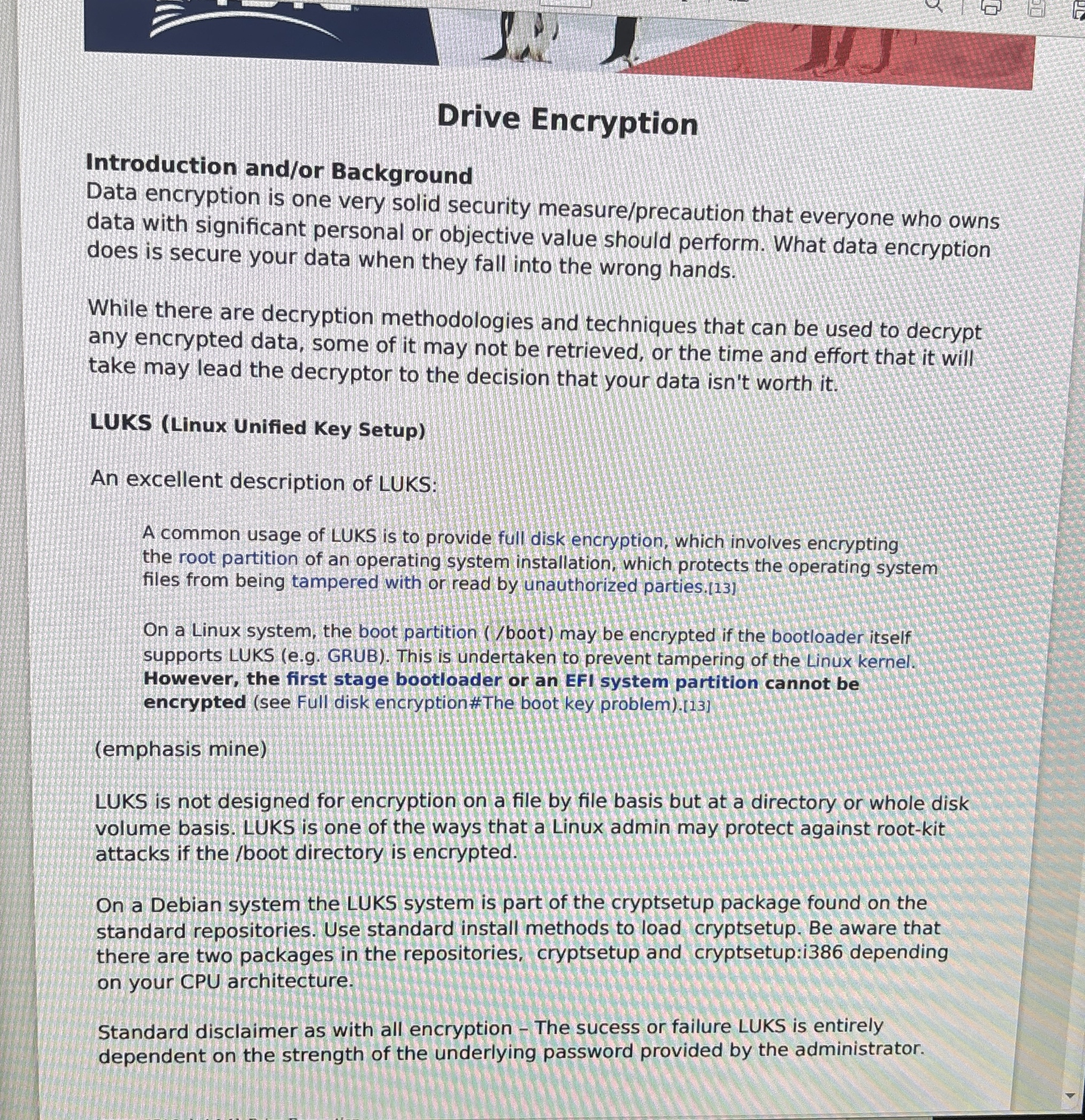
Question: Drive Encryption Introduction and / or Background Data encryption is one very solid security measure / precaution that everyone who owns data with significant personal
Drive Encryption
Introduction andor Background
Data encryption is one very solid security measureprecaution that everyone who owns data with significant personal or objective value should perform. What data encryption does is secure your data when they fall into the wrong hands.
While there are decryption methodologies and techniques that can be used to decrypt any encrypted data, some of it may not be retrieved, or the time and effort that it will take may lead the decryptor to the decision that your data isn't worth it
LUKS Linux Unified Key Setup
An excellent description of LUKS:
A common usage of LUKS is to provide full disk encryption, which involves encrypting the root partition of an operating system installation, which protects the operating system files from being tampered with or read by unauthorized parties.
On a Linux system, the boot partition boot may be encrypted if the bootloader itself supports LUKS eg GRUB This is undertaken to prevent tampering of the Linux kernel. However, the first stage bootloader or an EFI system partition cannot be encrypted see Full disk encryption#The boot key problem
emphasis mine
LUKS is not designed for encryption on a file by file basis but at a directory or whole disk volume basis. LUKS is one of the ways that a Linux admin may protect against rootkit attacks if the boot directory is encrypted.
On a Debian system the LUKS system is part of the cryptsetup package found on the standard repositories. Use standard install methods to load cryptsetup. Be aware that there are two packages in the repositories, cryptsetup and cryptsetup:i depending on your CPU architecture.
Standard disclaimer as with all encryption The sucess or failure LUKS is entirely dependent on the strength of the underlying password provided by the administrator.
Step by Step Solution
There are 3 Steps involved in it
1 Expert Approved Answer
Step: 1 Unlock

Question Has Been Solved by an Expert!
Get step-by-step solutions from verified subject matter experts
Step: 2 Unlock
Step: 3 Unlock
 Study Help