







Question: Dverview: In this MS Excel assignment, you will play the role of an instructor preparing course grades. You will gain experience: isolating assumptions for the
Dverview:
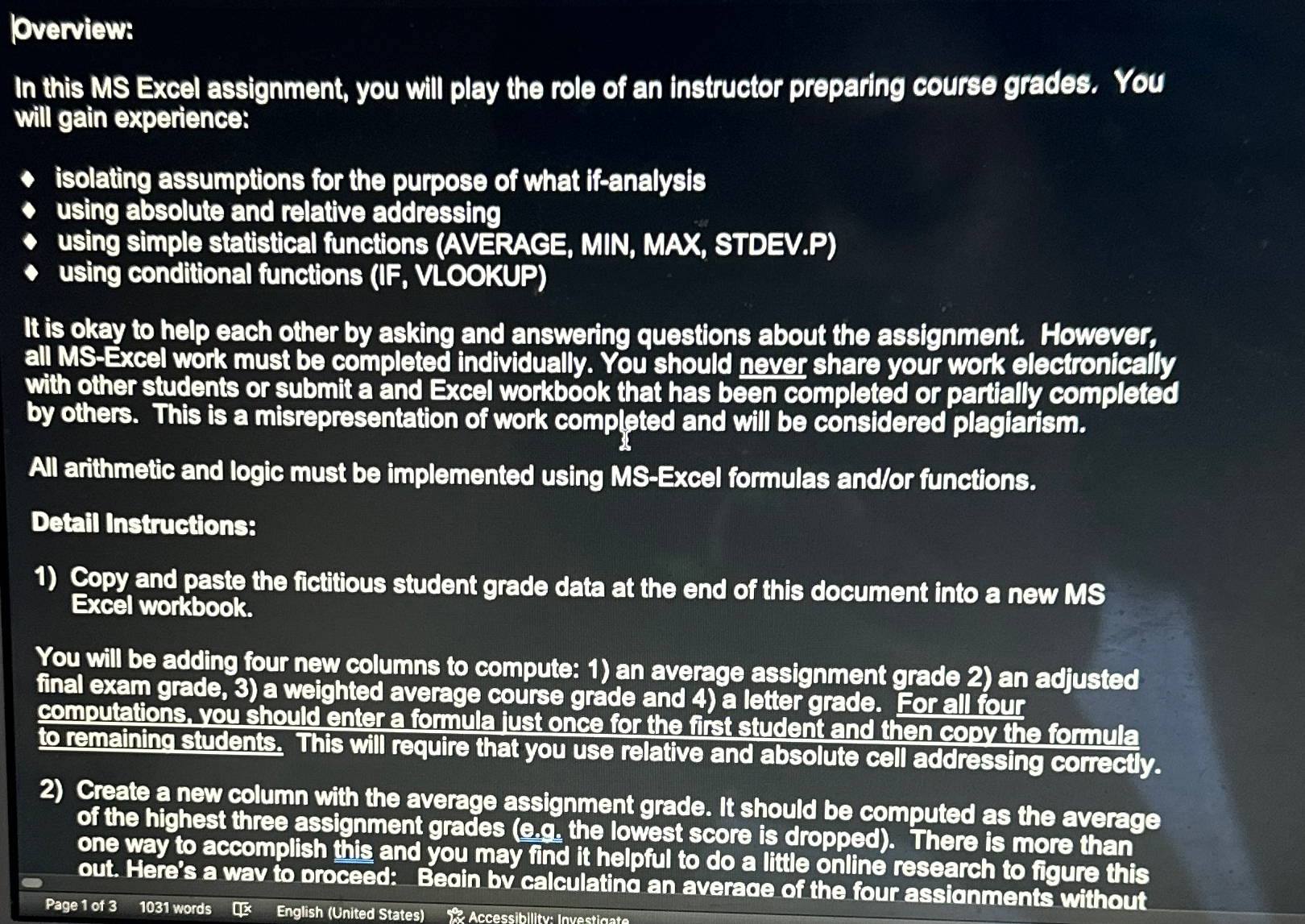
In this MS Excel assignment, you will play the role of an instructor preparing course grades. You will gain experience:
isolating assumptions for the purpose of what ifanalysis
using absolute and relative addressing
using simple statistical functions AVERACE MIN, MAX, STDEV.P
using conditional functions IF VLOOKUP
It is okay to help each other by asking and answering questions about the assignment. However, all MSExcel work must be completed individually. You should never share your work electronically with other students or submit a and Excel workbook that has been completed or partially completed by others. This is a misrepresentation of work completed and will be considered plagiarism.
All arithmetic and logic must be implemented using MSExcel formulas andor functions.
Detail Instructions:
Copy and paste the fictitious student grade data at the end of this document into a new MS Excel workbook.
You will be adding four new columns to compute: an average assignment grade an adjusted final exam grade, a weighted average course grade and a letter grade. For all four computations, you should enter a formula iust once for the first student and then copy the formula to remaining students. This will require that you use relative and absolute cell addressing correctly.
Create a new column with the average assignment grade. It should be computed as the average of the highest three assignment grades eg the lowest score is dropped There is more than one way to accomplish this and you may find it helpful to do a little online research to figure this out. Here's a wav to oroceed: Beoin bv calculatina an averade of the four assionments without
Page of words English United States Accessibilitva Invecticate
Step by Step Solution
There are 3 Steps involved in it
1 Expert Approved Answer
Step: 1 Unlock

Question Has Been Solved by an Expert!
Get step-by-step solutions from verified subject matter experts
Step: 2 Unlock
Step: 3 Unlock
 Study Help