







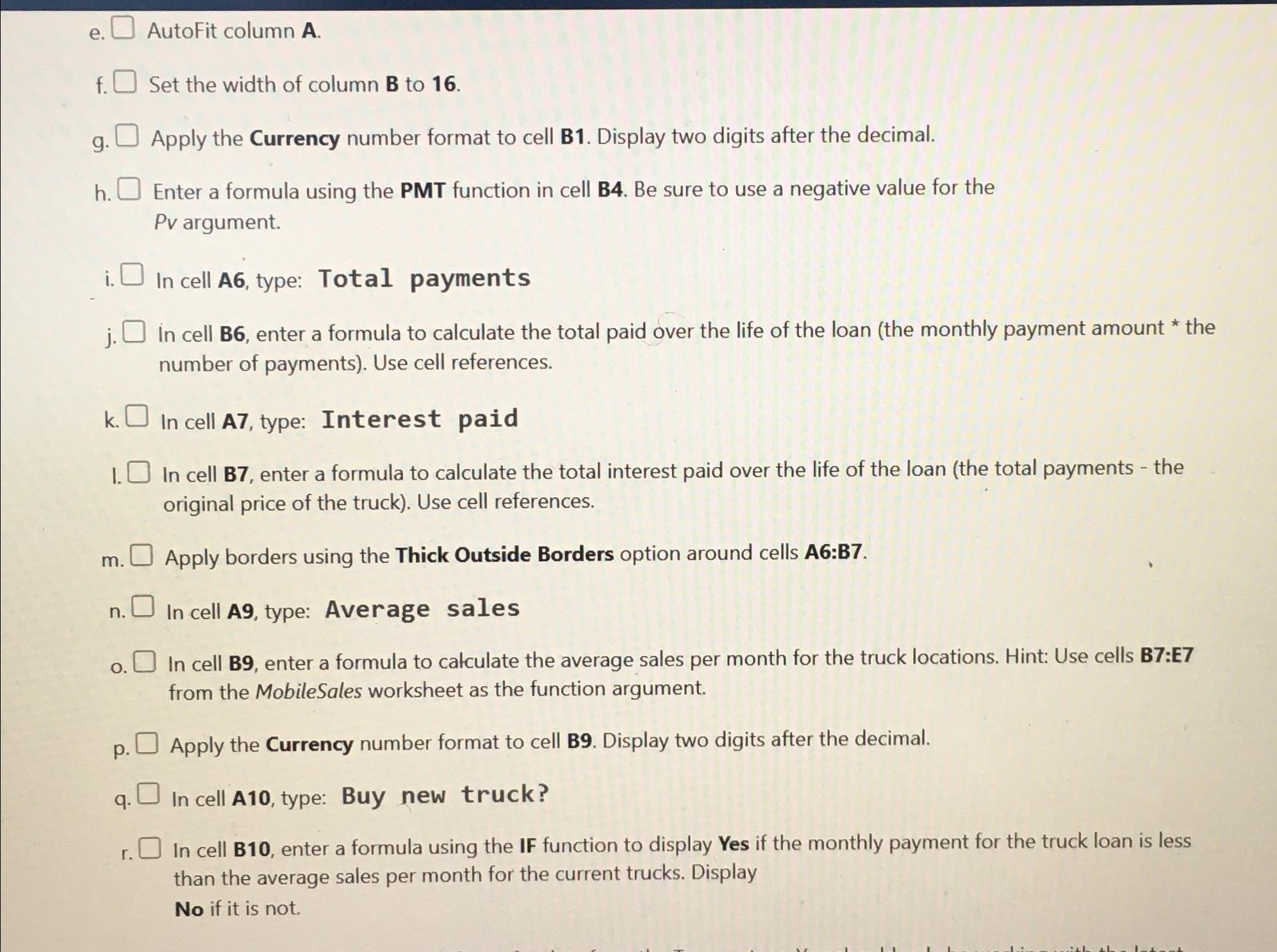
Question: e . AutoFit column A . f . Set the width of column B to 1 6 . g . Apply the Currency number format
e AutoFit column A
f Set the width of column B to
g Apply the Currency number format to cell B Display two digits after the decimal.
h Enter a formula using the PMT function in cell B Be sure to use a negative value for the argument.
i In cell A type: Total payments
j In cell B enter a formula to calculate the total paid over the life of the loan the monthly payment amount the number of payments Use cell references.
k In cell A type: Interest paid
I. In cell B enter a formula to calculate the total interest paid over the life of the loan the total payments the original price of the truck Use cell references.
m Apply borders using the Thick Outside Borders option around cells A:B
n In cell A type: Average sales
o In cell B enter a formula to calculate the average sales per month for the truck locations. Hint: Use cells B:E from the MobileSales worksheet as the function argument.
p Apply the Currency number format to cell B Display two digits after the decimal.
q In cell A type: Buy new truck?
r In cell B enter a formula using the IF function to display Yes if the monthly payment for the truck loan is less than the average sales per month for the current trucks. Display
No if it is not.
Step by Step Solution
There are 3 Steps involved in it
1 Expert Approved Answer
Step: 1 Unlock

Question Has Been Solved by an Expert!
Get step-by-step solutions from verified subject matter experts
Step: 2 Unlock
Step: 3 Unlock
 Study Help