


Question: E4: In the System, navigate to the page for Section 3051015. 3. Create an annotation for paragraph 305-1015-1. The title of the annotation should be
E4: In the System, navigate to the page for
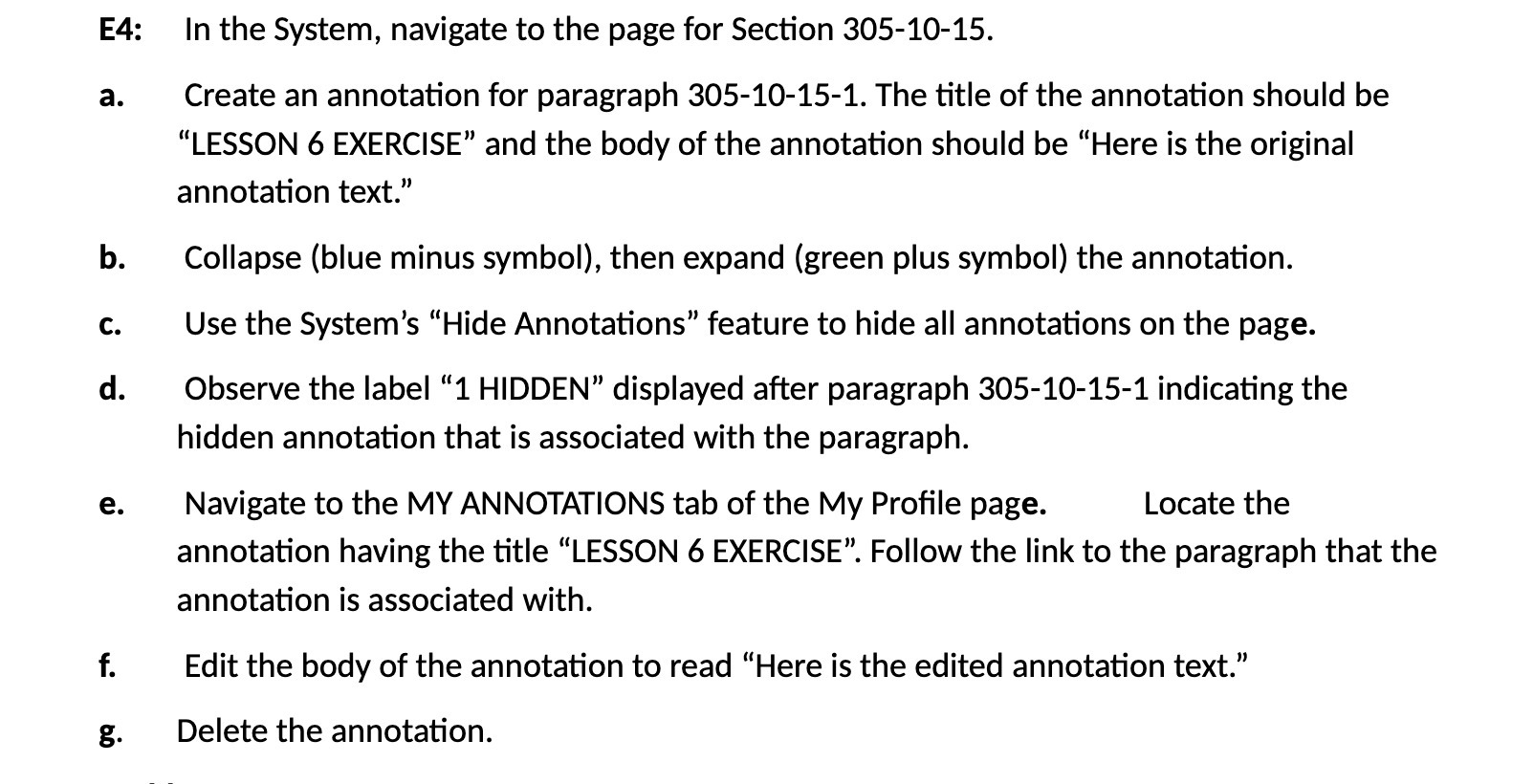
E4: In the System, navigate to the page for Section 3051015. 3. Create an annotation for paragraph 305-1015-1. The title of the annotation should be \"LESSON 6 EXERCISE\" and the body of the annotation should be \"Here is the original annotation text.\" b. Collapse (blue minus symbol), then expand (green plus symbol) the annotation. c. Use the System's \"Hide Annotations\" feature to hide all annotations on the page. d. Observe the label \"1 HIDDEN\" displayed after paragraph 305-1015-1 indicating the hidden annotation that is associated with the paragraph. e. Navigate to the MY ANNOTATIONS tab of the My Prole page. Locate the annotation having the title \"LESSON 6 EXERCISE\". Follow the link to the paragraph that the annotation is associated with. f. Edit the body of the annotation to read \"Here is the edited annotation text.\" g. Delete the annotation

Step by Step Solution

There are 3 Steps involved in it

1 Expert Approved Answer
Step: 1 Unlock blur-text-image

Question Has Been Solved by an Expert!

Get step-by-step solutions from verified subject matter experts

Step: 2 Unlock
Step: 3 Unlock

Students Have Also Explored These Related Accounting Questions!