







Question: eam.zybooks.com ary ENGR 1560 Engineering Computing home > 5.2: Row arrays zyBooks catalog @ Indexing the array: Moving values Write three statements to shift the
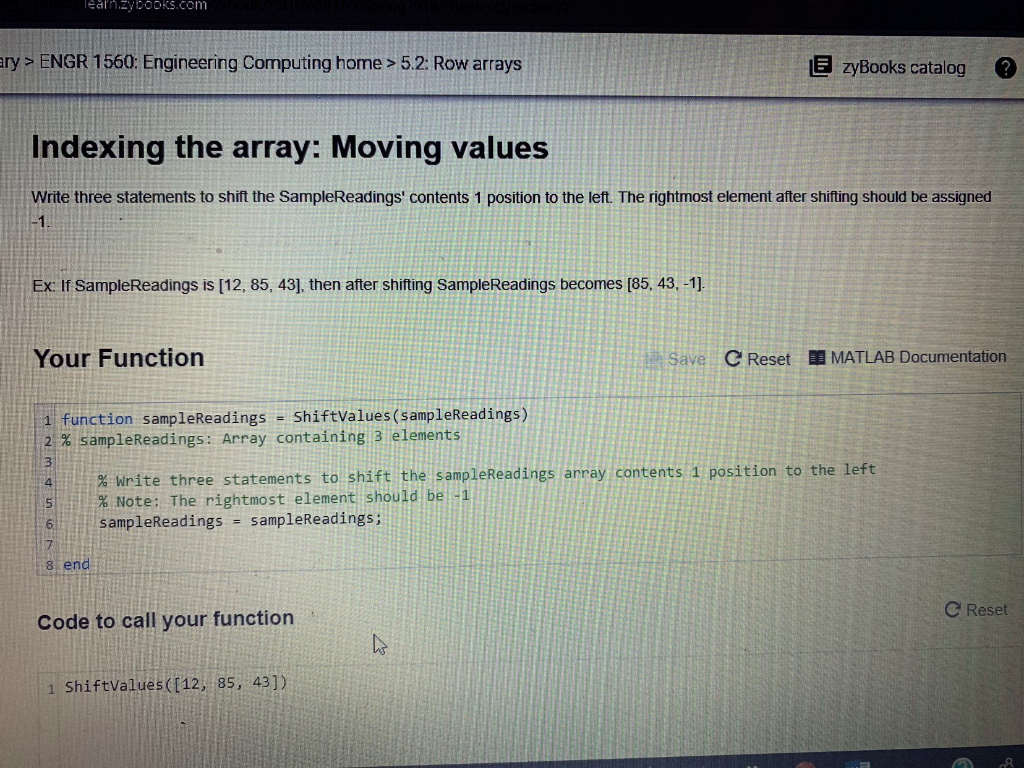
eam.zybooks.com ary ENGR 1560 Engineering Computing home > 5.2: Row arrays zyBooks catalog @ Indexing the array: Moving values Write three statements to shift the SampleReadings' contents 1 position to the left. The rightmost element after shifting should be assigned Ex If SampleReadings is [12, 85, 43], then after shifting SampleReadings becomes [85, 43. -1] Your Function C Reset , MATLAB Documentation i function sampleReadings - ShiftValues (sampleReadings) 21% sampleReadings: Array containing 3 elements 3 % write three statements to shift the sampleReadings array. contents 1 position to the left % Note: The rightmost element should be sampleReadings = sampleReadings; 7 8 end C Reset Code to call your function 1 ShiftValues (112, 85, 43]) 8
Step by Step Solution
There are 3 Steps involved in it

Get step-by-step solutions from verified subject matter experts
 Study Help