





Question: EBUSINESS CARD CREATION PROCESS . Using a program of choice (Powerpoint, for class demo): Use a professional picture or online image (le: with transparent background)
EBUSINESS CARD CREATION PROCESS . Using a program
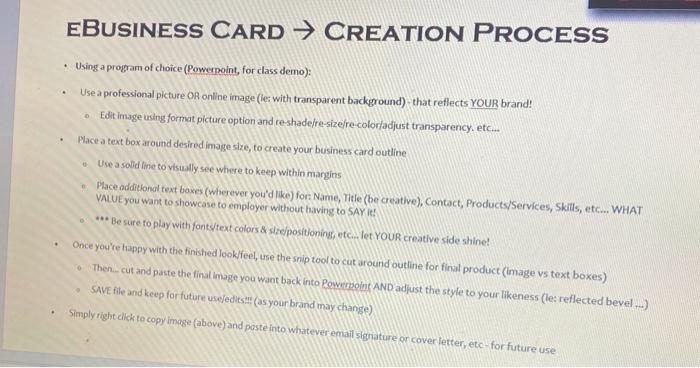
EBUSINESS CARD CREATION PROCESS . Using a program of choice (Powerpoint, for class demo): Use a professional picture or online image (le: with transparent background) that reflects YOUR brand! Edit image using format picture option and reshadere-sizere colorfadjust transparency, etc... Place a text box around desired image size, to create your business card outline Use a solid line to visually see where to keep within margins Place additional text boxes (wherever you'd like) for: Name, Title (be creative), Contact, Products/Services, Skills, etc... WHAT VALUE you want to showcase to employer without having to SAY ! *** Be sure to play with fontstext colors & ste positioning, etc... let YOUR creative side shine! Once you're happy with the finished look/feel, use the snip tool to cut around outline for final product (Image vs text boxes) Then..cut and paste the final image you want back into Powerpoint AND adjust the style to your likeness (les reflected bevel ...) SAVE file and keep for future use/editsit (as your brand may change) 0 Simply right click to copy image (above) and paste into whatever email signature or cover letter, etc- for future use

Step by Step Solution

There are 3 Steps involved in it

1 Expert Approved Answer
Step: 1 Unlock blur-text-image

Question Has Been Solved by an Expert!

Get step-by-step solutions from verified subject matter experts

Step: 2 Unlock
Step: 3 Unlock

Students Have Also Explored These Related General Management Questions!