







Question: ECE 103 Engineering Programming Spring 2018 4. Write the code for displaying a Gummel plot in a separate function. Unlike MATLAB, the C language does
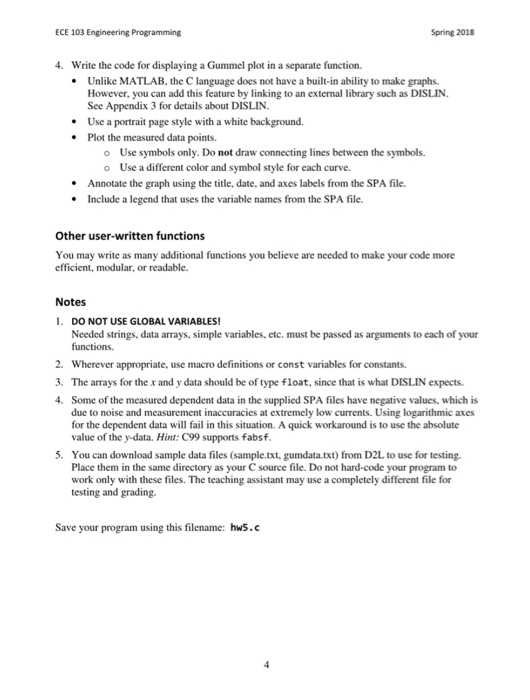
ECE 103 Engineering Programming Spring 2018 4. Write the code for displaying a Gummel plot in a separate function. Unlike MATLAB, the C language does not have a built-in ability to make graphs. However, you can add this feature by linking to an external library such as DISLIN. See Appendix 3 for details about DISLIN Use a portrait page style with a white background. Plot the measured data points. . . * Use symbols only. Do not draw connecting lines between the symbols. Use a different color and symbol style for each curve. o o Annotate the graph using the title, date, and axes labels from the SPA file .Include a legend that uses the variable names from the SPA file. Other user-written functions You may write as many additional functions you believe are needed to make your code more efficient, modular, or readable. Notes 1. DO NOT USE GLOBAL VARIABLES Needed strings, data arrays, simple variables, etc. must be passed as arguments to each of your 2. Wherever appropriate, use macro definitions or const variables for constants. 3. The arrays for the x and y data should be of type float, since that is what DISLIN expects 4. Some of the measured dependent data in the supplied SPA files have negative values, which is due to noise and measurement inaccuracies at extremely low currents. Using logarithmic axes for the dependent data will fail in this situation. A quick workaround is to use the absolute value of the y-data. Hint: C99 supports fabsf 5. You can download sample data files (sample.txt, gumdata.txt) from D2L to use for testing Place them in the same directory as your C source file. Do not hard-code your program to work only with these files. The teaching assistant may use a completely different file for testing and grading. Save your program using this filename: hws.c ECE 103 Engineering Programming Spring 2018 4. Write the code for displaying a Gummel plot in a separate function. Unlike MATLAB, the C language does not have a built-in ability to make graphs. However, you can add this feature by linking to an external library such as DISLIN. See Appendix 3 for details about DISLIN Use a portrait page style with a white background. Plot the measured data points. . . * Use symbols only. Do not draw connecting lines between the symbols. Use a different color and symbol style for each curve. o o Annotate the graph using the title, date, and axes labels from the SPA file .Include a legend that uses the variable names from the SPA file. Other user-written functions You may write as many additional functions you believe are needed to make your code more efficient, modular, or readable. Notes 1. DO NOT USE GLOBAL VARIABLES Needed strings, data arrays, simple variables, etc. must be passed as arguments to each of your 2. Wherever appropriate, use macro definitions or const variables for constants. 3. The arrays for the x and y data should be of type float, since that is what DISLIN expects 4. Some of the measured dependent data in the supplied SPA files have negative values, which is due to noise and measurement inaccuracies at extremely low currents. Using logarithmic axes for the dependent data will fail in this situation. A quick workaround is to use the absolute value of the y-data. Hint: C99 supports fabsf 5. You can download sample data files (sample.txt, gumdata.txt) from D2L to use for testing Place them in the same directory as your C source file. Do not hard-code your program to work only with these files. The teaching assistant may use a completely different file for testing and grading. Save your program using this filename: hws.c
Step by Step Solution
There are 3 Steps involved in it

Get step-by-step solutions from verified subject matter experts
 Study Help