







Question: EECE 3 4 3 5 Lab 0 8 : Arithmetic - Addition, Subtraction, Multiplication, Division Instructions EECE 3 4 3 5 Lab 0 8 :
EECE Lab : Arithmetic Addition, Subtraction, Multiplication, Division Instructions
EECE Lab : Arithmetic Addition, Subtraction, Multiplication, Division Instructions
A Objectives: to understand and experiment on the arithmetic instructions
B Resources
Online resources
Textbook
C Lab Preparation
Use online resources or the textbook to understand the debug commands and assembly instructions used in the assignment.
Start the Debug Application.
First fill the memory with some data by executing the following command:
f ffff DD C C D B BA F AA
Note that in the lab report, you will be required to show the results you obtained in your experiments. You thus need to take screenshots of your work.
D The Lab
Initialization of memory locations:
Initialize segment registers and memory:
Use R command: DS B and CS A
Note: this is to make the DS and CS occupy different space in memory.
Use f command: f DS: ffff DD C C D B BA F AA
: Reinitialize some memory locations:
: ;:;
:; : ;
: ; : ;
: ; : ;
:; : ;
:; : ; and
:; :
Verify that the memory locations have been loaded with the correct data with the D command.
Initialize registers:
;
;
;
;
;
; and
Verify the register contents.
Assemble the following instruction sequence into the memory starting at address CS
a ADD AXFF
b ADC SI AX
c INC BYTE PTR
d SUB DL BL
e SBB DL
f DEC BYTE PTR DIBX
g NEG BYTE PTR DI
h MUL DX
i IMUL WORD PTR BXSI
j DIV WORD PTR SI
k IDIV WORD PTR BXSI
Verify these instructions are in the memory.
How many bytes of memory do the instructions take up
Note: For instructions j and k you may encounter an interruptexception Try to find the reason behind it and modify the contents of registers with new values to avoid the divide overflow.
Display the current state of the flags.
Execute the instructions one at a time with the TRACE command. Describe the operation performed by each instruction. For each instruction, show where the source and destination operands are located, what results are produced, where are the results stored; and name the flags that changed in the given operation.
a Instructiona
What does the instruction do
Where are the source and destination operands located?
What are the results?
Where are the results stored?
b Instructionb
What does the instruction do
Where are the source and destination operands located?
What are the results?
Where are the results stored?
c Instructionc
What does the instruction do
Where are the source and destination operands located?
What are the results?
Where are the results stored?
d Instructiond
What does the instruction do
Where are the source and destination operands located?
What are the results?
Where are the results stored?
e Instructione
What does the instruction do
Where are the source and destination operands located?
What are the results?
Where are the results stored?
f Instructionf
What does the instruction do
Where are the source and destination operands located?
What are the results?
Where are the results stored?
g Instructiong
What does the instruction do
Where are the source and destination operands located?
What are the results?
Where are the results stored?
h Instructionh
What does the instruction do
Where are the source and destination operands located?
What are the results?
Where are the results stored?
i Instructioni
What does the instruction do
Where are the source and destination operands located?
What are the results?
Where are the results stored?
j Instructionj
What does the instruction do
Where are the source and destination operands located?
What are the results?
Where are the results stored?
k Instructionk
What does the instruction do
Where are the source and destination operands located?
What are the results?
Where are the results stored?
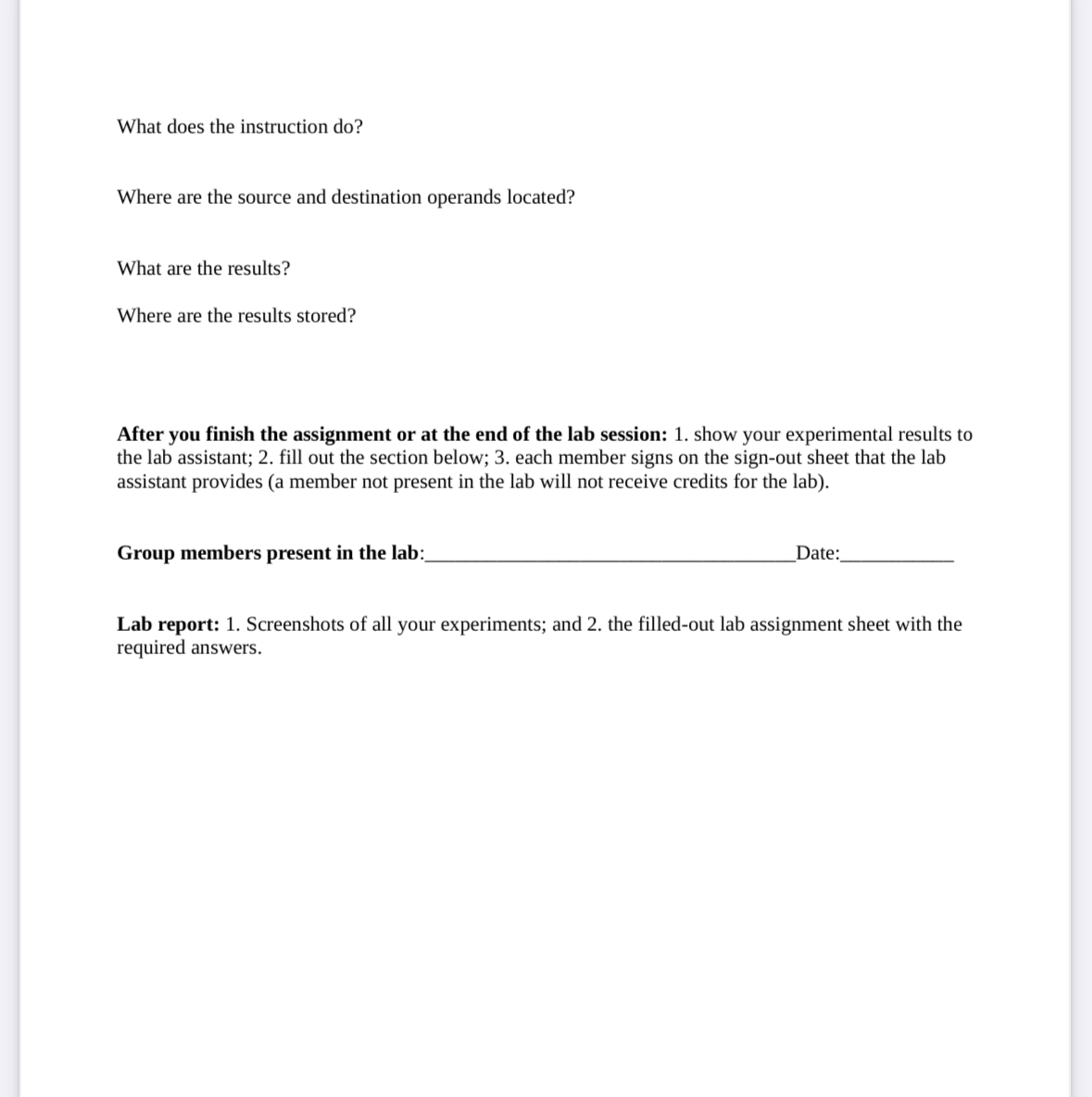
After you finish the assignment or at the end of the lab session: show your experimental results to the lab assistant; fill out the section below; each member signs on the signout sheet that the lab assistant provides a member not present in the lab will not receive credits for the lab
Group members present in the lab:
Date:
Lab report: Screenshots of all your experiments; and the filledout lab assignment sheet with the required answers.
Step by Step Solution
There are 3 Steps involved in it
1 Expert Approved Answer
Step: 1 Unlock

Question Has Been Solved by an Expert!
Get step-by-step solutions from verified subject matter experts
Step: 2 Unlock
Step: 3 Unlock
 Study Help