



Question: . EEK'5: (3 Click on the Bar Magnet tab. [ 9 ' (3 Click on M'Ll. Explain the two changes this causes in the simulation.
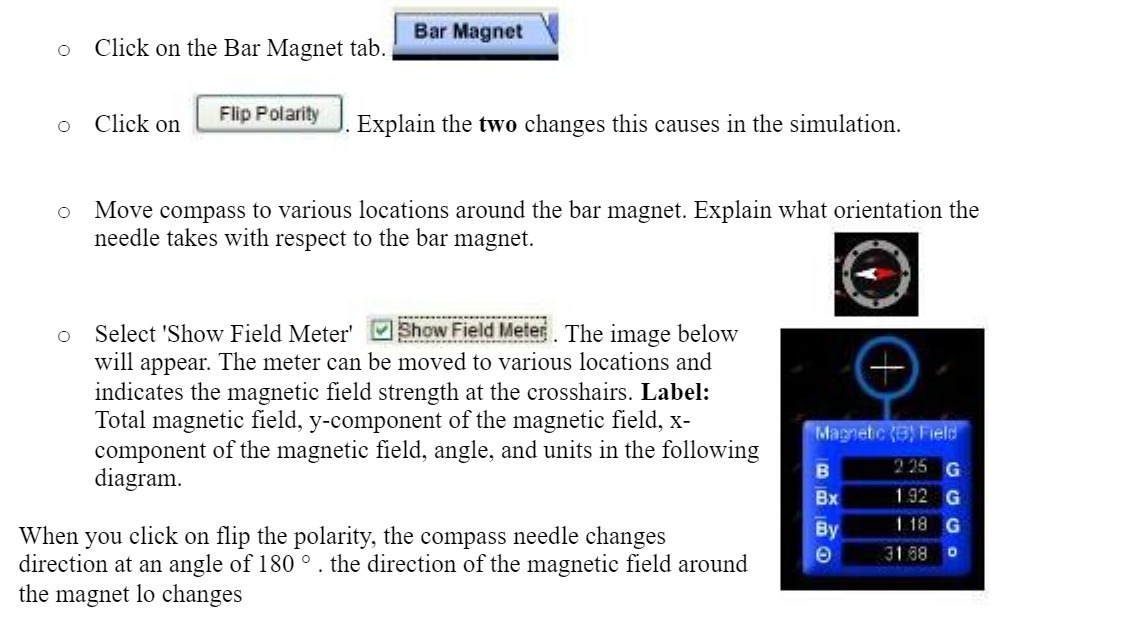
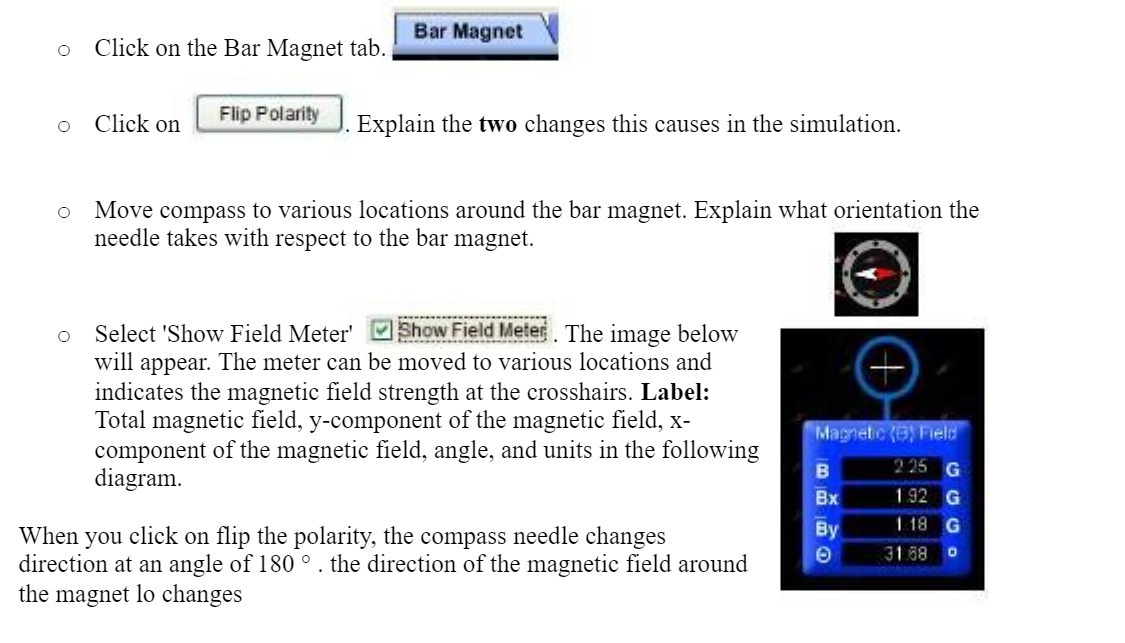
. EEK'5: (3 Click on the Bar Magnet tab. [ 9 \\' (3 Click on M'Ll. Explain the two changes this causes in the simulation. (3 Move compass to various locations around the bar magnet. Explain what orientation the needle takes with respect to the bar magnet. (3 Select TShow Field Meter' 3.] h_'IW.E!9l__'_-'l!. The image below will appear. The meter can be moved to various locations and indicates the magnetic eld strength at the crosshairs. Label: Total magnetic eld. y-component of the magnetic field, X- component of the magnetic field, angle, and units in the following diagram. When you click on flip the polarity, the compass needle changes direction at an angle of 180 '3 . the direction of the magnetic field around the magnet lo changes
Step by Step Solution
There are 3 Steps involved in it

Get step-by-step solutions from verified subject matter experts