







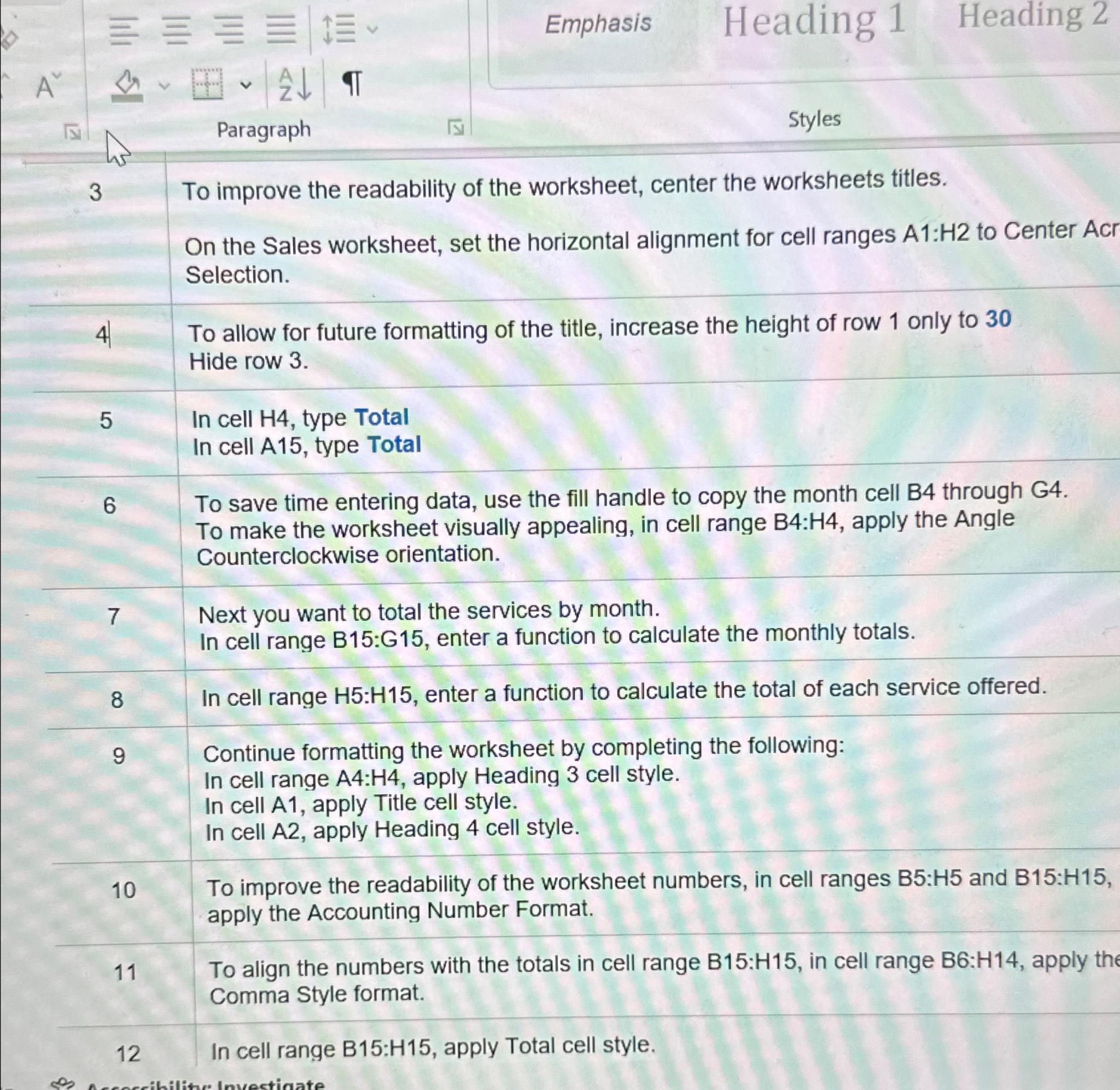
Question: Emphasis Heading 1 Heading 2 A Paragraph Styles 3 To improve the readability of the worksheet, center the worksheets titles. On the Sales worksheet, set
Emphasis
Heading
Heading
A
Paragraph
Styles
To improve the readability of the worksheet, center the worksheets titles.
On the Sales worksheet, set the horizontal alignment for cell ranges : to Center Acr Selection.
To allow for future formatting of the title, increase the height of row only to Hide row
In cell type Total
In cell A type Total
To save time entering data, use the fill handle to copy the month cell B through G
To make the worksheet visually appealing, in cell range : apply the Angle Counterclockwise orientation.
Next you want to total the services by month.
In cell range B:G enter a function to calculate the monthly totals.
In cell range : enter a function to calculate the total of each service offered.
Continue formatting the worksheet by completing the following:
In cell range : apply Heading cell style.
In cell A apply Title cell style.
In cell A apply Heading cell style.
To improve the readability of the worksheet numbers, in cell ranges : and : apply the Accounting Number Format.
To align the numbers with the totals in cell range : in cell range : apply the Comma Style format.
In cell range B:H apply Total cell style.
Step by Step Solution
There are 3 Steps involved in it
1 Expert Approved Answer
Step: 1 Unlock

Question Has Been Solved by an Expert!
Get step-by-step solutions from verified subject matter experts
Step: 2 Unlock
Step: 3 Unlock
 Study Help