





Question: ENG 190 Project Resources Document How to Use this Document The following instructions are meant to help guide you in understanding how to use this
ENG 190 Project Resources Document How to Use
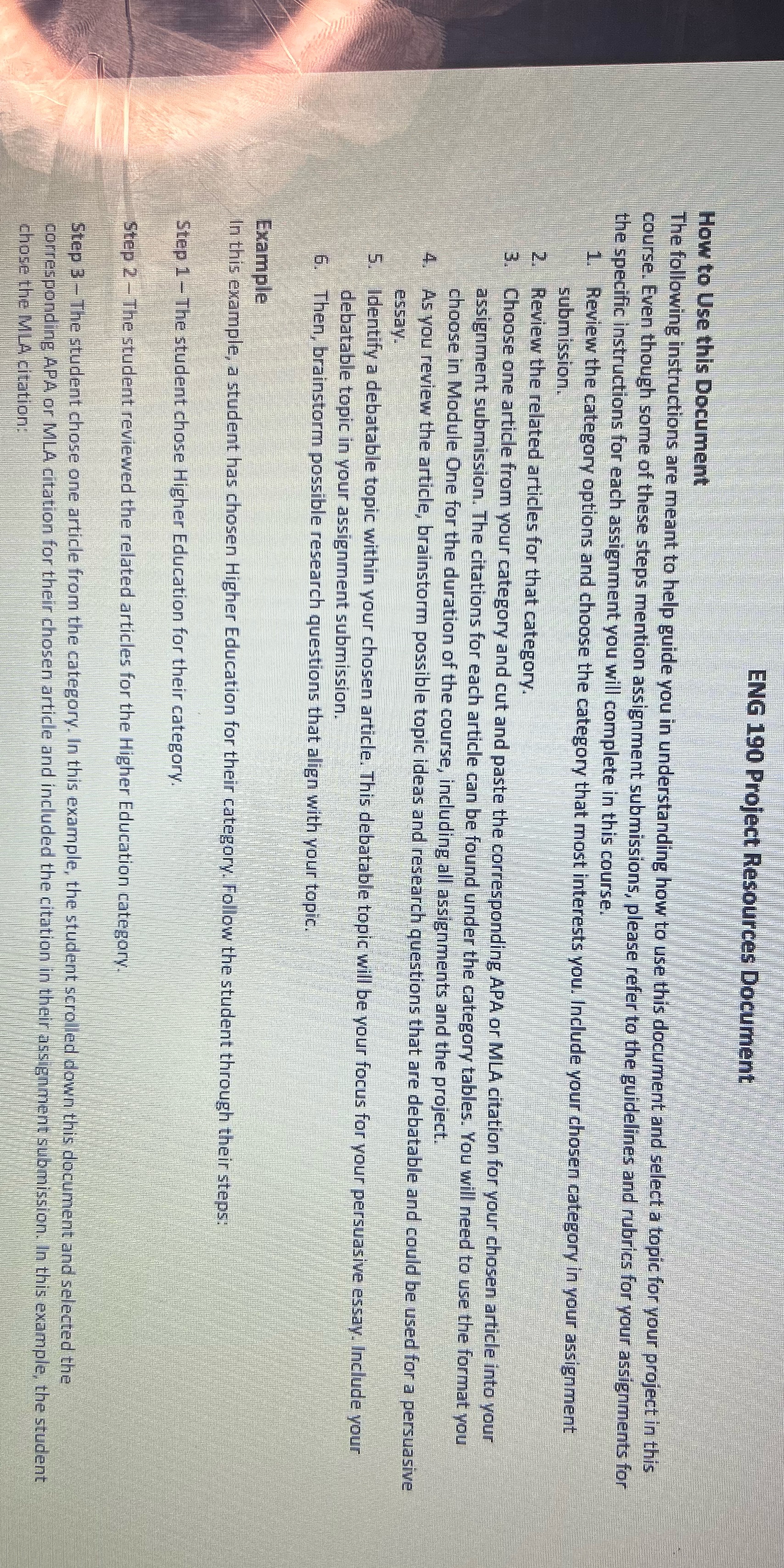
ENG 190 Project Resources Document How to Use this Document The following instructions are meant to help guide you in understanding how to use this document and select a topic for your project in this course. Even though some of these steps mention assignment submissions, please refer to the guidelines and rubrics for your assignments for the specific instructions for each assignment you will complete in this course. 1. Review the category options and choose the category that most interests you. Include your chosen category in your assignment submission. 2. Review the related articles for that category. Choose one article from your category and cut and paste the corresponding APA or MLA citation for your chosen article into your assignment submission. The citations for each article can be found under the category tables. You will need to use the format you choose in Module One for the duration of the course, including all assignments and the project. As you review the article, brainstorm possible topic ideas and research questions that are debatable and could be used for a persuasive essay. 5. Identify a debatable topic within your chosen article. This debatable topic will be your focus for your persuasive essay. Include your debatable topic in your assignment submission. 6. Then, brainstorm possible research questions that align with your topic. Example In this example, a student has chosen Higher Education for their category. Follow the student through their steps: Step 1- The student chose Higher Education for their category. Step 2 - The student reviewed the related articles for the Higher Education category. Step 3 - The student chose one article from the category. In this example, the student scrolled down this document and selected the corresponding APA or MLA citation for their chosen article and included the citation in their assignment submission. In this example, the student chose the MLA citation

Step by Step Solution

There are 3 Steps involved in it

1 Expert Approved Answer
Step: 1 Unlock blur-text-image

Question Has Been Solved by an Expert!

Get step-by-step solutions from verified subject matter experts

Step: 2 Unlock
Step: 3 Unlock

Students Have Also Explored These Related Business Writing Questions!