







Question: Enter any matrix as a solution. Click on the square root button ( if necessary, click on the 3 vertical dots first ) Click on
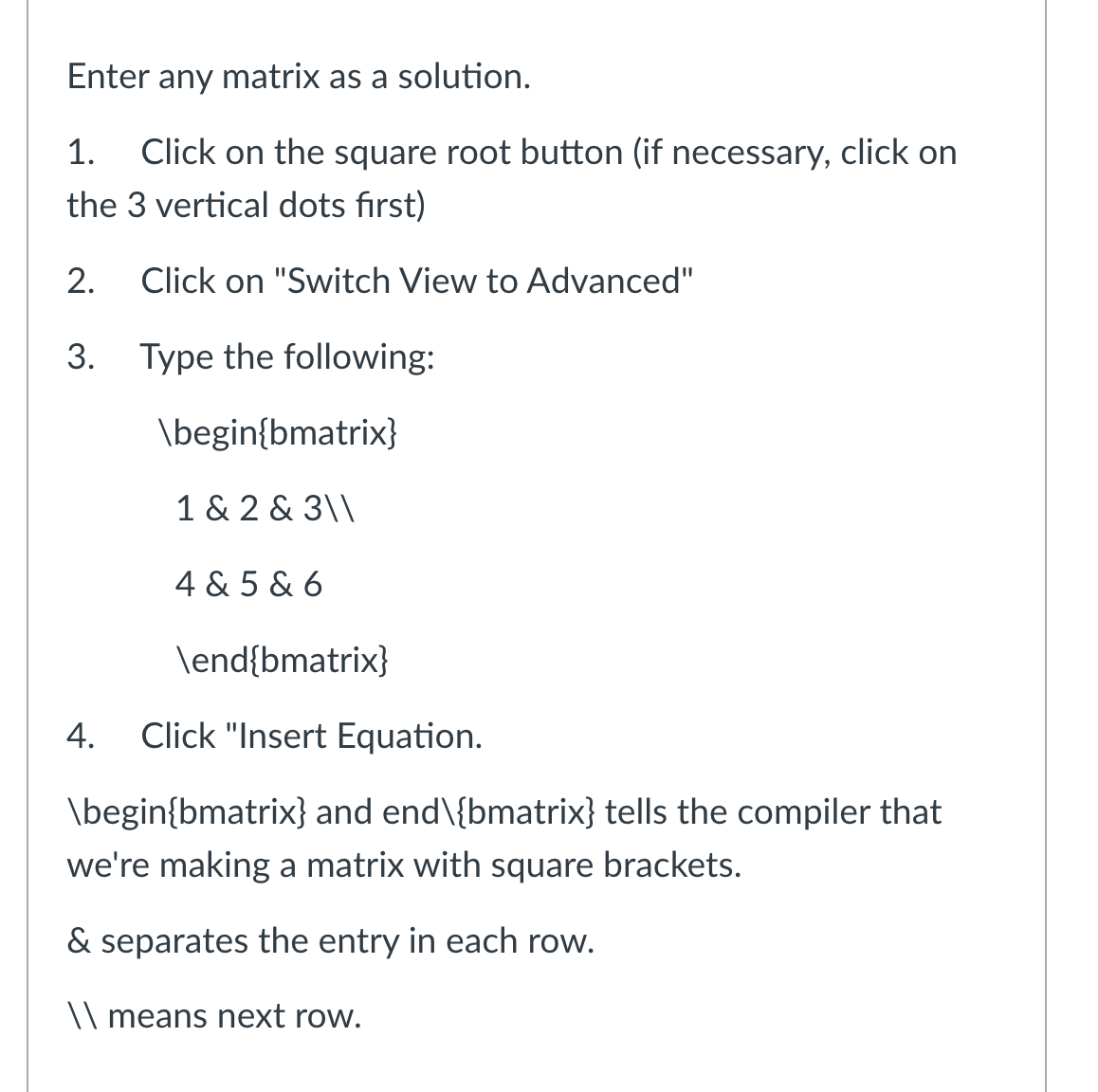
Enter any matrix as a solution.
Click on the square root button if necessary, click on
the vertical dots first
Click on "Switch View to Advanced"
Type the following:
Click "Insert Equation.
beginbmatrix and end backslash bmatrix tells the compiler that
we're making a matrix with square brackets.
& separates the entry in each row.
means next row.
Step by Step Solution
There are 3 Steps involved in it
1 Expert Approved Answer
Step: 1 Unlock

To enter a matrix using LaTeX in a bmatrix environment you can follow ... View full answer
Question Has Been Solved by an Expert!
Get step-by-step solutions from verified subject matter experts
Step: 2 Unlock
Step: 3 Unlock
 Study Help