







Question: Enter Opening Balances In this exercise, you will enter the opening balances from information provided by Sadie. 1. Choose Go to Registers-Los Angeles City
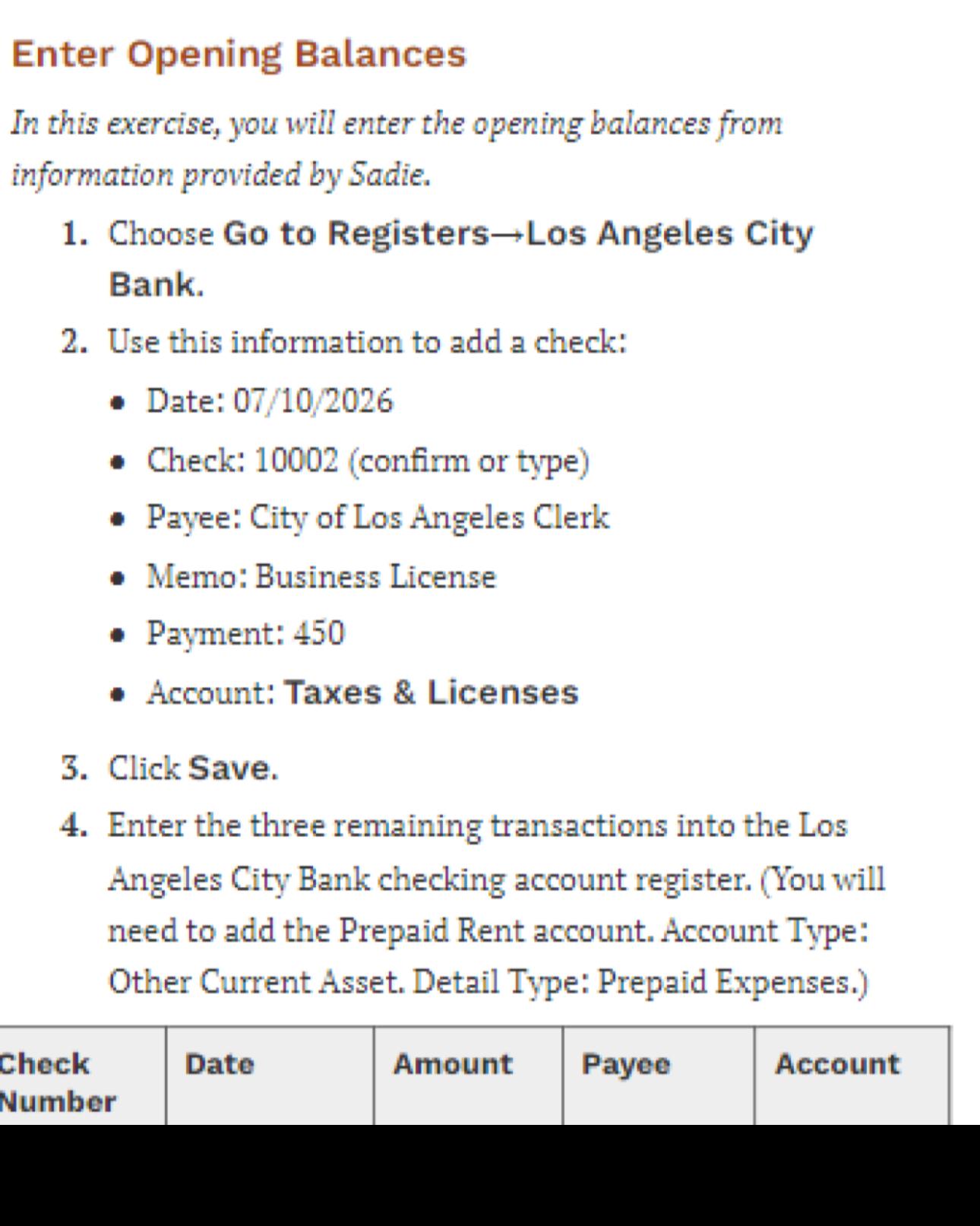
Enter Opening Balances In this exercise, you will enter the opening balances from information provided by Sadie. 1. Choose Go to Registers-Los Angeles City Bank. 2. Use this information to add a check: Date: 07/10/2026 Check: 10002 (confirm or type) Payee: City of Los Angeles Clerk Memo: Business License Payment: 450 Account: Taxes & Licenses 3. Click Save. 4. Enter the three remaining transactions into the Los Angeles City Bank checking account register. (You will need to add the Prepaid Rent account. Account Type: Other Current Asset. Detail Type: Prepaid Expenses.) Check Date Number Amount Payee Account
Step by Step Solution
There are 3 Steps involved in it

Get step-by-step solutions from verified subject matter experts
 Study Help