







Question: Enter the IPv4 Subnet information for all lab subnets into Table #1a below. Table #1a: IPv4 Subnet Design Subnet Name Subnet A Subnet B

![Link 3 Subnet Network Address Prefix Length (/n) Size = 2(32-n] First](https://dsd5zvtm8ll6.cloudfront.net/si.experts.images/questions/2024/02/65c303168235f_12665c303166420c.jpg)
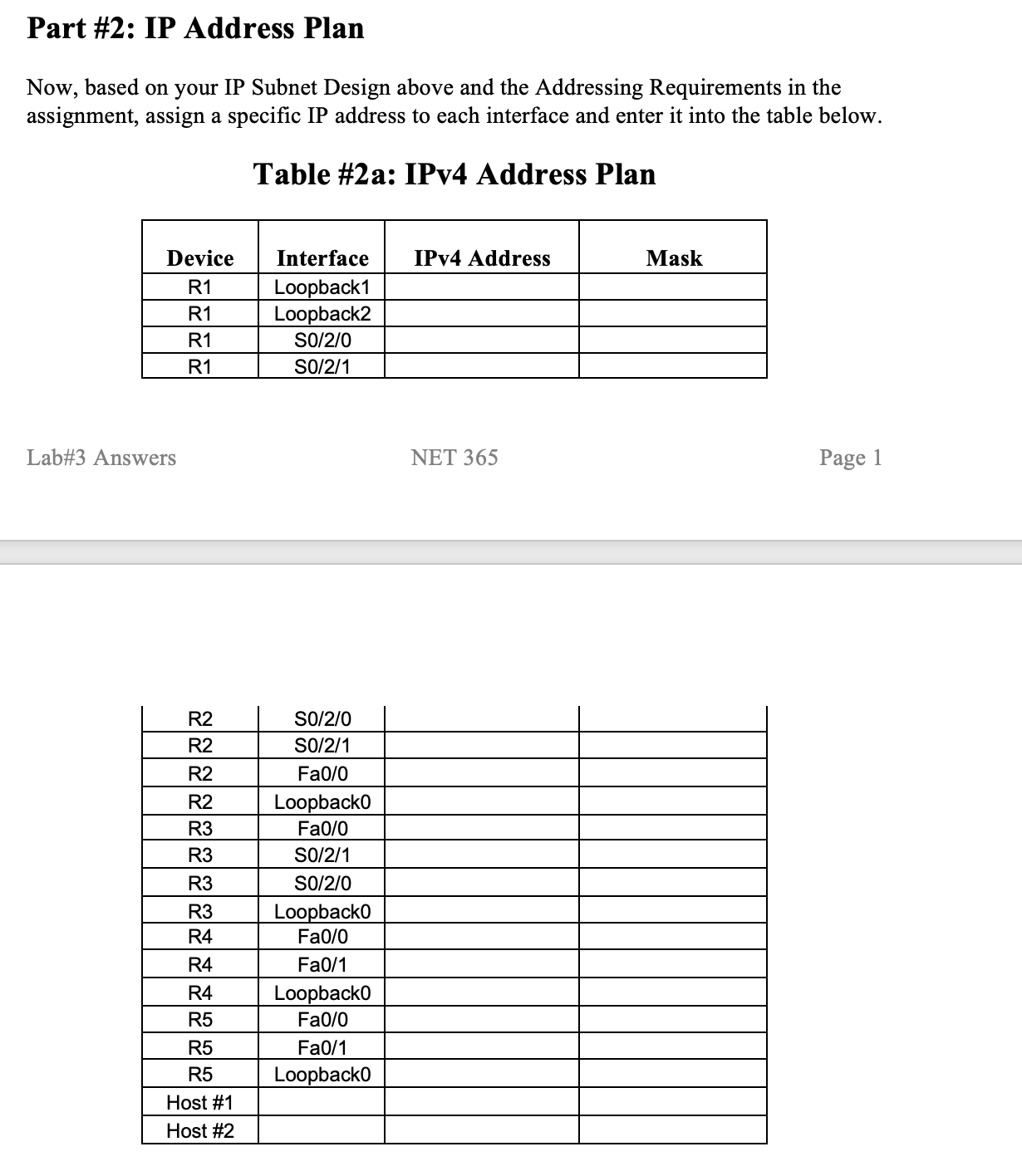
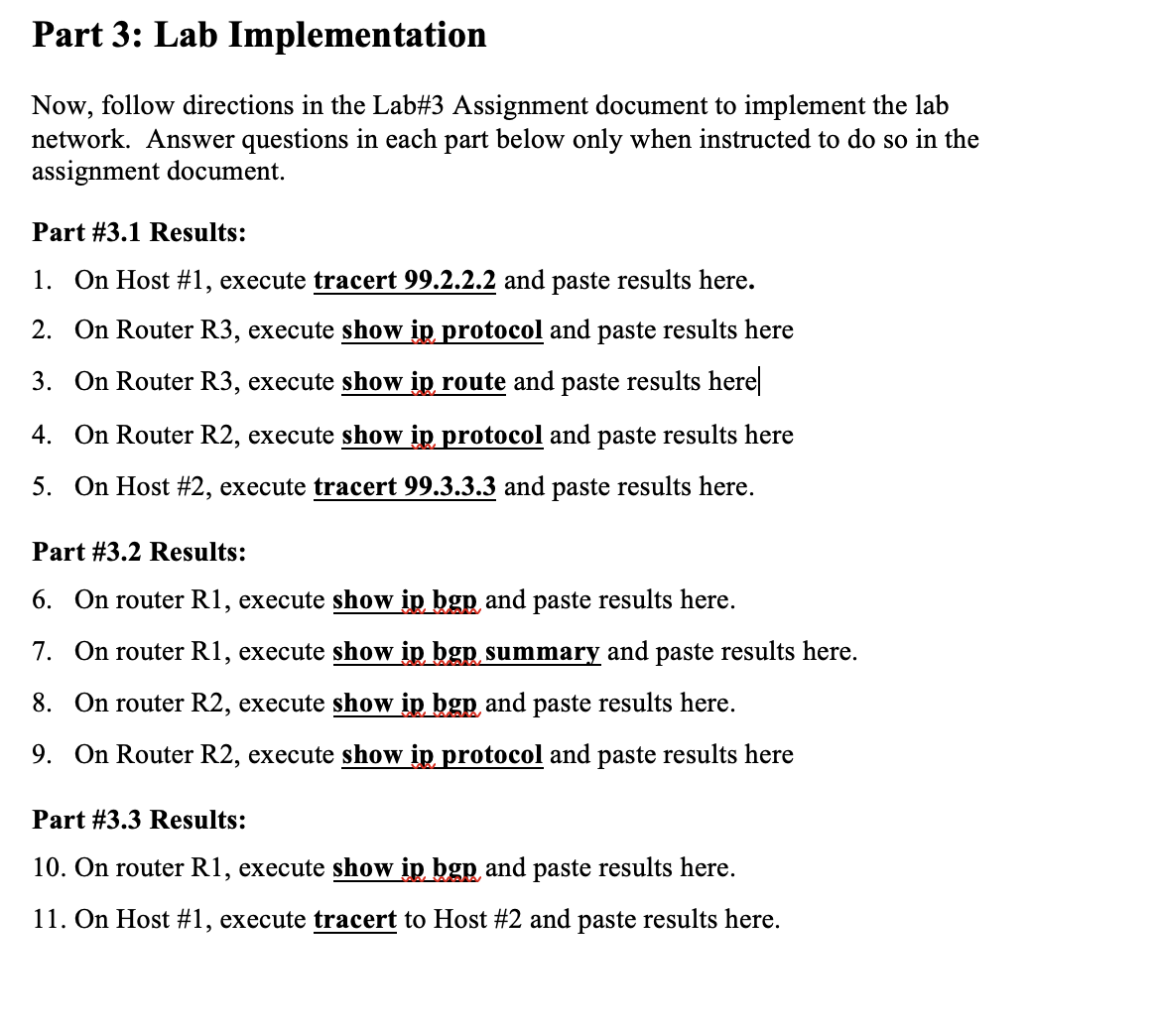
Enter the IPv4 Subnet information for all lab subnets into Table #1a below. Table #1a: IPv4 Subnet Design Subnet Name Subnet A Subnet B Subnet C Subnet D E-Link 1 E-Link 2 Link 1 Link 2 Link 3 Subnet Network Address Prefix Length (/n) Size = 2(32-n] First Valid Host IP Last Valid Host IP Part # 2: IP Address Plan Now, based on your IP Subnet Design above and the Addressing Requirements in the assignment, assign a specific IP address to each interface and enter it into the table below. Table #2a: IPv4 Address Plan Device R1 R1 R1 R1 Lab#3 Answers R2 R2 R2 R2 R3 R3 R3 R3 R4 R4 R4 R5 R5 R5 Host #1 Host #2 Interface IPv4 Address Loopback1 Loopback2 SO/2/0 SO/2/1 SO/2/0 S0/2/1 Fa0/0 Loopback0 Fa0/0 SO/2/1 SO/2/0 Loopback0 Fa0/0 Fa0/1 Loopback0 Fa0/0 Fa0/1 Loopback0 NET 365 Mask Page 1 Part 3: Lab Implementation Now, follow directions in the Lab#3 Assignment document to implement the lab network. Answer questions in each part below only when instructed to do so in the assignment document. Part # 3.1 Results: 1. On Host #1, execute tracert 99.2.2.2 and paste results here. 2. On Router R3, execute show ip protocol and paste results here 3. On Router R3, execute show ip route and paste results here 4. On Router R2, execute show ip protocol and paste results here 5. On Host #2, execute tracert 99.3.3.3 and paste results here. Part # 3.2 Results: 6. On router R1, execute show ip bgp and paste results here. 7. On router R1, execute show ip bgp summary and paste results here. 8. On router R2, execute show ip bgp and paste results here. 9. On Router R2, execute show ip protocol and paste results here Part # 3.3 Results: 10. On router R1, execute sho ip bgp and paste results here. 11. On Host #1, execute tracert to Host #2 and paste results here. 12. On Host #1, execute tracert to .1.1.1 and paste results here. 13. On Host #2, execute tracert to .2.2.2 and paste results here 14. On Router R4, execute show ip route and paste results here. a. Does the R4 routing table contain all subnets from all Autonomous Systems? 15. On Router R1, execute show ip route and paste results here. a. Does the R1 routing table contain all subnets from all Autonomous Systems? Now, on router R2, shut down interface S0/2/1. 16. On router R2, execute show ip interface brief and paste results here. 17. On router R1, execute show ip bgp and paste results here. 18. On Host #1, execute tracert to .1.1.1 and paste results here. 19. On Router R1, execute show ip route and paste results here. Convert this file to PDF format, review the resulting file to ensure that all answers and screenshots are readable. You will submit two files on D2L: These Answers in PDF format Your Packet Tracer .pkt file That's it for Lab#3!!
Step by Step Solution
There are 3 Steps involved in it

Get step-by-step solutions from verified subject matter experts
 Study Help