







Question: ep Create a new project named MovieGuidePart 1 . Step 5 Add your name, course number, and lab title as comments at the start of
ep
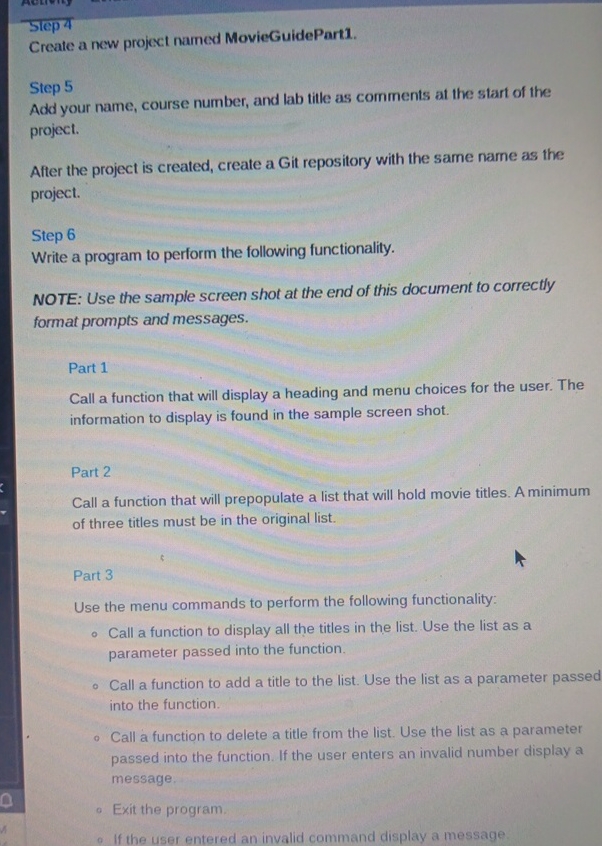
Create a new project named MovieGuidePart
Step
Add your name, course number, and lab title as comments at the start of the project.
After the project is created, create a Git repository with the same name as the project.
Step
Write a program to perform the following functionality.
NOTE: Use the sample screen shot at the end of this document to correctly format prompts and messages.
Part
Call a function that will display a heading and menu choices for the user. The information to display is found in the sample screen shot.
Part
Call a function that will prepopulate a list that will hold movie titles. A minimum of three titles must be in the original list.
Part
Use the menu commands to perform the following functionality:
Call a function to display all the titles in the list. Use the list as a parameter passed into the function.
Call a function to add a title to the list. Use the list as a parameter passed into the function.
Call a function to delete a title from the list. Use the list as a parameter passed into the function. If the user enters an invalid number display a message.
Exit the program.
If the user entered an invalid command display a message.
Step by Step Solution
There are 3 Steps involved in it
1 Expert Approved Answer
Step: 1 Unlock

Question Has Been Solved by an Expert!
Get step-by-step solutions from verified subject matter experts
Step: 2 Unlock
Step: 3 Unlock
 Study Help