







Question: esign Transitions Animations Slide Show Review View Shape Format Layout Callibri (Body) Reset convert to Picture Shapes SmartArt 11A:,.. Styles Box o section. B I
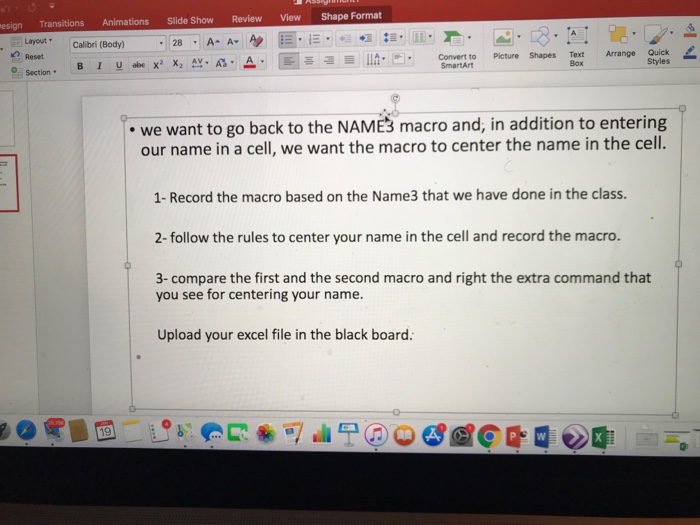
esign Transitions Animations Slide Show Review View Shape Format Layout Callibri (Body) Reset convert to Picture Shapes SmartArt 11A:,.. Styles Box o section. B I -abe x2 x,. A. . we want to go back to the NAME3 macro and, in addition to entering our name in a cell, we want the macro to center the name in the cell. 1- Record the macro based on the Name3 that we have done in the class. 2-follow the rules to center your name in the cell and record the macro. 3- compare the first and the second macro and right the extra command that you see for centering your name. Upload your excel file in the black board. esign Transitions Animations Slide Show Review View Shape Format Layout Callibri (Body) Reset convert to Picture Shapes SmartArt 11A:,.. Styles Box o section. B I -abe x2 x,. A. . we want to go back to the NAME3 macro and, in addition to entering our name in a cell, we want the macro to center the name in the cell. 1- Record the macro based on the Name3 that we have done in the class. 2-follow the rules to center your name in the cell and record the macro. 3- compare the first and the second macro and right the extra command that you see for centering your name. Upload your excel file in the black board
Step by Step Solution
There are 3 Steps involved in it

Get step-by-step solutions from verified subject matter experts
 Study Help