



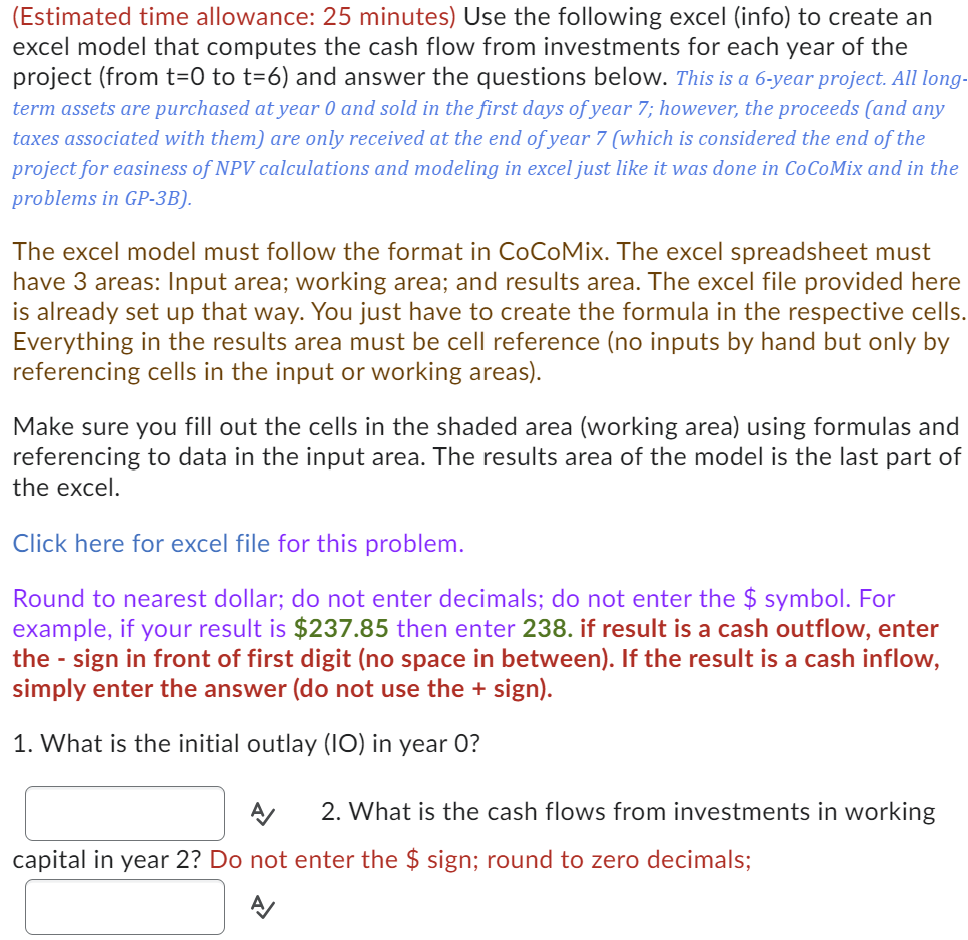
Question: ( Estimated time allowance: 2 5 minutes ) Use the following excel ( info ) to create an excel model that computes the cash flow
Estimated time allowance: minutes Use the following excel info to create an
excel model that computes the cash flow from investments for each year of the
project from to and answer the questions below. This is a year project. All long
term assets are purchased at year and sold in the first days of year ; however, the proceeds and any
taxes associated with them are only received at the end of year which is considered the end of the
project for easiness of NPV calculations and modeling in excel just like it was done in CoCoMix and in the
problems in GPB
The excel model must follow the format in CoCoMix. The excel spreadsheet must
have areas: Input area; working area; and results area. The excel file provided here
is already set up that way. You just have to create the formula in the respective cells.
Everything in the results area must be cell reference no inputs by hand but only by
referencing cells in the input or working areas
Make sure you fill out the cells in the shaded area working area using formulas and
referencing to data in the input area. The results area of the model is the last part of
the excel.
Click here for excel file for this problem.
Round to nearest dollar; do not enter decimals; do not enter the $ symbol. For
example, if your result is $ then enter if result is a cash outflow, enter
the sign in front of first digit no space in between If the result is a cash inflow,
simply enter the answer do not use the sign
What is the initial outlay in year
A What is the cash flows from investments in working
capital in year Do not enter the $ sign; round to zero decimals;
A
Step by Step Solution
There are 3 Steps involved in it
1 Expert Approved Answer
Step: 1 Unlock

Question Has Been Solved by an Expert!
Get step-by-step solutions from verified subject matter experts
Step: 2 Unlock
Step: 3 Unlock