







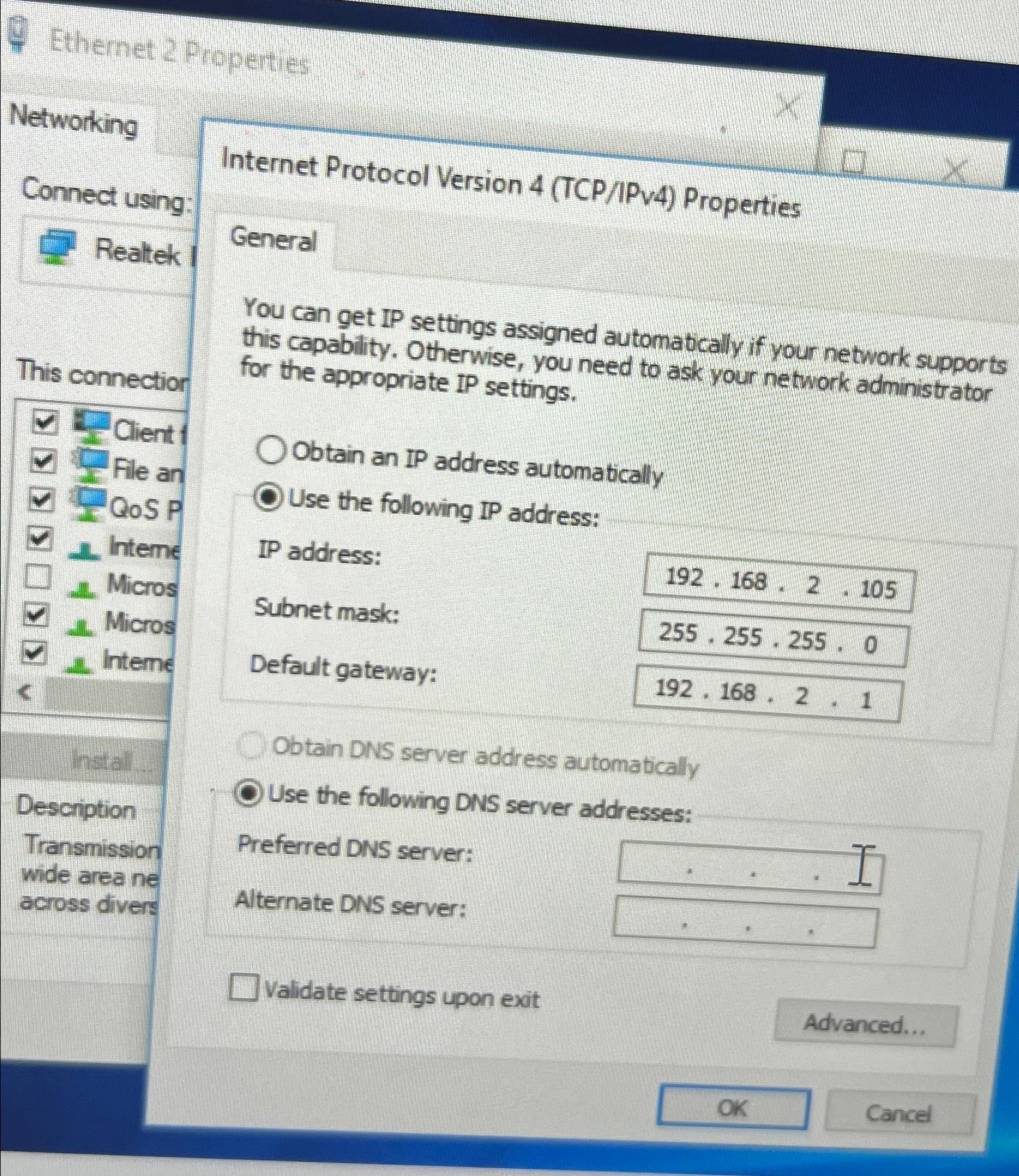
Question: Ethernet 2 Properties Networking Connect using: Realtek This connectior Internet Protocol Version 4 ( TCP / IPv 4 ) Properties General You can get IP
Ethernet Properties
Networking
Connect using:
Realtek
This connectior
Internet Protocol Version TCPIPv Properties
General
You can get IP settings assigned automatically if your network supports this capability. Otherwise, you need to ask your network administrator for the appropriate IP settings.
Obtain an IP address automatically
Use the following IP address:
IP address:
Subnet mask:
Default gateway:
Obtain DNS server address automatically
Use the following DNS server addresses:
Preferred DNS server:
Alternate DNS server:
Validate settings upon exit
Step by Step Solution
There are 3 Steps involved in it
1 Expert Approved Answer
Step: 1 Unlock

Question Has Been Solved by an Expert!
Get step-by-step solutions from verified subject matter experts
Step: 2 Unlock
Step: 3 Unlock
 Study Help