







Question: Example/2: Design the following form using suitable properties , write code to change the Backcolor of Label1 to red when click command1, and change the
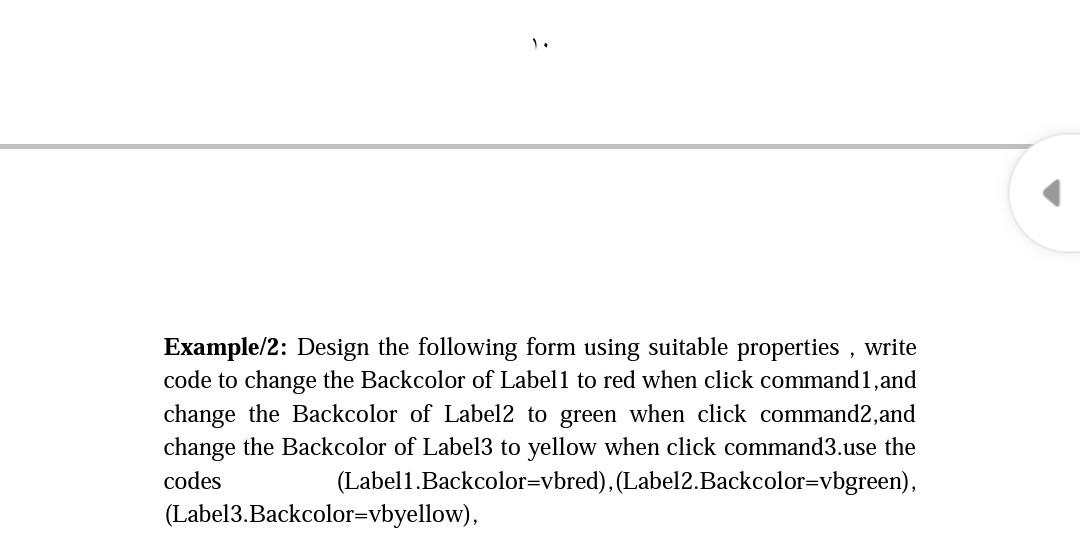
Example/2: Design the following form using suitable properties , write code to change the Backcolor of Label1 to red when click command1, and change the Backcolor of Label2 to green when click command2, and change the Backcolor of Label3 to yellow when click command3.use the codes (Label1.Backcolor=vbred), (Label2.Backcolor=vbgreen), (Label3.Backcolor=vbyellow), Example/2: Design the following form using suitable properties , write code to change the Backcolor of Label1 to red when click command1, and change the Backcolor of Label2 to green when click command2, and change the Backcolor of Label3 to yellow when click command3.use the codes (Label1.Backcolor=vbred), (Label2.Backcolor=vbgreen), (Label3.Backcolor=vbyellow)
Step by Step Solution
There are 3 Steps involved in it

Get step-by-step solutions from verified subject matter experts
 Study Help