







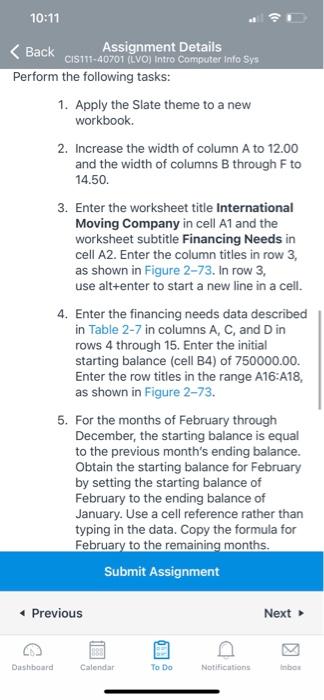
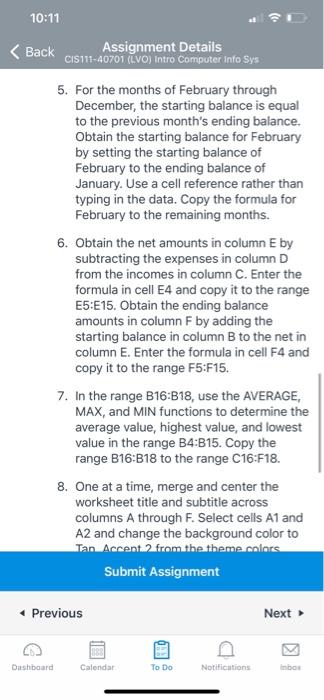
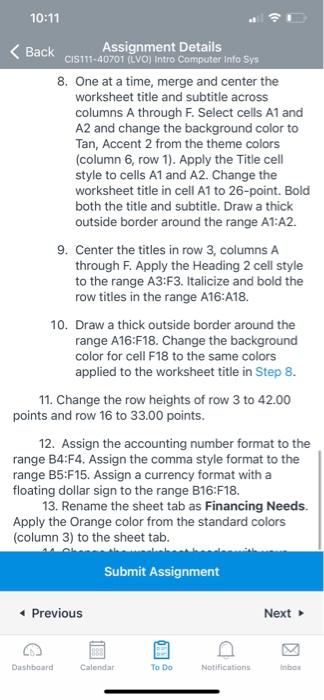
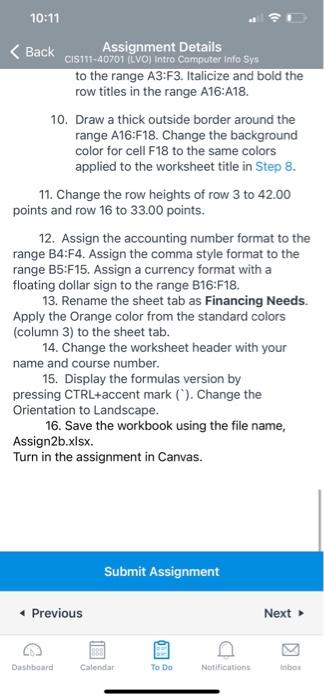
Question: excel 9:40 g: 40 < Back Assignment Details perform the following tasks: . Apply the Slate theme to a new workbook. 2, Increase the width
9:40
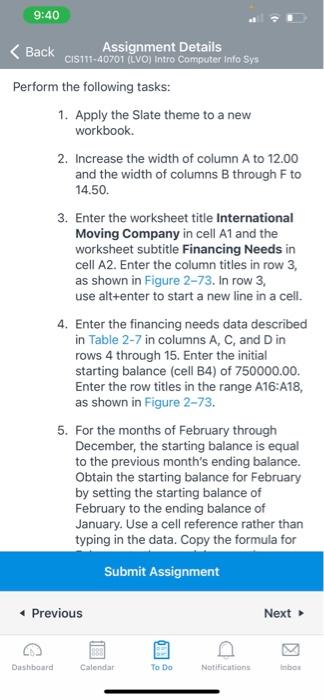
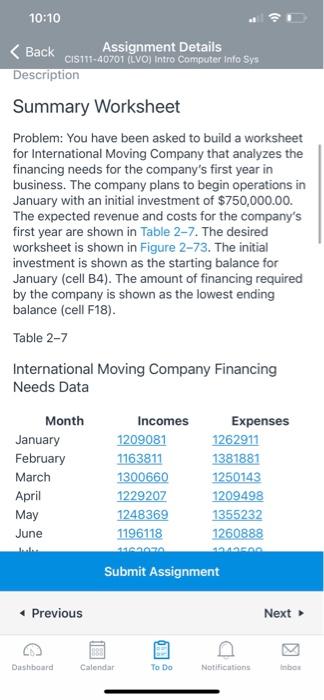
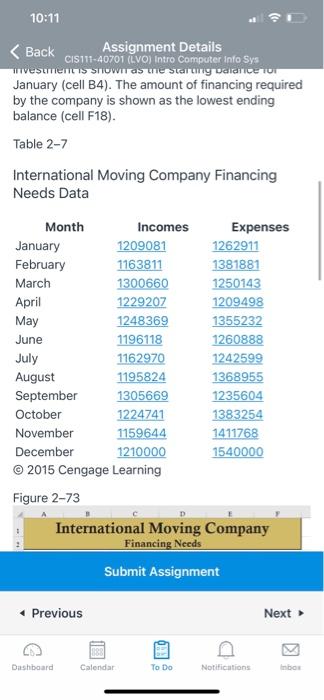
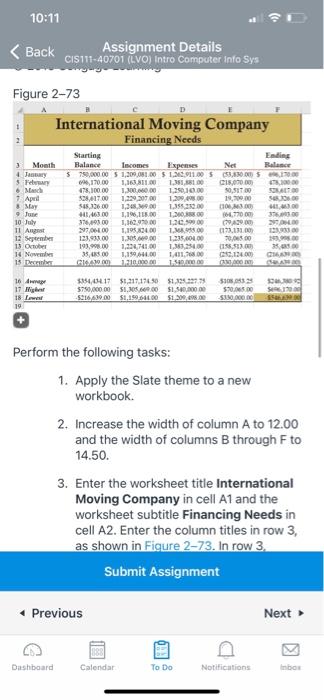
g: 40 < Back Assignment Details perform the following tasks: . Apply the Slate theme to a new workbook. 2, Increase the width of column A to 12.00 and the width of columns B through F to 14.50. Enter the worksheet title International 3. Moving Company in cell A1 and the worksheet subtitle Financing Needs in cell A2. Enter the column titles in row 3, as shown in Figure 2-73. In row 3. use alt+enter to Start a new line in a cell. Enter the financing needs data described in Table 2-7 in columns A, C, D in rows 4 through 15. Enter the initial starting balance (cell B4) Of 75000000. Enter the row titles in the range A16:A14 as shown in Figure 273. 5. For the months of February through December, the starting balance is equal to the previous month's ending balance. Obtain the starting balance for February by setting the starting balance of February to the ending balance of January. use a cell reference rather than typing in the data. Copy the formula for Submit Assignment previous Next
Step by Step Solution
There are 3 Steps involved in it

Get step-by-step solutions from verified subject matter experts
 Study Help