



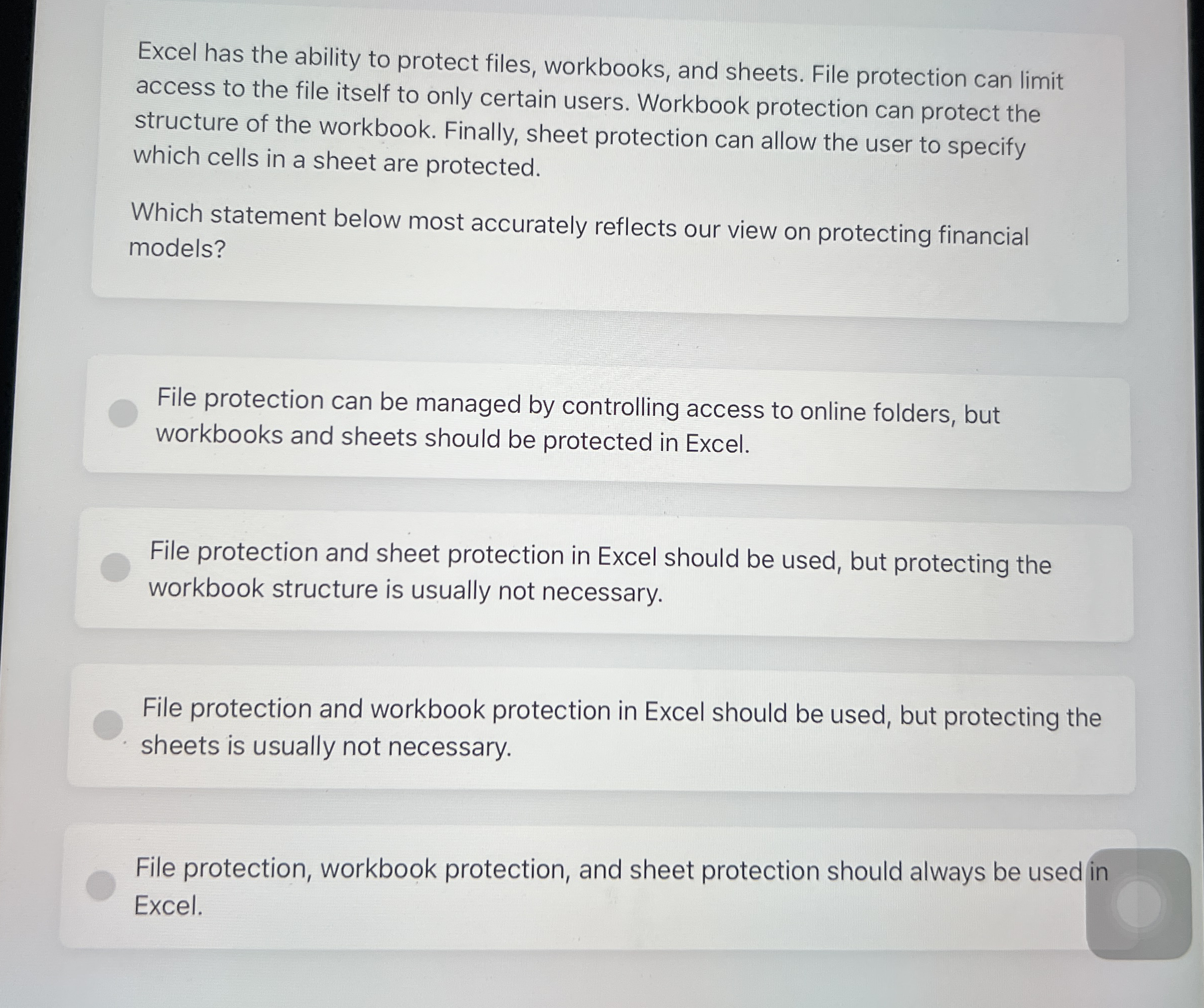
Question: Excel has the ability to protect files, workbooks, and sheets. File protection can limit access to the file itself to only certain users. Workbook protection
Excel has the ability to protect files, workbooks, and sheets. File protection can limit
access to the file itself to only certain users. Workbook protection can protect the
structure of the workbook. Finally, sheet protection can allow the user to specify
which cells in a sheet are protected.
Which statement below most accurately reflects our view on protecting financial
models?
File protection can be managed by controlling access to online folders, but
workbooks and sheets should be protected in Excel.
File protection and sheet protection in Excel should be used, but protecting the
workbook structure is usually not necessary.
File protection and workbook protection in Excel should be used, but protecting the
sheets is usually not necessary.
File protection, workbook protection, and sheet protection should always be used in
Excel.
Excel has the ability to protect files, workbooks, and sheets. File protection can limit
access to the file itself to only certain users. Workbook protection can protect the
structure of the workbook. Finally, sheet protection can allow the user to specify
which cells in a sheet are protected.
Which statement below most accurately reflects our view on protecting financial
models?
File protection can be managed by controlling access to online folders, but
workbooks and sheets should be protected in Excel.
File protection and sheet protection in Excel should be used, but protecting the
workbook structure is usually not necessary.
File protection and workbook protection in Excel should be used, but protecting the
sheets is usually not necessary.
File protection, workbook protection, and sheet protection should always be used in
Excel.
Step by Step Solution
There are 3 Steps involved in it
1 Expert Approved Answer
Step: 1 Unlock

Question Has Been Solved by an Expert!
Get step-by-step solutions from verified subject matter experts
Step: 2 Unlock
Step: 3 Unlock