







Question: Excel Instructions: - Complete each question in MS Excel on a separate worksheet in the sequence of the assignment questions. - Ensure that the relevant
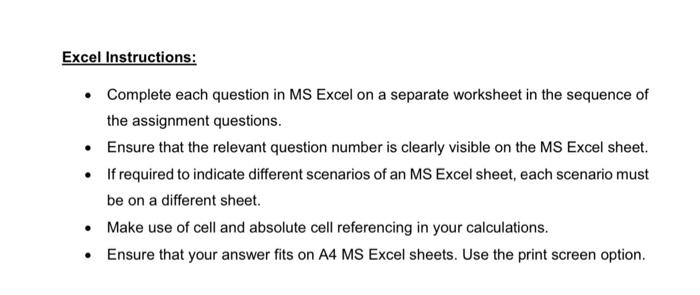
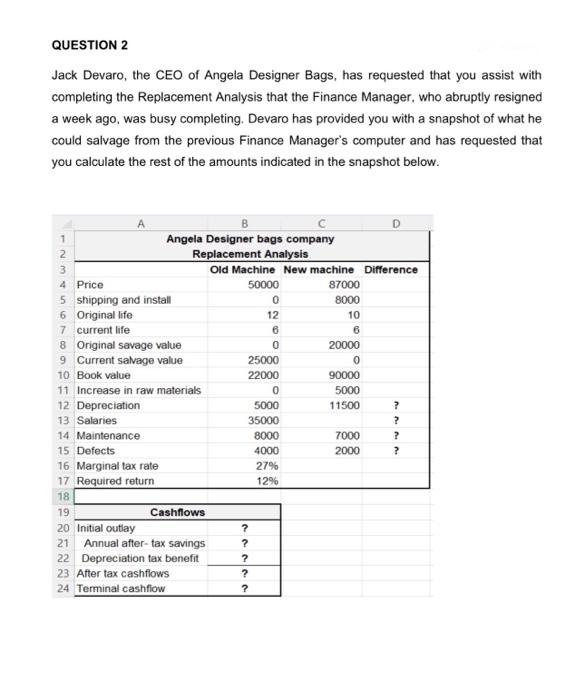
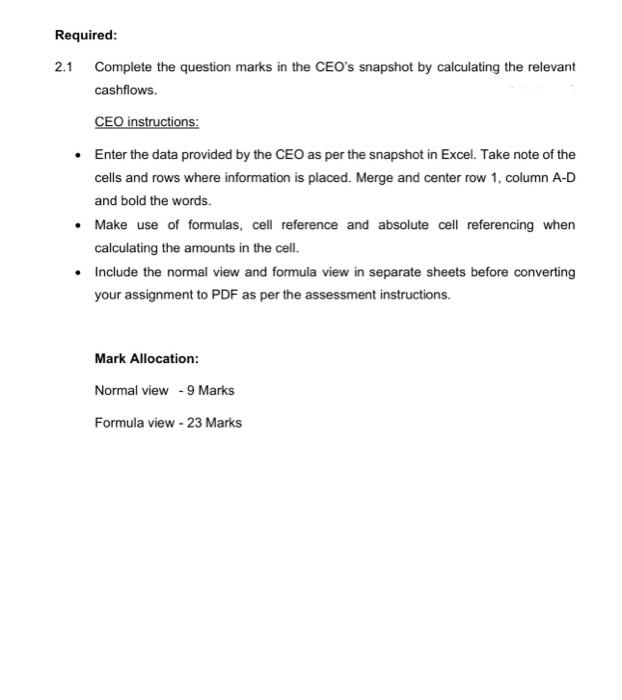
Excel Instructions: - Complete each question in MS Excel on a separate worksheet in the sequence of the assignment questions. - Ensure that the relevant question number is clearly visible on the MS Excel sheet. - If required to indicate different scenarios of an MS Excel sheet, each scenario must be on a different sheet. - Make use of cell and absolute cell referencing in your calculations. - Ensure that your answer fits on A4 MS Excel sheets. Use the print screen option. QUESTION 2 Jack Devaro, the CEO of Angela Designer Bags, has requested that you assist with completing the Replacement Analysis that the Finance Manager, who abruptly resigned a week ago, was busy completing. Devaro has provided you with a snapshot of what he could salvage from the previous Finance Manager's computer and has requested that you calculate the rest of the amounts indicated in the snapshot below. Required: 2.1 Complete the question marks in the CEO's snapshot by calculating the relevant cashflows. CEO instructions: - Enter the data provided by the CEO as per the snapshot in Excel. Take note of the cells and rows where information is placed. Merge and center row 1, column A-D and bold the words. - Make use of formulas, cell reference and absolute cell referencing when calculating the amounts in the cell. - Include the normal view and formula view in separate sheets before converting your assignment to PDF as per the assessment instructions
Step by Step Solution
There are 3 Steps involved in it

Get step-by-step solutions from verified subject matter experts
 Study Help