







Question: EXCEL Lab 1-Good Spreadsheet Design Goal: Create a spreadsheet using Good Design Principles. The spreadsheet is a simple income statement forecast. The main objective
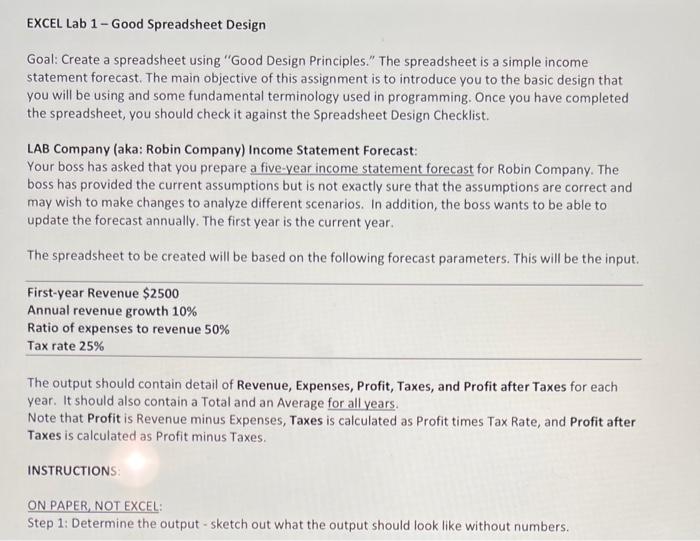
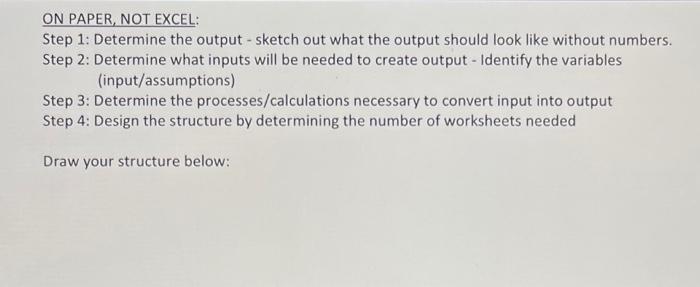
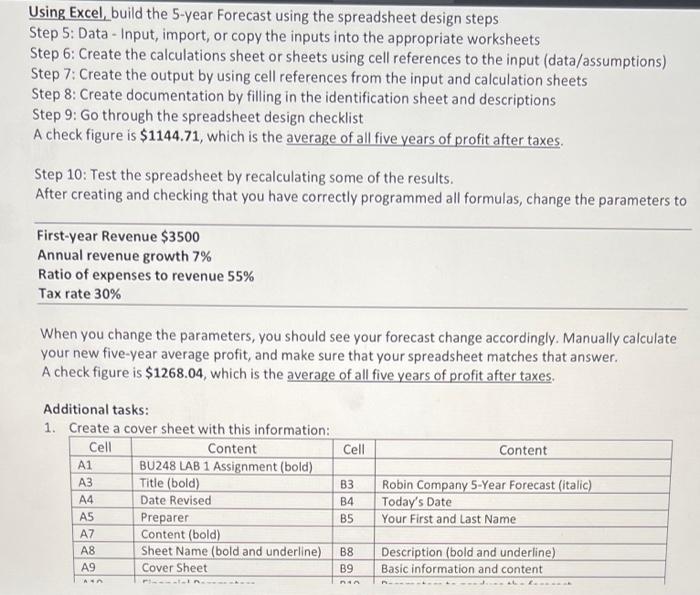
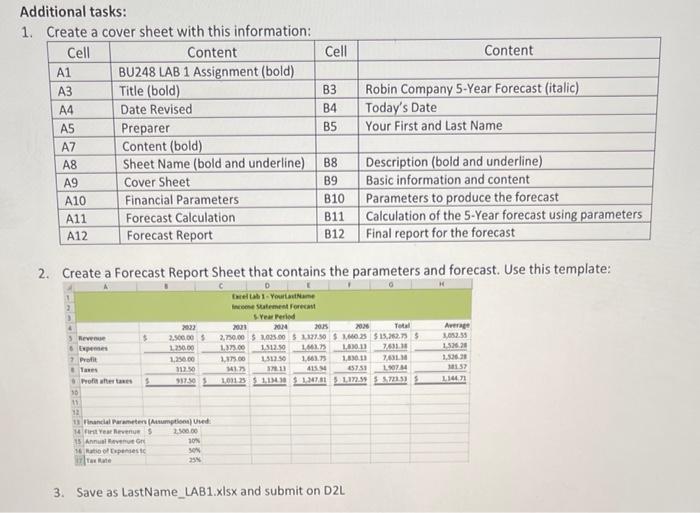
EXCEL Lab 1-Good Spreadsheet Design Goal: Create a spreadsheet using "Good Design Principles." The spreadsheet is a simple income statement forecast. The main objective of this assignment is to introduce you to the basic design that you will be using and some fundamental terminology used in programming. Once you have completed the spreadsheet, you should check it against the Spreadsheet Design Checklist. LAB Company (aka: Robin Company) Income Statement Forecast: Your boss has asked that you prepare a five-year income statement forecast for Robin Company. The boss has provided the current assumptions but is not exactly sure that the assumptions are correct and may wish to make changes to analyze different scenarios. In addition, the boss wants to be able to update the forecast annually. The first year is the current year. The spreadsheet to be created will be based on the following forecast parameters. This will be the input. First-year Revenue $2500 Annual revenue growth 10% Ratio of expenses to revenue 50% Tax rate 25% The output should contain detail of Revenue, Expenses, Profit, Taxes, and Profit after Taxes for each year. It should also contain a Total and an Average for all years. Note that Profit is Revenue minus Expenses, Taxes is calculated as Profit times Tax Rate, and Profit after Taxes is calculated as Profit minus Taxes. INSTRUCTIONS: ON PAPER, NOT EXCEL: Step 1: Determine the output - sketch out what the output should look like without numbers.
Step by Step Solution
There are 3 Steps involved in it

Get step-by-step solutions from verified subject matter experts
 Study Help