







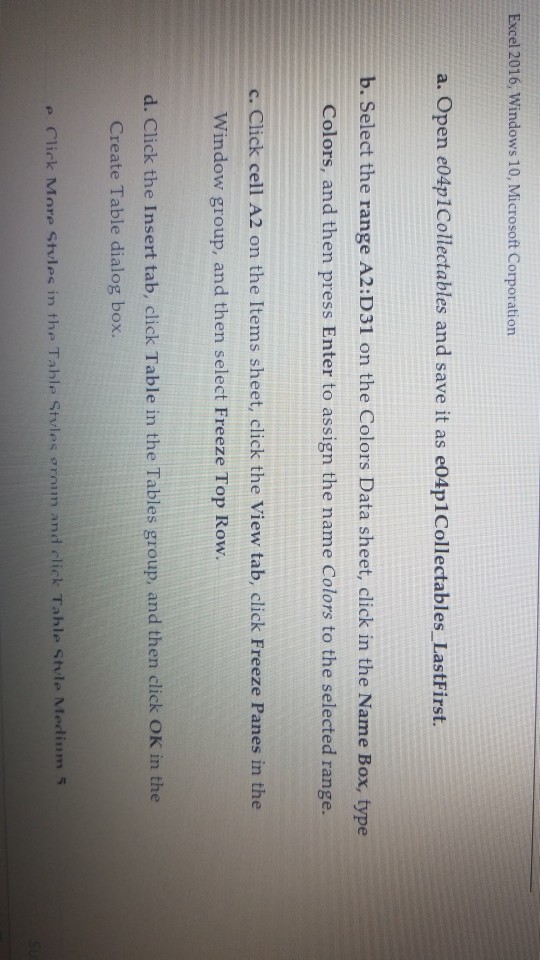
Question: excel question Excel 2016, Windows 10, Microsoft Corporation a. Open e04p1Collectables and save it as e04p1Collectables LastFirst. b. Select the range A2:D31 on the Colors


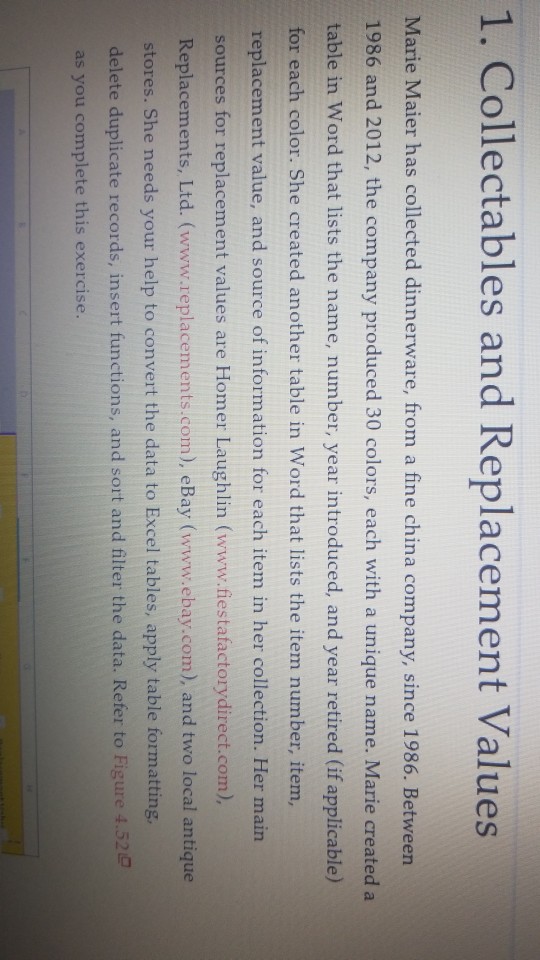
excel question
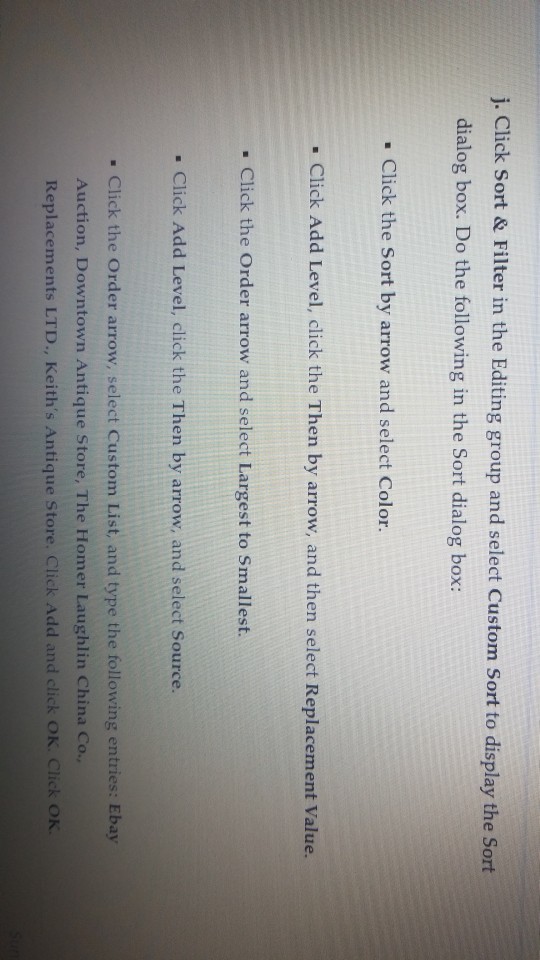
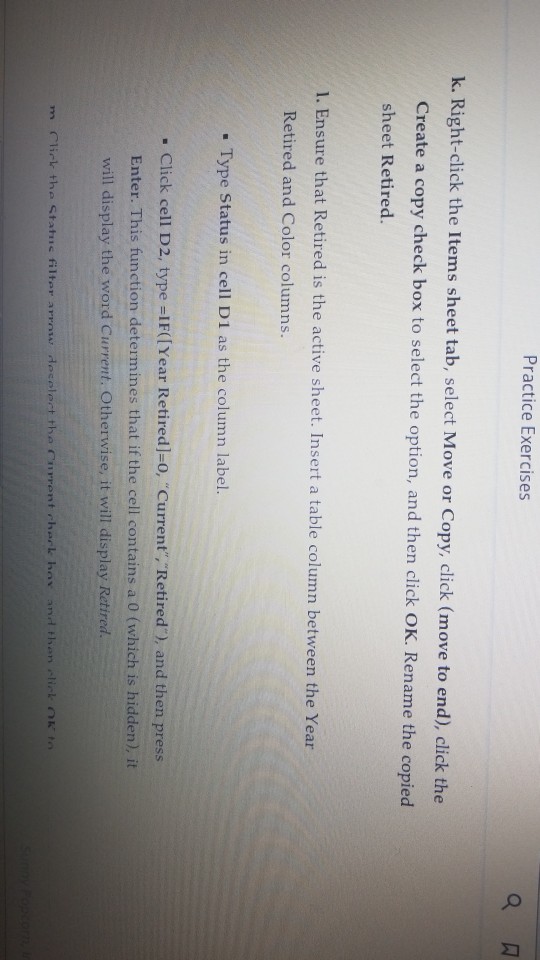
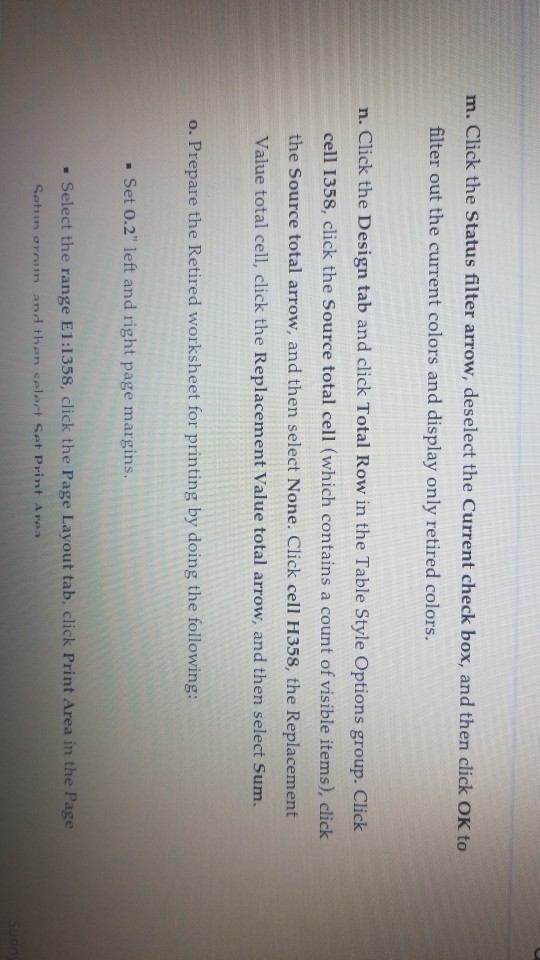
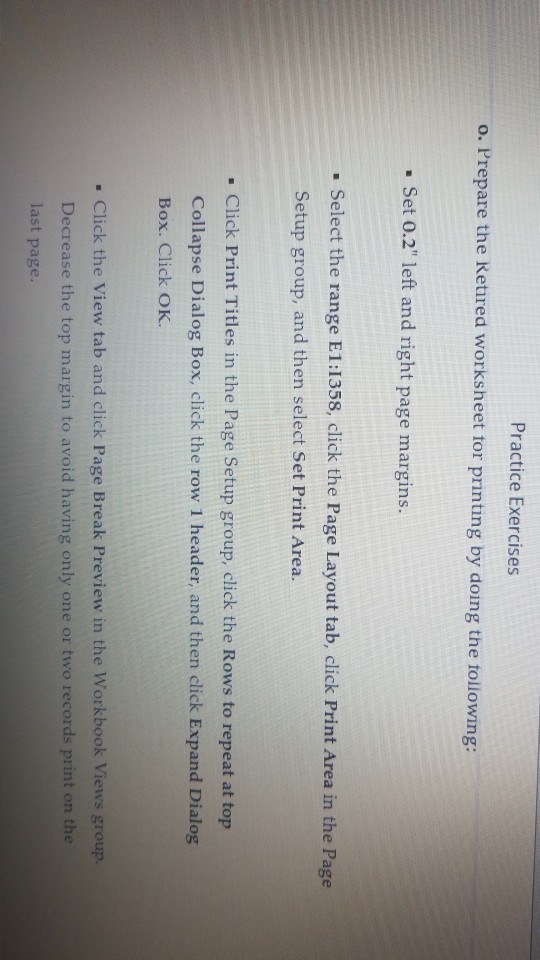
Excel 2016, Windows 10, Microsoft Corporation a. Open e04p1Collectables and save it as e04p1Collectables LastFirst. b. Select the range A2:D31 on the Colors Data sheet, click in the Name Box, type Colors, and then press Enter to assign the name Colors to the selected range. c. Click cell A2 on the Items sheet, click the View tab, click Freeze Panes in the Window group, and then select Freeze Top Row. d. Click the Insert tab, click Table in the Tables group, and then click OK in the Create Table dialog box. e C??rk Mnre stvles in the Tahle Styles orni and click Tahle stvle Medin", 5
Step by Step Solution
There are 3 Steps involved in it
1 Expert Approved Answer
Step: 1 Unlock

Question Has Been Solved by an Expert!
Get step-by-step solutions from verified subject matter experts
Step: 2 Unlock
Step: 3 Unlock
 Study Help