







Question: Excel Tutorial During the course of validating the information on the given spreadsheet with the source, you realize that you need to make some modifications
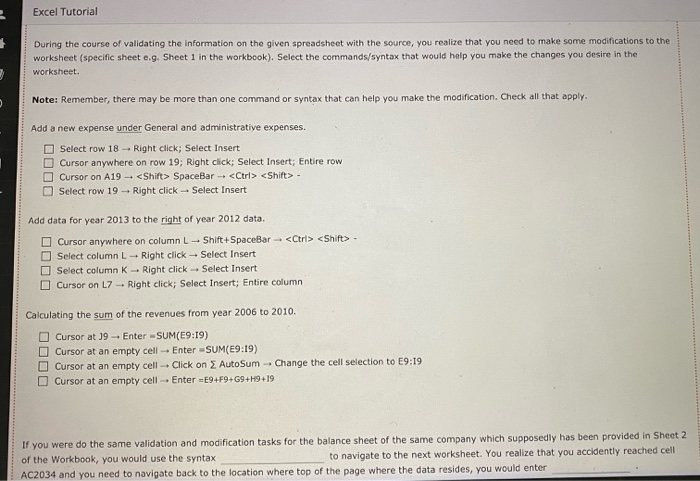
Excel Tutorial During the course of validating the information on the given spreadsheet with the source, you realize that you need to make some modifications to the worksheet (specific sheet e.g. Sheet 1 in the workbook). Select the commands/syntax that would help you make the changes you desire in the worksheet. Note: Remember, there may be more than one command or syntax that can help you make the modification. Check all that apply. Add a new expense under General and administrative expenses. Select row 18 - Right click; Select Insert Cursor anywhere on row 19; Right click; Select Insert; Entire row Cursor on A19 -
Step by Step Solution
There are 3 Steps involved in it

Get step-by-step solutions from verified subject matter experts
 Study Help