







Question: Exercise 1 3 - 1 Test the Fibonacci program In this exercise, you'll test the recursive function that prints part of the Fibonacci series. Then,
Exercise Test the Fibonacci program
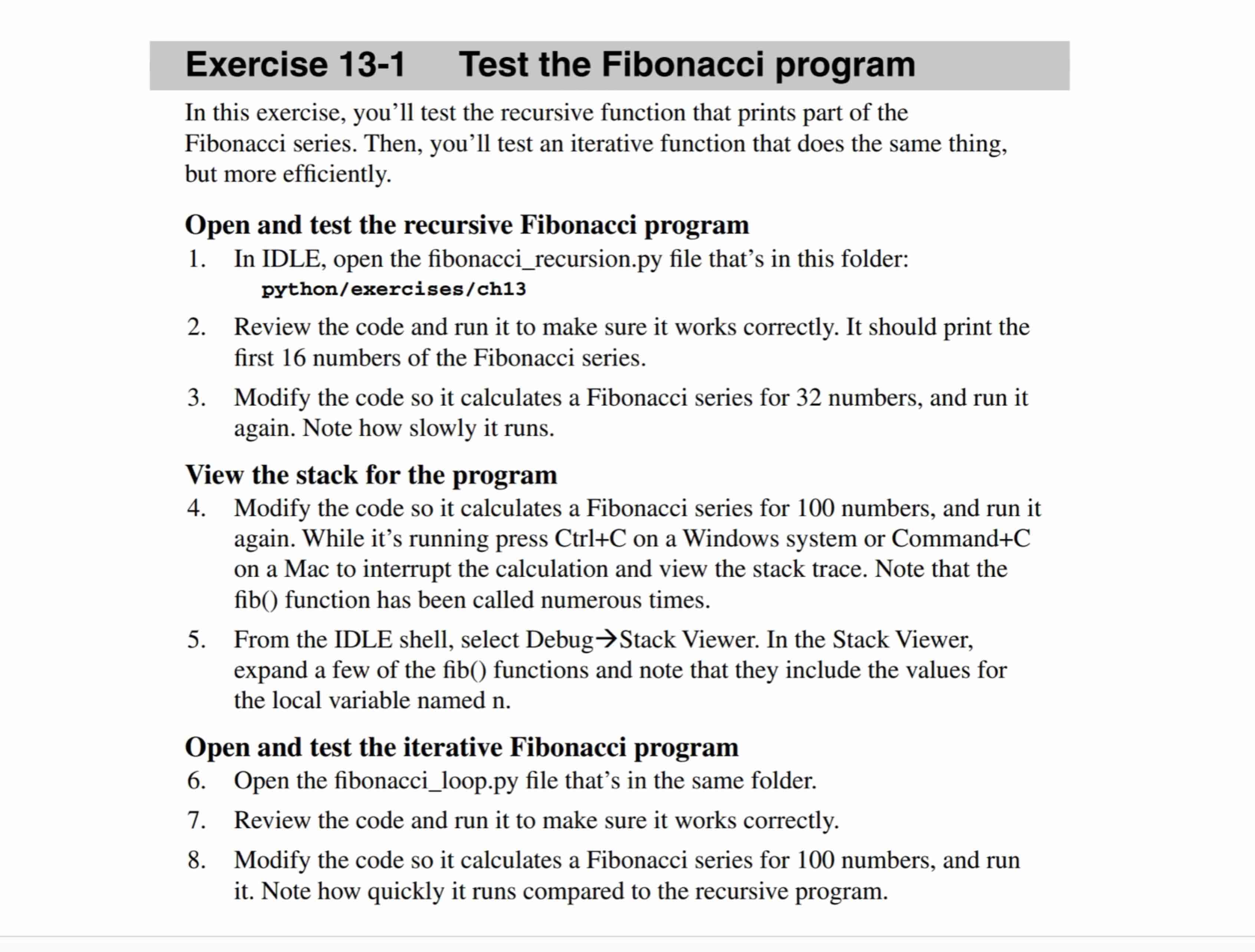
In this exercise, you'll test the recursive function that prints part of the Fibonacci series. Then, you'll test an iterative function that does the same thing, but more efficiently.
Open and test the recursive Fibonacci program
In IDLE, open the fibonaccirecursion.py file that's in this folder: pythonexercisesch
Review the code and run it to make sure it works correctly. It should print the first numbers of the Fibonacci series.
Modify the code so it calculates a Fibonacci series for numbers, and run it again. Note how slowly it runs.
View the stack for the program
Modify the code so it calculates a Fibonacci series for numbers, and run it again. While it's running press CtrlC on a Windows system or CommandC on a Mac to interrupt the calculation and view the stack trace. Note that the fib function has been called numerous times.
From the IDLE shell, select Debug rightarrow Stack Viewer. In the Stack Viewer, expand a few of the fib functions and note that they include the values for the local variable named n
Open and test the iterative Fibonacci program
Open the fibonacciloop.py file that's in the same folder.
Review the code and run it to make sure it works correctly.
Modify the code so it calculates a Fibonacci series for numbers, and run it Note how quickly it runs compared to the recursive program.
Step by Step Solution
There are 3 Steps involved in it
1 Expert Approved Answer
Step: 1 Unlock

Question Has Been Solved by an Expert!
Get step-by-step solutions from verified subject matter experts
Step: 2 Unlock
Step: 3 Unlock
 Study Help