







Question: Exercise 1: Use vi to create a file with name table1.txt with following content. fruit amount price apple 10 $20 banana 20 $20 grape 5
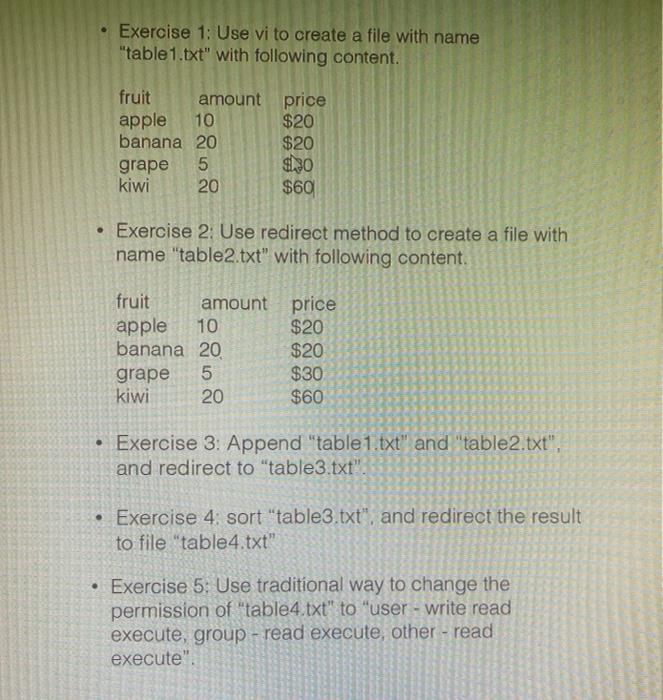
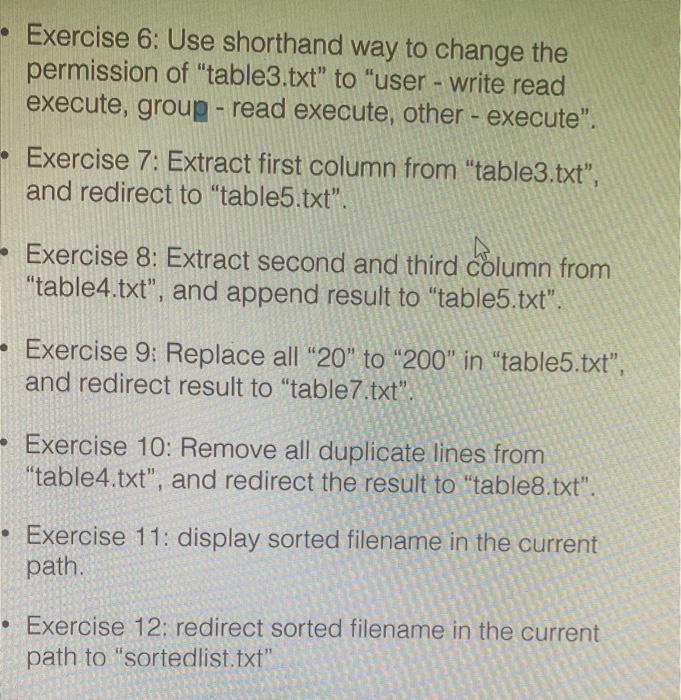
Exercise 1: Use vi to create a file with name "table1.txt" with following content. fruit amount price apple 10 $20 banana 20 $20 grape 5 9h30 kiwi 20 $60 Exercise 2: Use redirect method to create a file with name "table2.txt" with following content. fruit amount price apple 10 $20 banana 20 $20 grape 5 $30 kiwi 20 $60 Exercise 3: Append "table1.txt" and "table2.txt", and redirect to "table3.txt". Exercise 4: sort "table3.txt", and redirect the result to file "table4.txt" . Exercise 5: Use traditional way to change the permission of "table4.txt" to "user - write read execute, group - read execute, other - read execute". Exercise 6: Use shorthand way to change the permission of "table3.txt" to "user - write read execute, group - read execute, other - execute". Exercise 7: Extract first column from "table3.txt", and redirect to "table5.txt". - Exercise 8: Extract second and third column from "table4.txt", and append result to "table5.txt". - Exercise 9: Replace all "20" to "200" in "table5.txt", and redirect result to "table7.txt" Exercise 10: Remove all duplicate lines from "table4.txt", and redirect the result to "table8.txt". Exercise 11: display sorted filename in the current path. Exercise 12: redirect sorted filename in the current path to "sortedlist.txt
Step by Step Solution
There are 3 Steps involved in it

Get step-by-step solutions from verified subject matter experts
 Study Help