







Question: Exercise 1 Write a function called insertion_sort that takes a list of strings as it's only input parameter. In this function you will implement the
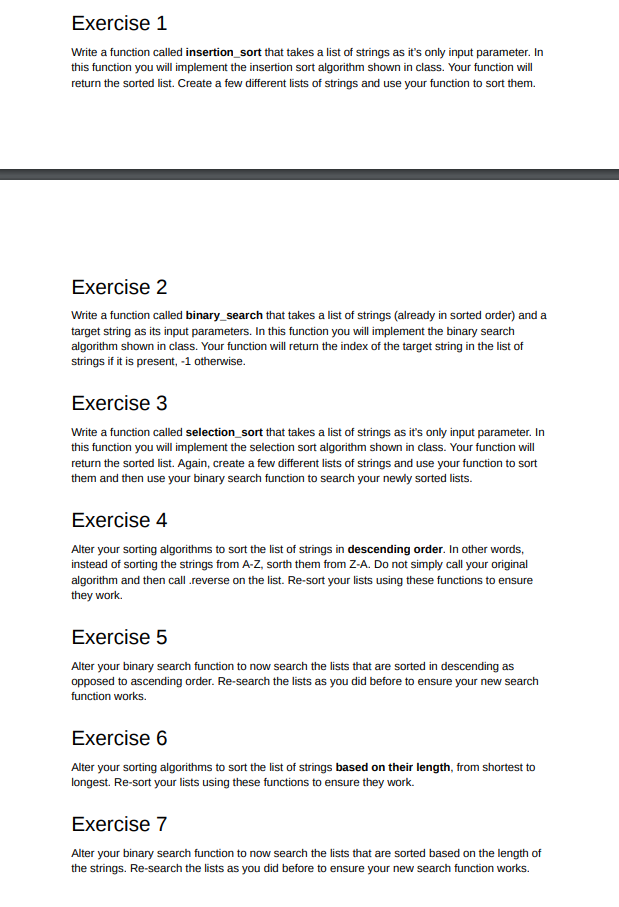
Exercise 1 Write a function called insertion_sort that takes a list of strings as it's only input parameter. In this function you will implement the insertion sort algorithm shown in class. Your function will return the sorted list. Create a few different lists of strings and use your function to sort them. Exercise 2 Write a function called binary_search that takes a list of strings (already in sorted order) and a target string as its input parameters. In this function you will implement the binary search algorithm shown in class. Your function will return the index of the target string in the list of strings if it is present,-1 otherwise Exercise 3 Write a function called selection_sort that takes a list of strings as it's only input parameter. In this function you will implement the selection sort algorithm shown in class. Your function will return the sorted list. Again, create a few different lists of strings and use your function to sot them and then use your binary search function to search your newly sorted lists. Exercise 4 Alter your sorting algorithms to sort the list of strings in descending order. In other words, instead of sorting the strings from A-Z, sorth them from Z-A. Do not simply call your original algorithm and then call .reverse on the list. Re-sort your lists using these functions to ensure they work. Exercise 5 Alter your binary search function to now search the lists that are sorted in descending as opposed to ascending order. Re-search the lists as you did before to ensure your new search function works. Exercise 6 Alter your sorting algorithms to sort the list of strings based on their length, from shortest to longest. Re-sort your lists using these functions to ensure they work. Exercise 7 Alter your binary search function to now search the lists that are sorted based on the length of the strings. Re-search the lists as you did before to ensure your new search function works
Step by Step Solution
There are 3 Steps involved in it

Get step-by-step solutions from verified subject matter experts
 Study Help