







Question: Exercise 2 Data entry, formulas, relative and absolute copying and Graphing, make your own spreadsheet to create a demand and supply curve using the following
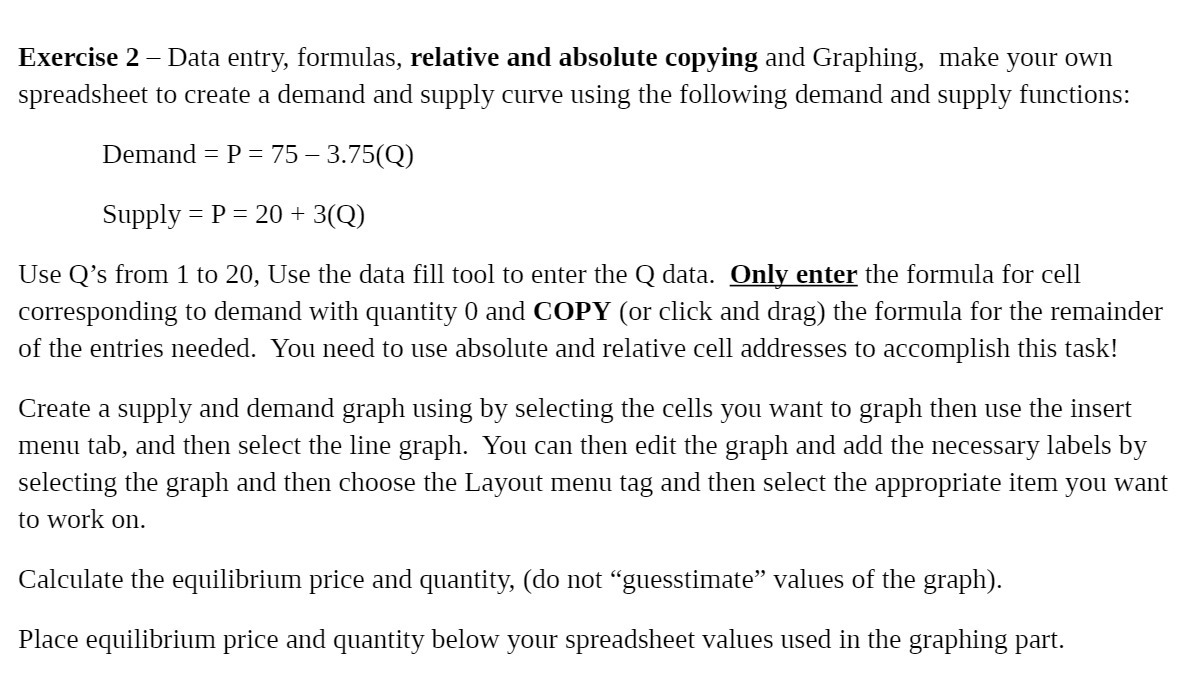
Exercise 2 Data entry, formulas, relative and absolute copying and Graphing, make your own spreadsheet to create a demand and supply curve using the following demand and supply functions: Demand : P : 7S 3.75(Q) Supply = P : 20 + 3(Q) Use Q's from 1 to 20, Use the data fill tool to enter the Q data. Only enter the formula for cell corresponding to demand with quantity 0 and COPY (or click and drag) the formula for the remainder of the entries needed. You need to use absolute and relative cell addresses to accomplish this task! Create a supply and demand graph using by selecting the cells you want to graph then use the insert menu tab, and then select the line graph. You can then edit the graph and add the necessary labels by selecting the graph and then choose the Layout menu tag and then select the appropriate item you want to work on. Calculate the equilibrium price and quantity, (do not \"guesstimate\" values of the graph). Place equilibrium price and quantity below your spreadsheet values used in the graphing part
Step by Step Solution
There are 3 Steps involved in it

Get step-by-step solutions from verified subject matter experts
 Study Help