







Question: EXERCISE 2.6 1. Recreate a worksheet exactly the same as the worksheet in Fig. 2.5.8. 2. Try to insert two new rows in row numbers
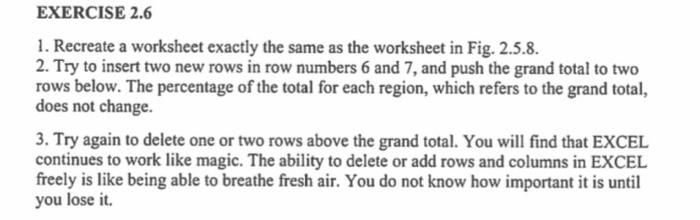
EXERCISE 2.6 1. Recreate a worksheet exactly the same as the worksheet in Fig. 2.5.8. 2. Try to insert two new rows in row numbers 6 and 7, and push the grand total to two rows below. The percentage of the total for each region, which refers to the grand total, does not change. 3. Try again to delete one or two rows above the grand total. You will find that EXCEL continues to work like magic. The ability to delete or add rows and columns in EXCEL freely is like being able to breathe fresh air. You do not know how important it is until you lose it EXERCISE 2.6 1. Recreate a worksheet exactly the same as the worksheet in Fig. 2.5.8. 2. Try to insert two new rows in row numbers 6 and 7, and push the grand total to two rows below. The percentage of the total for each region, which refers to the grand total, does not change. 3. Try again to delete one or two rows above the grand total. You will find that EXCEL continues to work like magic. The ability to delete or add rows and columns in EXCEL freely is like being able to breathe fresh air. You do not know how important it is until you lose it
Step by Step Solution
There are 3 Steps involved in it

Get step-by-step solutions from verified subject matter experts
 Study Help