







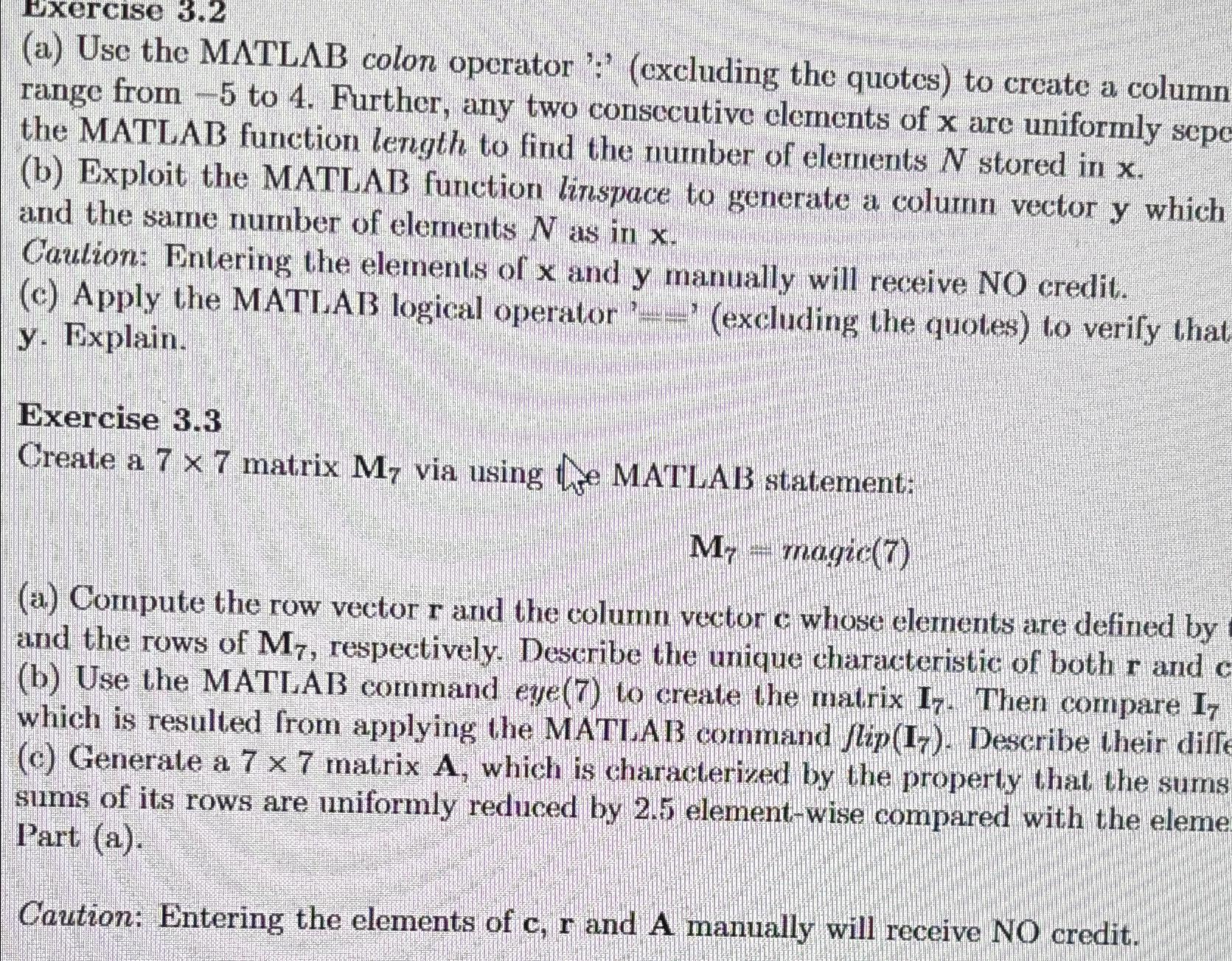
Question: Exercise 3 . 2 ( a ) Use the MATL B colon operator ' : ' ( excluding the quotes ) to create a column
Exercise
a Use the MATL colon operator :excluding the quotes to create a column range from to Further, any two consccutive elements of are uniformly sepe the MATLAB function length to find the number of elements stored in
b Exploit the MATLAB function linspace to generate a column vector which and the same number of elements as in
Caution: Entering the elements of and manually will receive NO credit.
c Apply the MATIAB logical operator excluding the quotes to verify that y Explain.
Exercise
Create a matrix via using the MATLAB statement:
magic
a Compute the row vector and the column vector whose elements are defined by and the rows of respectively. Describe the unique characteristic of both and b Use the MATIAB command eye to create the matrix Then compare which is resulted from applying the MATL,AB command lip Deseribe their diff c Generate a matrix which is characterized by the property that the sums sums of its rows are uniformly reduced by elementwise compared with the eleme Part a
Caution: Entering the elements of and A manually will receive NO credit.
Step by Step Solution
There are 3 Steps involved in it
1 Expert Approved Answer
Step: 1 Unlock

Question Has Been Solved by an Expert!
Get step-by-step solutions from verified subject matter experts
Step: 2 Unlock
Step: 3 Unlock
 Study Help