







Question: Exercise 3: Stack AIM: A stack behaves like a real-world stack such as a pile of plates that allows operations at one end only. For
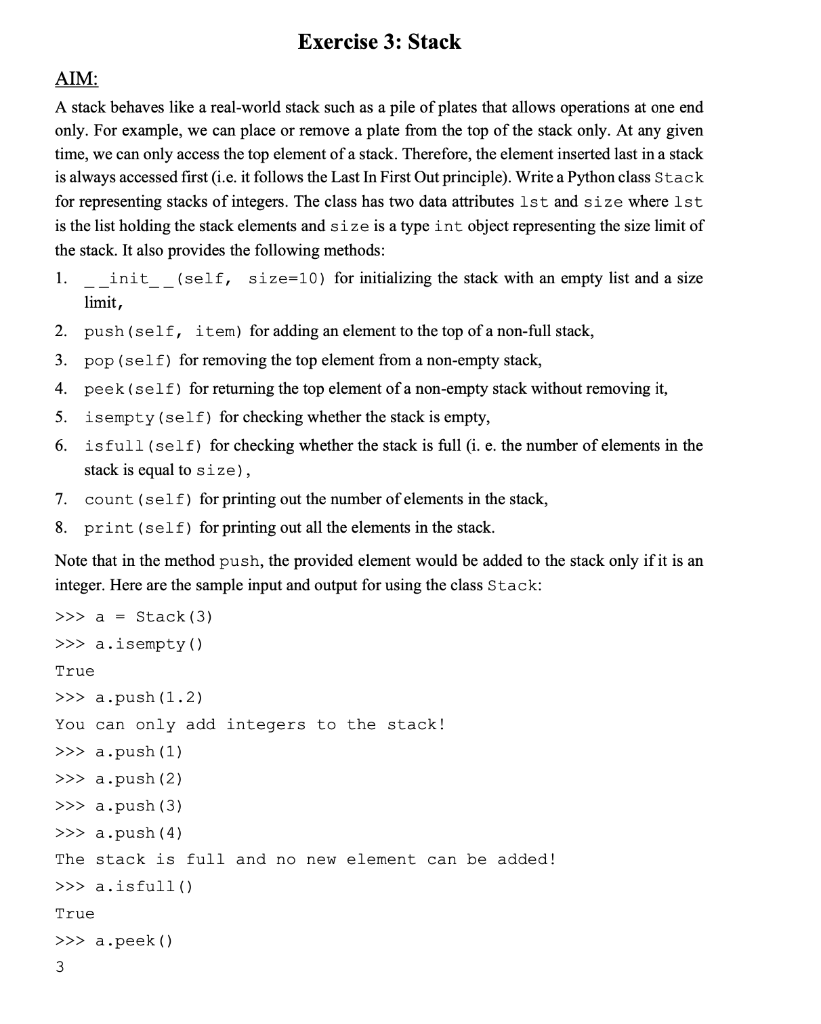
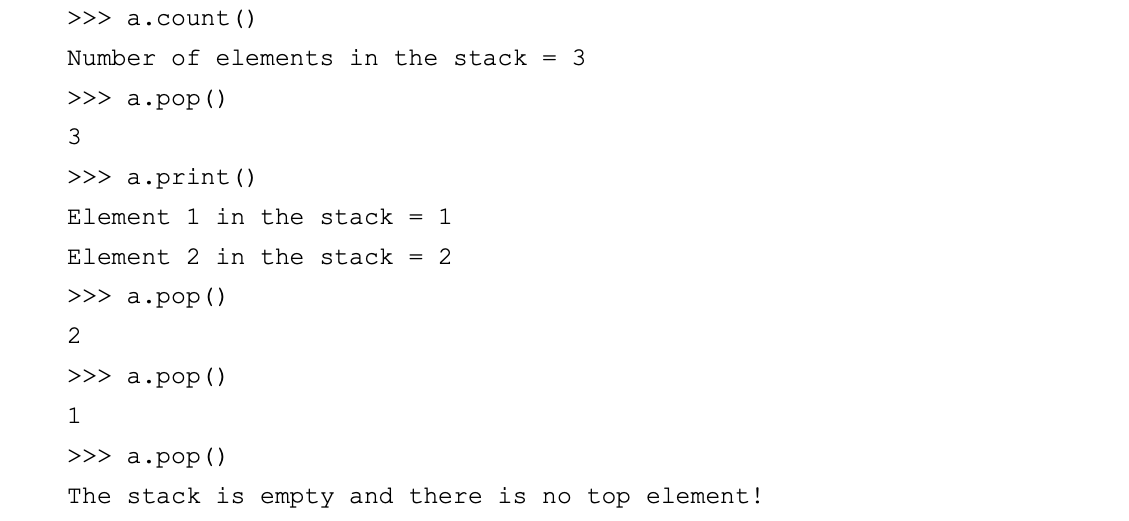
Exercise 3: Stack AIM: A stack behaves like a real-world stack such as a pile of plates that allows operations at one end only. For example, we can place or remove a plate from the top of the stack only. At any given time, we can only access the top element of a stack. Therefore, the element inserted last in a stack is always accessed first (i.e. it follows the Last In First Out principle). Write a Python class Stack for representing stacks of integers. The class has two data attributes lst and size where lst is the list holding the stack elements and size is a type int object representing the size limit of the stack. It also provides the following methods: 1. ___init__(self, size=10) for initializing the stack with an empty list and a size limit, 2. push (self, item) for adding an element to the top of a non-full stack, 3. pop (self) for removing the top element from a non-empty stack, 4. peek (self) for returning the top element of a non-empty stack without removing it, 5. isempty (self) for checking whether the stack is empty, 6. isfull (self) for checking whether the stack is full (i. e. the number of elements in the stack is equal to size), 7. count (self) for printing out the number of elements in the stack, 8. print (self) for printing out all the elements in the stack. Note that in the method push, the provided element would be added to the stack only if it is an integer. Here are the sample input and output for using the class Stack: >a=Stack(3)>aisempty() True > a.push (1.2) You can only add integers to the stack! > a.push (1) >>> a.push (2) > a.push (3) > a.push (4) The stack is full and no new element can be added! > a.isfull() True >apeek() 3 >> a.count () Number of elements in the stack =3 >> a.pop() 3 >> a.print() Element 1 in the stack =1 Element 2 in the stack =2 >> a.pop() 2 >>> a.pop() 1 >>> a.pop () The stack is empty and there is no top element
Step by Step Solution
There are 3 Steps involved in it

Get step-by-step solutions from verified subject matter experts
 Study Help