







Question: Exercise o Using terminal commands 1. Navigate to the folder you want your EECS168-lab01 folder to be in 2. Create your labo1 folder 3. Create
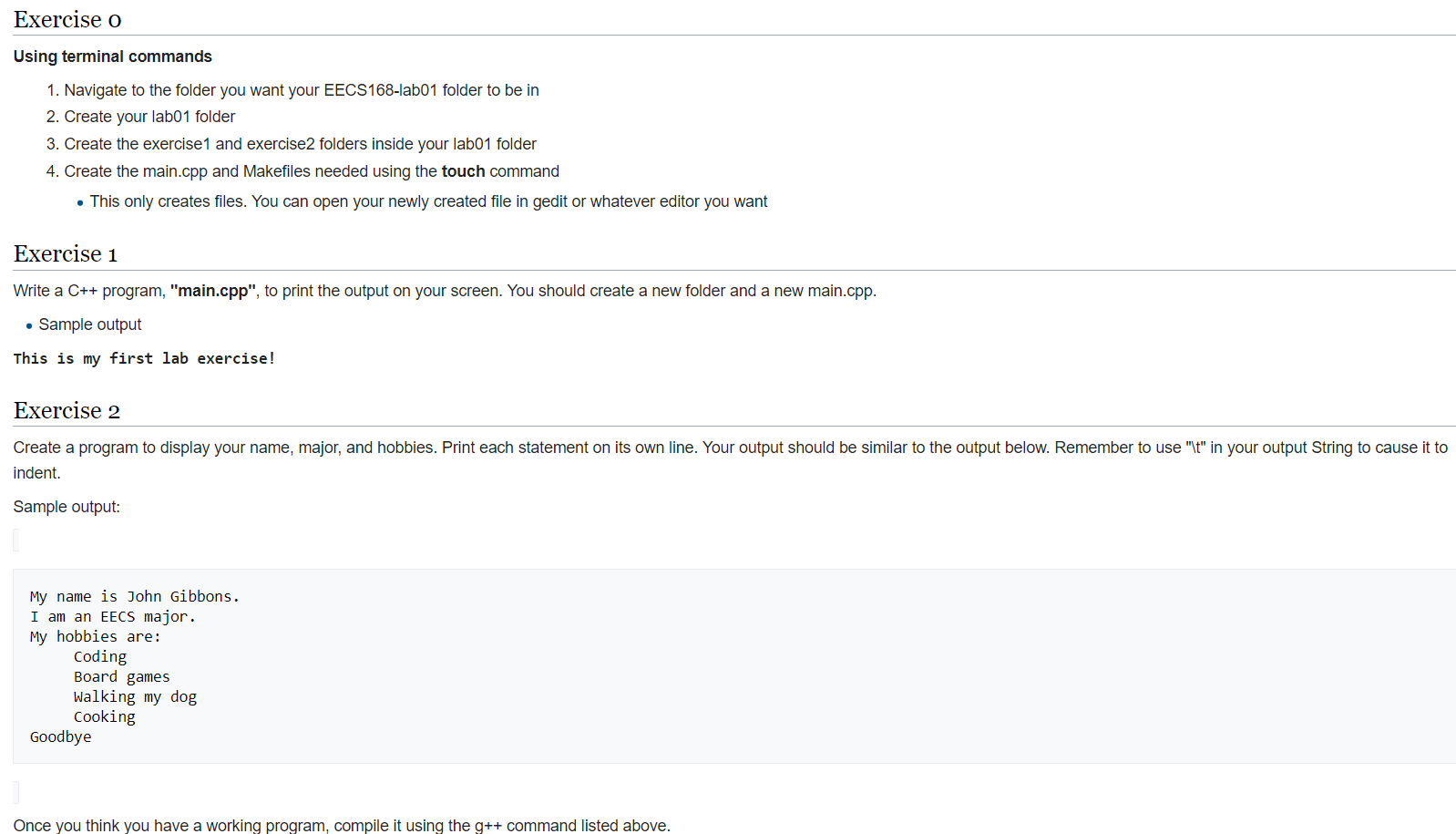
Exercise o Using terminal commands 1. Navigate to the folder you want your EECS168-lab01 folder to be in 2. Create your labo1 folder 3. Create the exercise 1 and exercise2 folders inside your lab01 folder 4. Create the main.cpp and Makefiles needed using the touch command . This only creates files. You can open your newly created file in gedit or whatever editor you want Exercise 1 Write a C++ program, "main.cpp", to print the output on your screen. You should create a new folder and a new main.cpp. Sample output This is my first lab exercise! Exercise 2 Create a program to display your name, major, and hobbies. Print each statement on its own line. Your output should be similar to the output below. Remember to use "t" in your output String to cause it to indent. Sample output: My name is John Gibbons. I am an EECS major. My hobbies are: Coding Board games Walking my dog Cooking Goodbye Once you think you have a working program, compile it using the g++ command listed above
Step by Step Solution
There are 3 Steps involved in it

Get step-by-step solutions from verified subject matter experts
 Study Help