







Question: Experiment with the wget command Start by reading up on the wget command. Determine which command option (in the man page on the VM) to
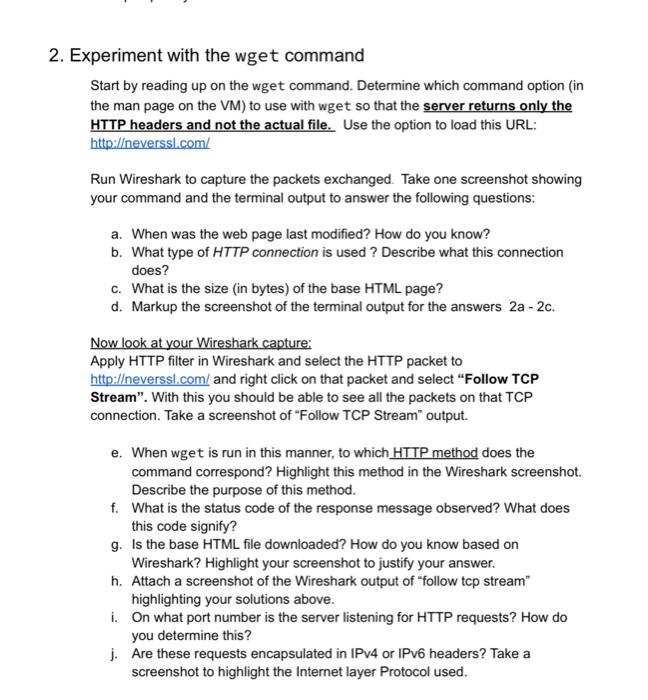
Experiment with the wget command Start by reading up on the wget command. Determine which command option (in the man page on the VM) to use with wget so that the server returns only the HTTP headers and not the actual file. Use the option to load this URL: http:/ eversslcom/ Run Wireshark to capture the packets exchanged. Take one screenshot showing your command and the terminal output to answer the following questions: a. When was the web page last modified? How do you know? b. What type of HTTP connection is used? Describe what this connection does? c. What is the size (in bytes) of the base HTML page? d. Markup the screenshot of the terminal output for the answers 2a2c. Now look at your Wireshark capture: Apply HTTP filter in Wireshark and select the HTTP packet to http:/everssl.com/ and right click on that packet and select "Follow TCP Stream". With this you should be able to see all the packets on that TCP connection. Take a screenshot of "Follow TCP Stream" output. e. When wget is run in this manner, to which HTTP method does the command correspond? Highlight this method in the Wireshark screenshot. Describe the purpose of this method. f. What is the status code of the response message observed? What does this code signify? g. Is the base HTML file downloaded? How do you know based on Wireshark? Highlight your screenshot to justify your answer. h. Attach a screenshot of the Wireshark output of "follow tcp stream" highlighting your solutions above. i. On what port number is the server listening for HTTP requests? How do you determine this? j. Are these requests encapsulated in IPv4 or IPv6 headers? Take a screenshot to highlight the Internet layer Protocol used
Step by Step Solution
There are 3 Steps involved in it

Get step-by-step solutions from verified subject matter experts
 Study Help