







Question: Explain the code below line by line: 1. String baseUrl = https://www.walmart.ca/en; 2. String chromePath = C:ATTDriverschromedriver.exe 3. String product = Q-Tips Cotton Swabs; 4.
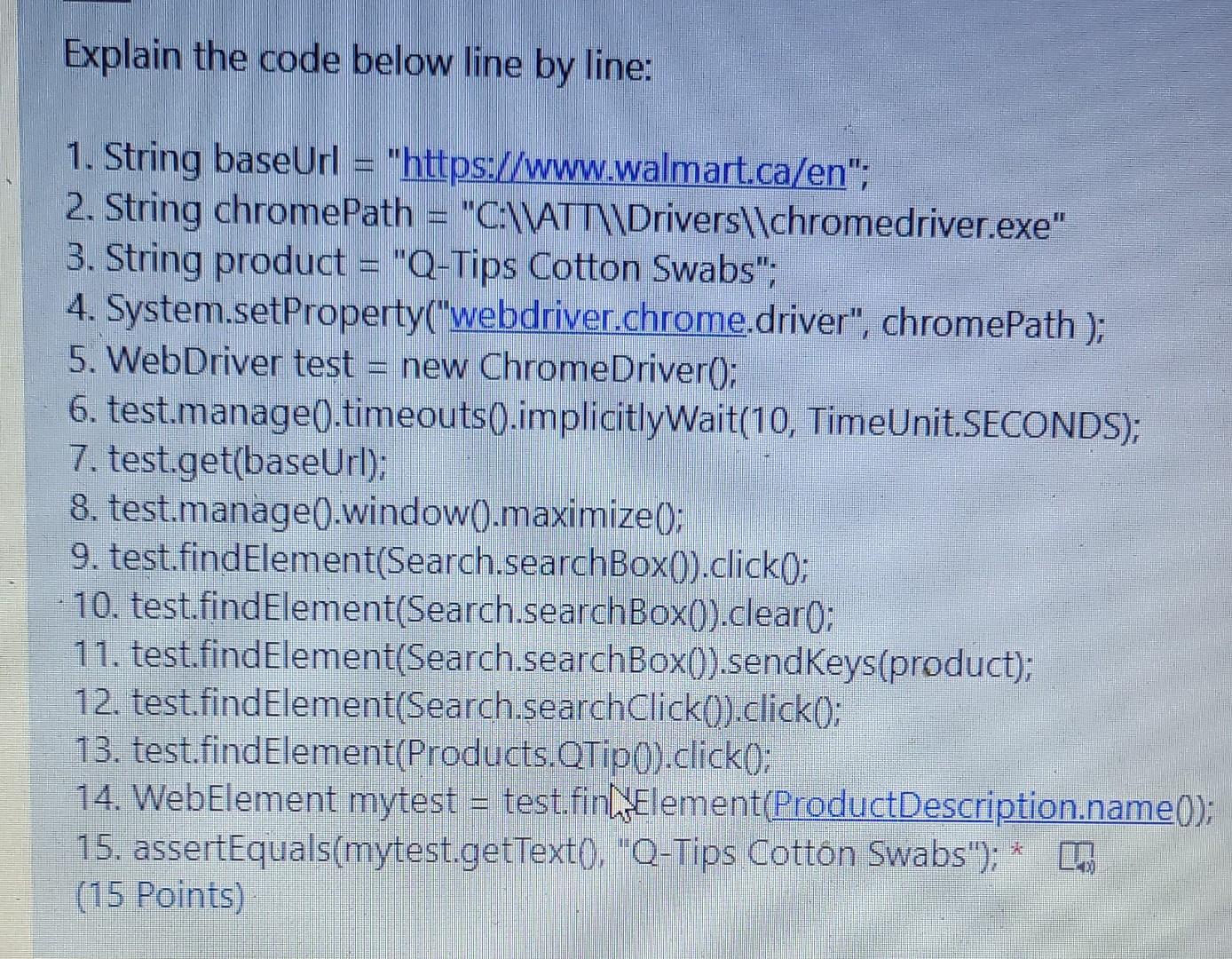
Explain the code below line by line: 1. String baseUrl = "https://www.walmart.ca/en"; 2. String chromePath = "C:\\ATT\\Drivers\\chromedriver.exe" 3. String product = "Q-Tips Cotton Swabs"; 4. System.setProperty("webdriver.chrome.driver", chromePath ); 5. WebDriver test = new ChromeDriverO; ) 6. test.manage().timeouts(.implicitlyWait(10, TimeUnit.SECONDS); 7. test.get(baseUrl); 8. test.manage().window(.maximize(); 9. test.findElement(Search.searchBox()).click(; 10. test.findElement(Search.searchBox().clear(); 11. test.findElement(Search.searchBox().sendkeys(product); 12. test.findElement(Search.searchClick().click(); 13. test.findElement(Products. QTip().click(); 14. WebElement mytest = test.fintElement(ProductDescription.name); 15. assertEquals(mytest.getTexto. "Q-Tips Cotton Swabs"); * (15 Points)
Step by Step Solution
There are 3 Steps involved in it
Lets go through the code line by line String baseUrl httpswwwwalmartcaen This line initializes a String variable named baseUrl with the URL of the Wal... View full answer

Get step-by-step solutions from verified subject matter experts
 Study Help